brace
A curly brace spanning from one point to another, with its label at the tip.
braceOnly with
xxyargandpolarplane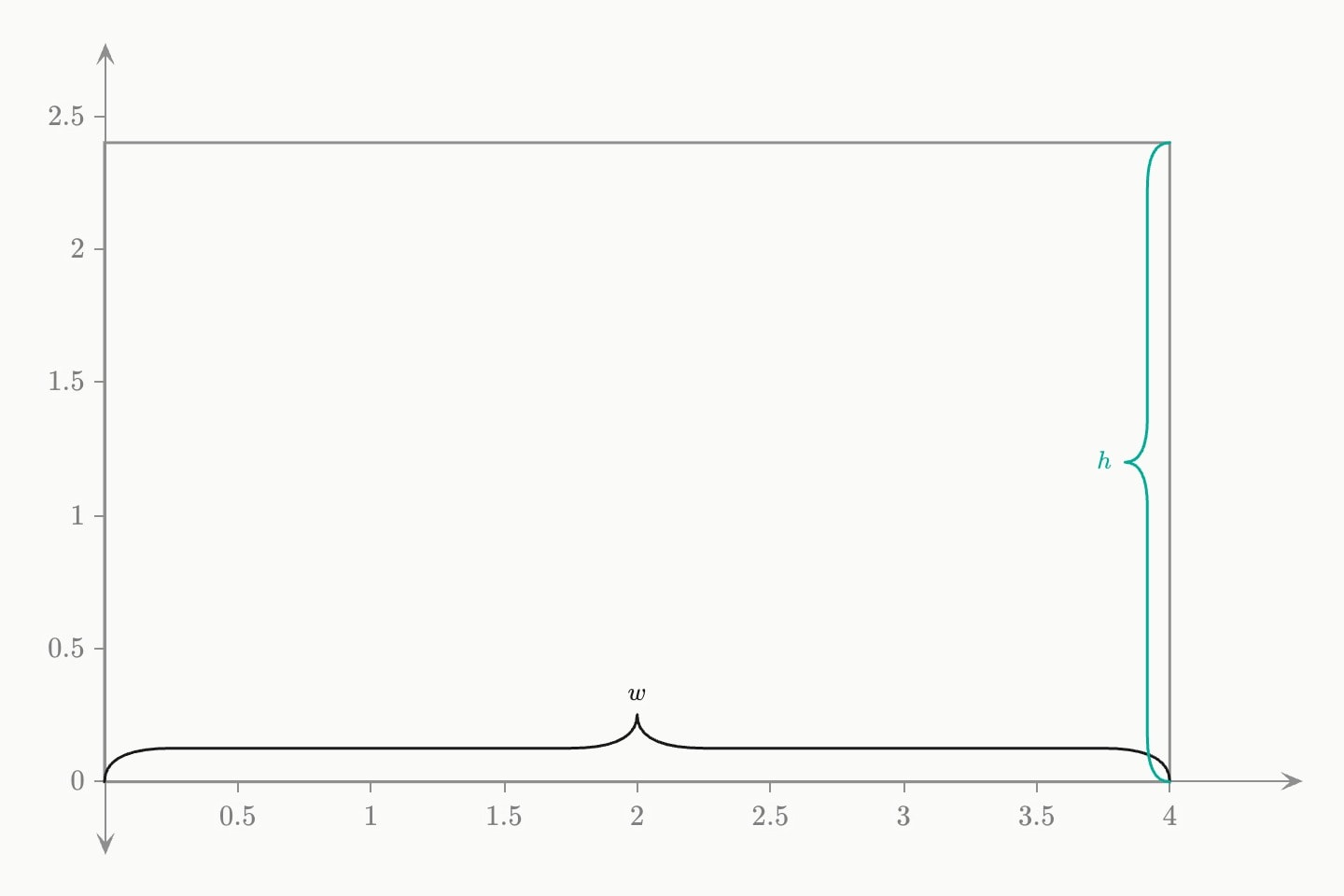
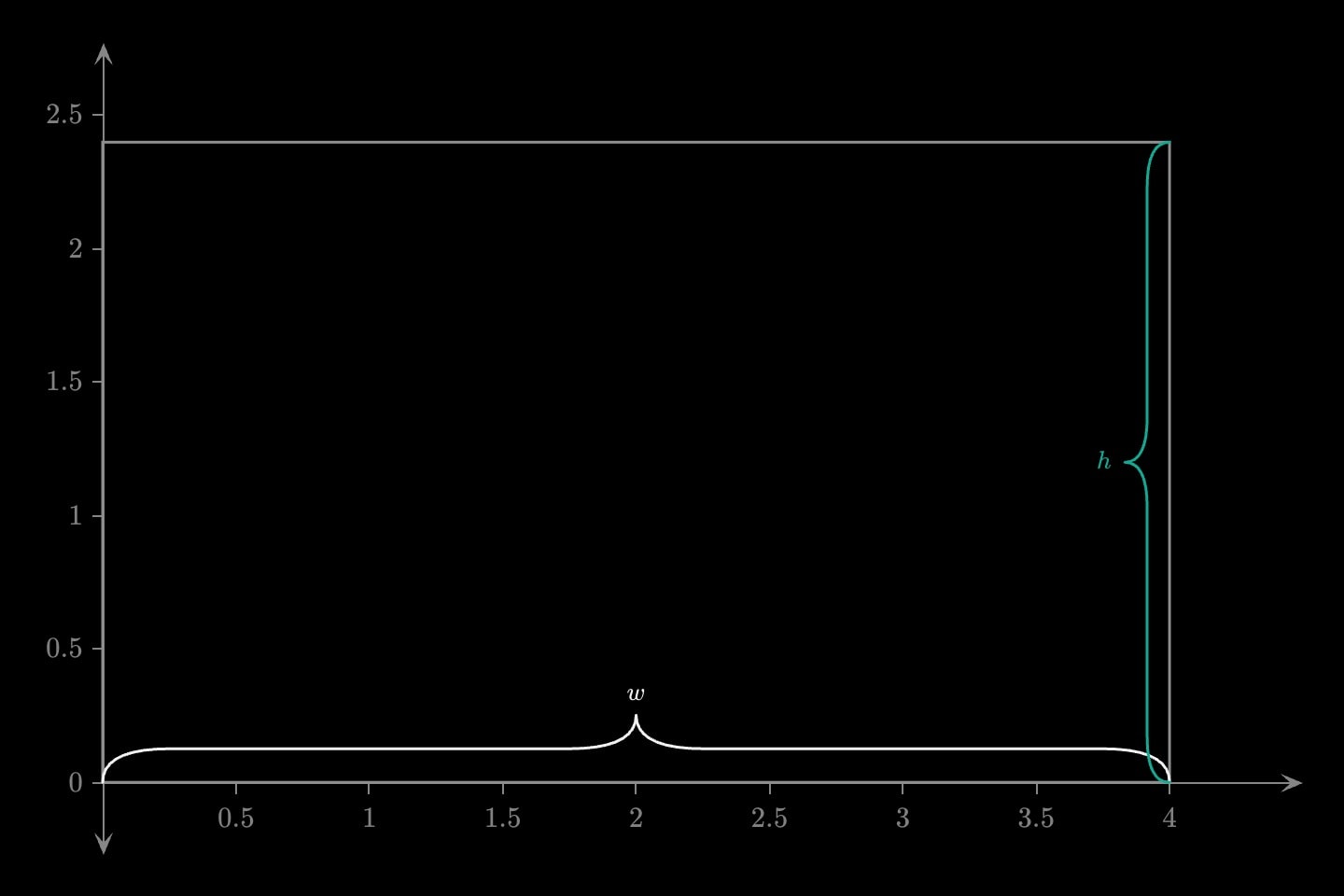
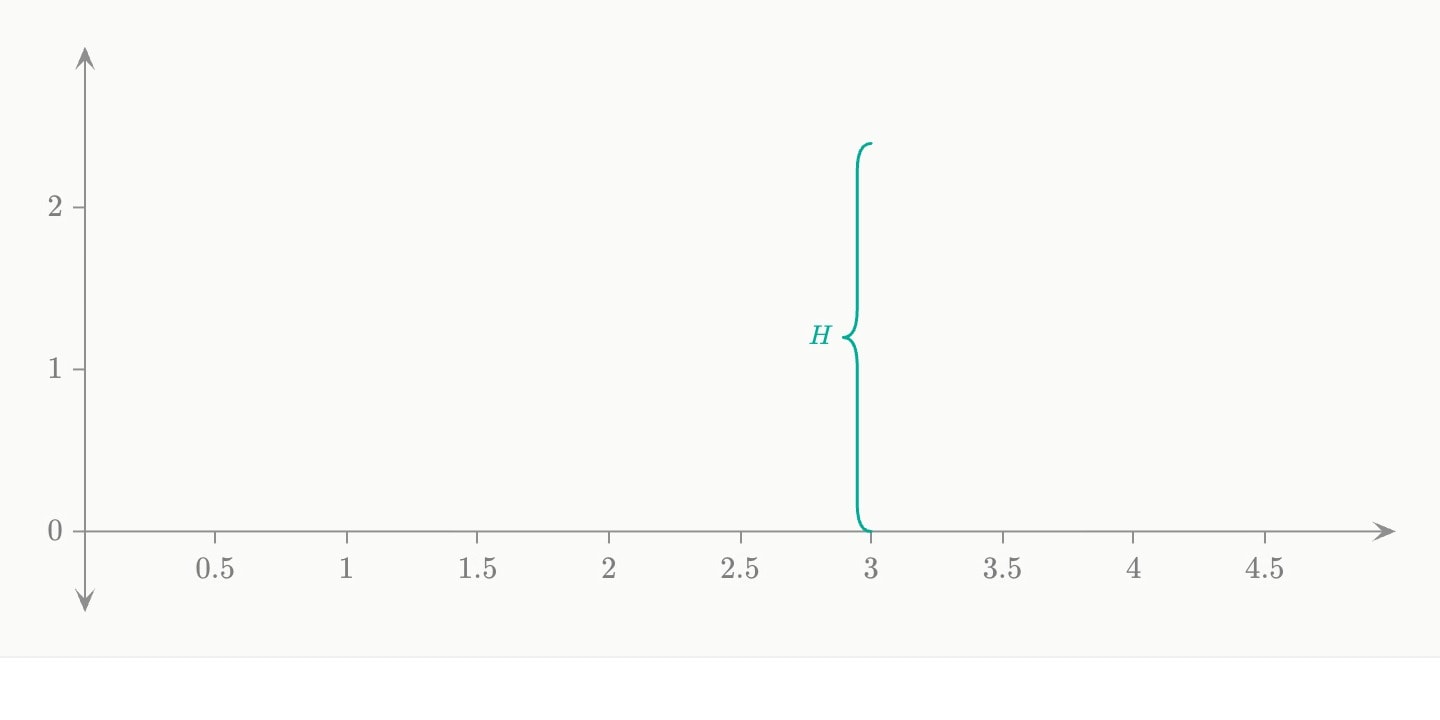
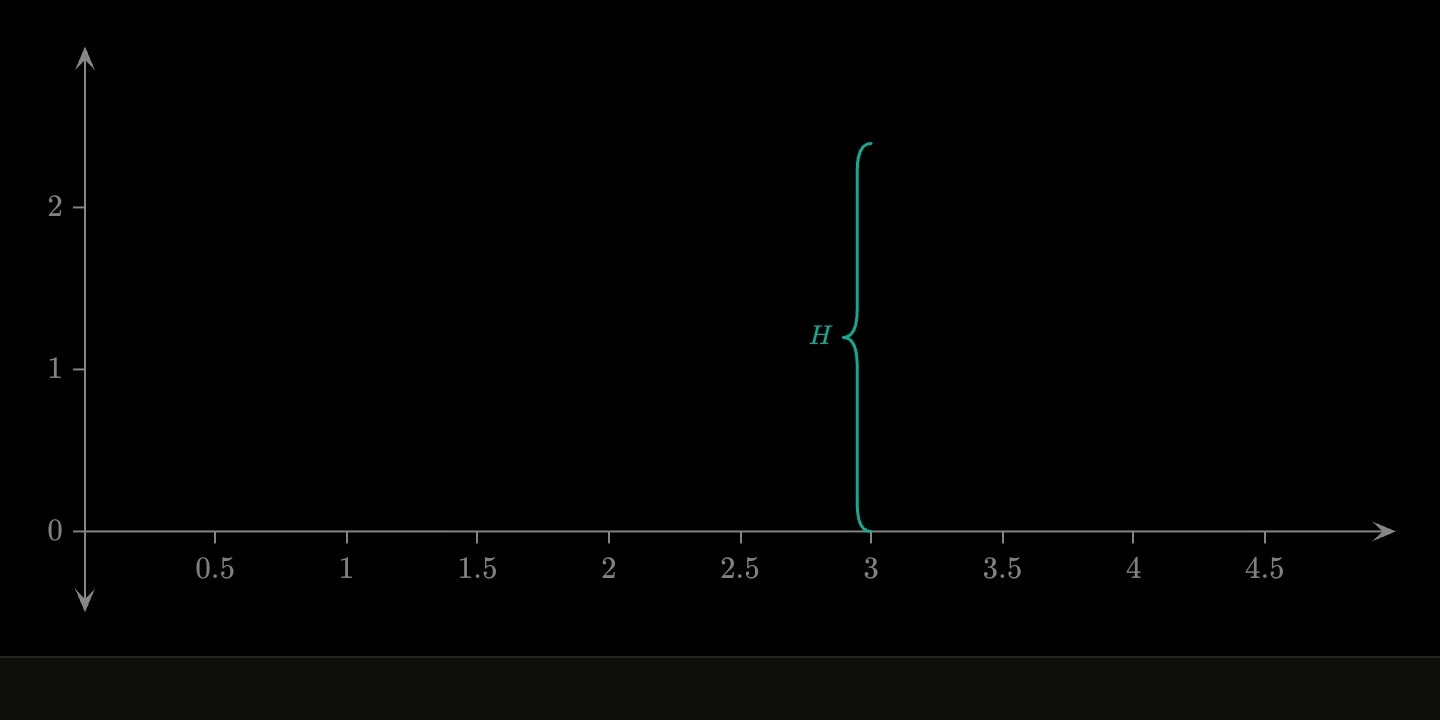
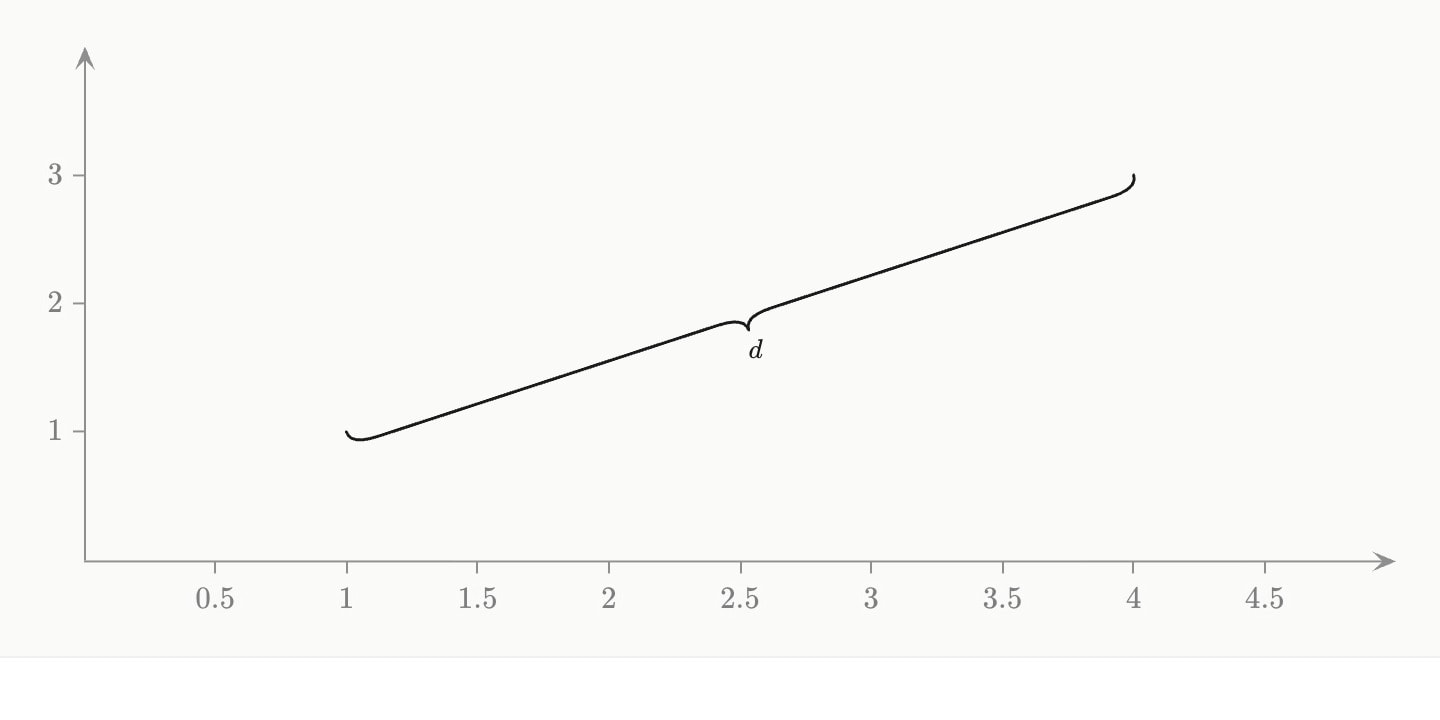
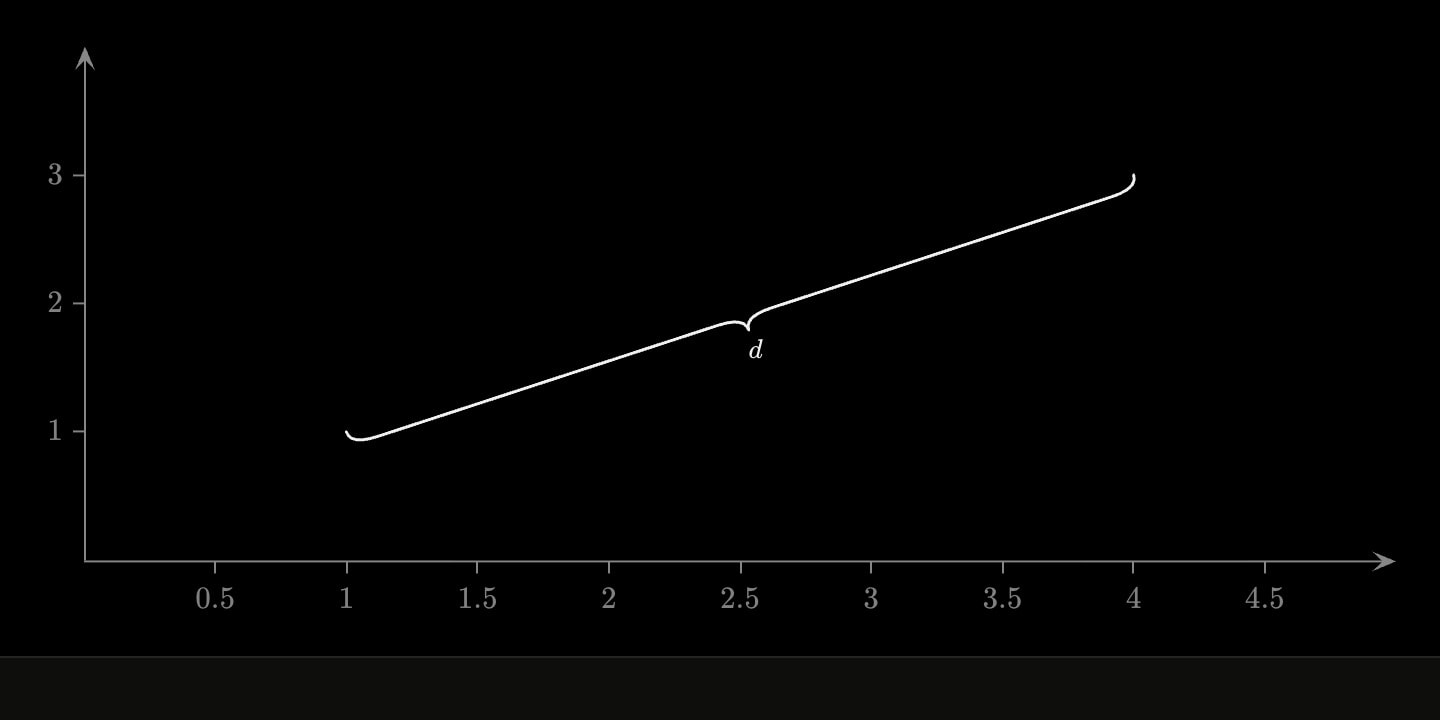
A brace spans two points with a curly brace and sets its label at the tip: brace(start: (0, 0); end: (4, 0); label: $R$). It names a distance anywhere in the picture, where an axis.brace names an interval on an axis. It bows to the left of the direction from start to end, so swapping the ends, or flip, puts it on the other side. depth is in pixels, like an angle's radius; left off, it is 7% of the span, between 14 and 36 px. Space takes no brace.
#Attributes
startThe point the span begins at, as a coordinate pair. Written first, and the brace bows to the left of the direction from here to
end.Also written:
fromCan be written as shorthand: brace:valueendThe point it ends at.
Also written:
tolabelWhat the span is called, at the brace's tip — rich text, so
$maths$ renders. A brace with nothing to say is a bracket; the name is the reason to draw one.flipBows to the other side of the line, without swapping the two ends round.
Default
falsedepthHow far the brace bows out, in pixels. When not given it grows with the span — 7% of it, between 14 and 36 px — so a wide brace keeps its shoulders and point.
colourThe brace's colour, and its label's.
paintAlso written:
colorDefault
neutralwidthStroke thickness.
Default
1.5opacityOpacity of the whole mark, 0 to 1.
Default
1text-sizeLabel text size.
Default
16hiddenDeclared but not drawn. Animatable —
hidden: true !cue.to{false}(at: 2) reveals it — and unlike a cue, a hidden element still frames the plot, so the axes do not jump when it appears.Default
falselockKeeps the reader from editing this element on an
editable: graph. Nothing at all on a graph that is not editable.Also written:
lockedDefault
falselayerPaint order among the marks: a higher layer is drawn later, on top; equal or omitted, the marks stack in document order, later on top.
groupThe groups this mark belongs to, comma-separated:
group: Early sown, Projected. It is drawn in the colour of the first that has one and the style of the first the graph's key: gives one, unless it writes its own colour: or style, and the footer's key names every group.#Allowed in
#Examples
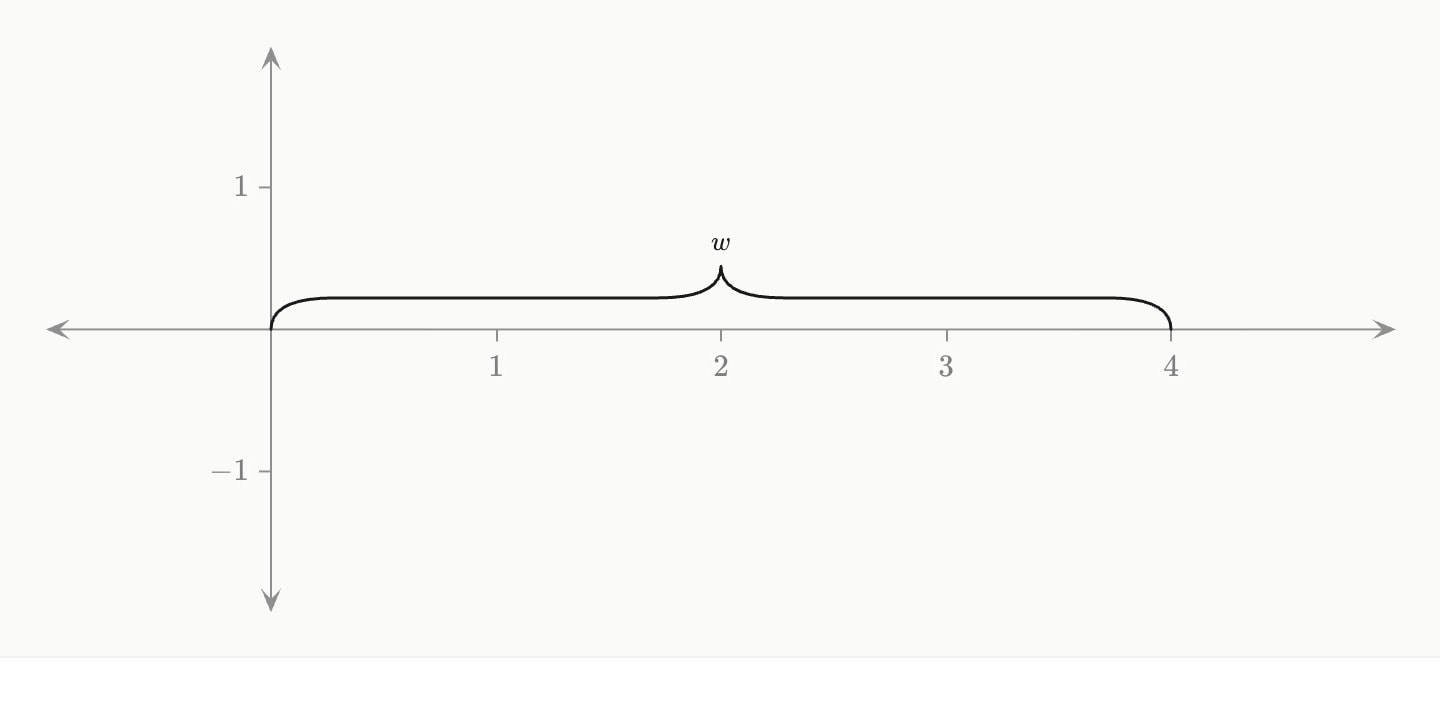
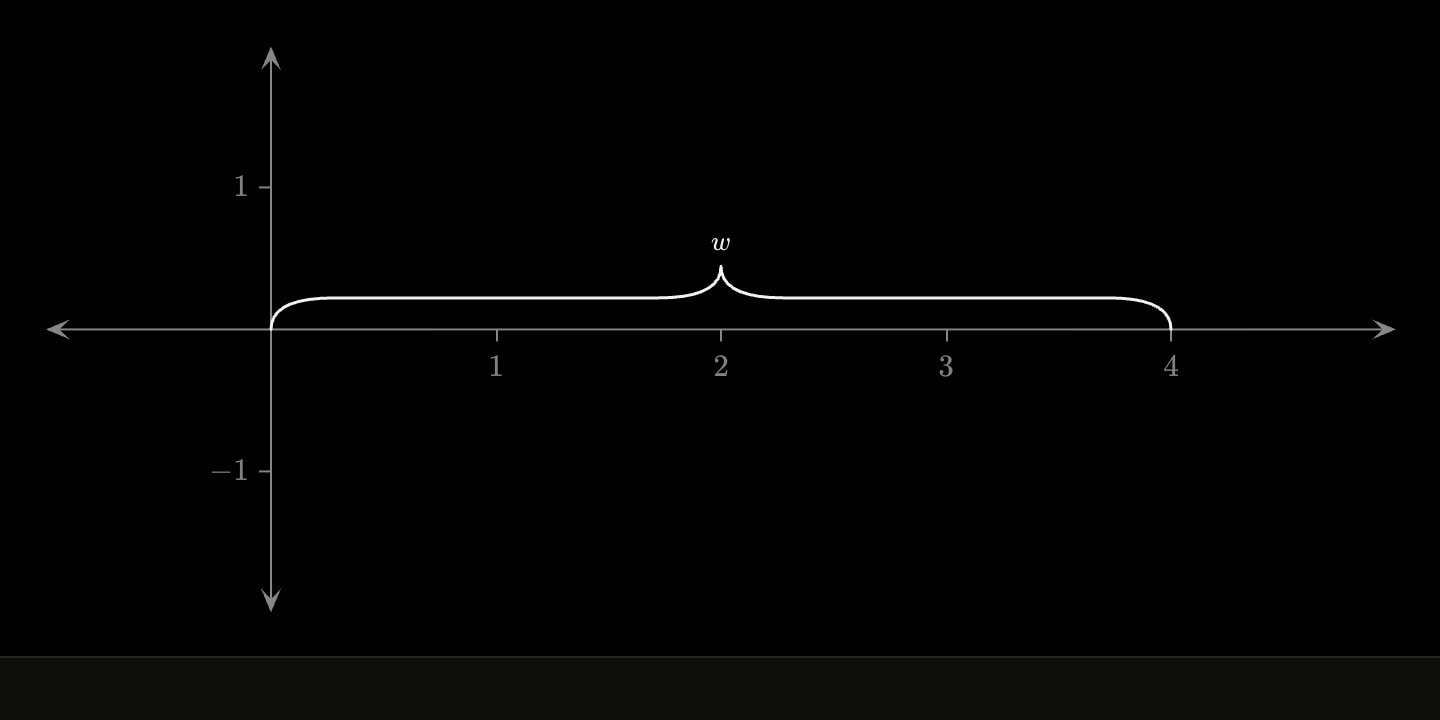
graph{
    brace(start: (0, 0); end: (4, 0); label: $w$)
}(
    x-domain: [-1, 5]
    y-domain: [-2, 2]
)
graph{
    brace(start: (3, 0); end: (3, 2.4); label: $H$; colour: teal)
}(
    x-domain: [0, 5]
    y-domain: [-0.5, 3]
)
graph{
    brace(start: (1, 1); end: (4, 3); label: $d$; depth: 14; flip)
}(
    x-domain: [0, 5]
    y-domain: [0, 4]
)