segment
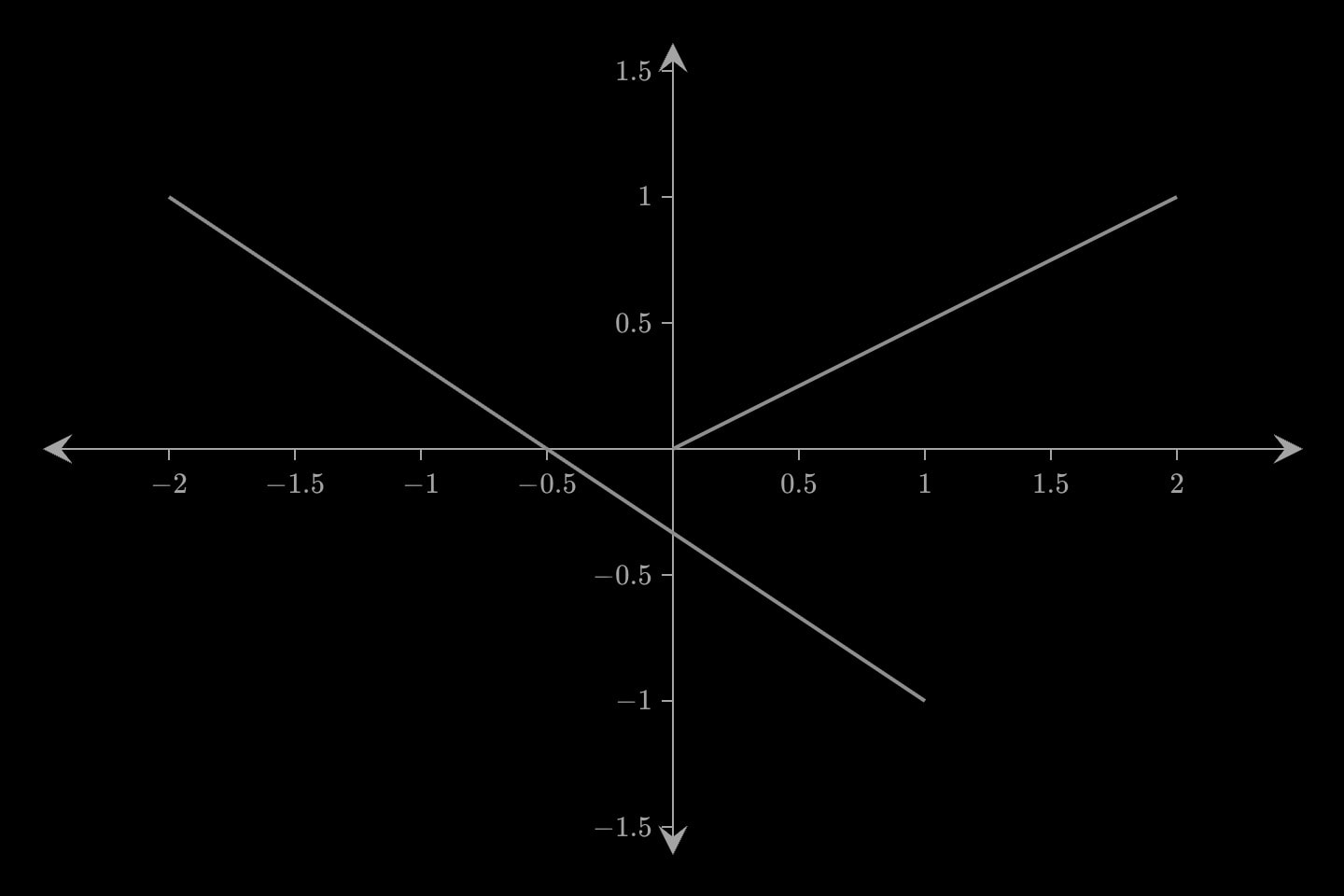
A straight line between two points: segment(start: (0, 0); end: (2, 1)). start is the implicit attribute. Unlike a line, it stops at its endpoints rather than running on to the frame.
segment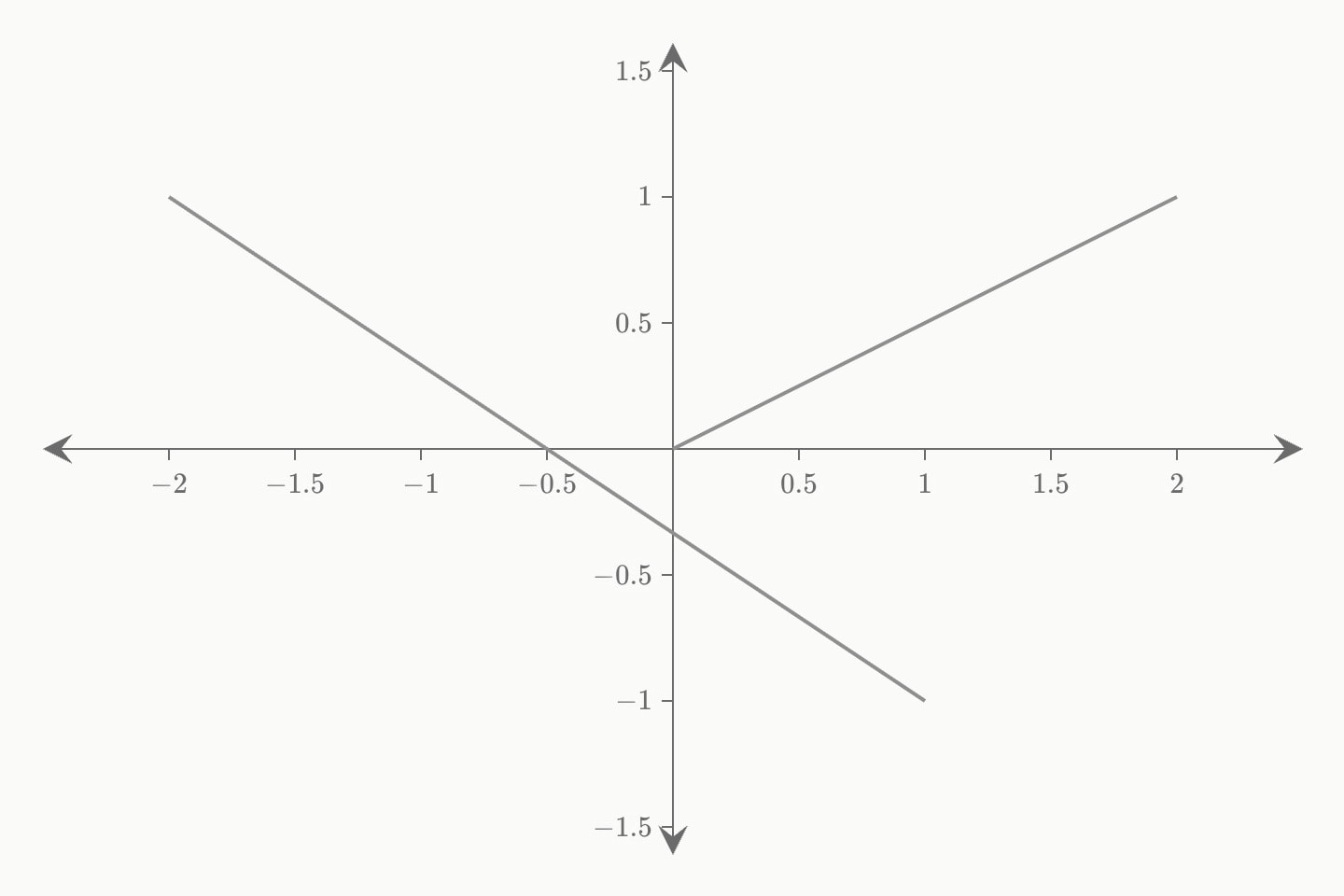
A segment takes ticks, the congruence hatches across its middle: two sides marked ticks: 1 are the same length, which is how a construction says so — the notation an angle already has in arcs. Like every outline it takes dashed, for the line that is not there: where a side was before it moved, or a construction that explains the drawing without being part of it.
#Attributes
startOne endpoint, as a coordinate:
start: (2, 1). Animatable as a whole, so !cue.to{(4, 3)} moves the end in a straight line.Also written:
fromCan be written as shorthand: segment:valueendThe other endpoint, e.g.
end: (6, 9).Also written:
tocolourColour.
bluelight-bluedark-blueredlight-reddark-redorangelight-orangedark-orangeyellowlight-yellowdark-yellowteallight-tealdark-tealgreenlight-greendark-greenpinklight-pinkdark-pinkpurplelight-purpledark-purplegreylight-greydark-greyneutralhex(…)rgb(…)colorDefault
greywidthStroke width.
Default
2opacityOpacity.
Default
1dashedDashed stroke.
Default
falseticksCongruence hatches across the middle of the segment: one tick, two, three. Two sides carrying the same number of ticks are the same length, which is how a construction says so — the notation
angle's arcs already has for angles. A count rather than a flag, because the second pair in a figure needs a second mark.Default
0labelText drawn beside the element — rich text, so
$maths$ and inline formatting render. Fades and draws with the element.hiddenDeclared but not drawn. Animatable —
hidden: true !cue.to{false}(at: 2) reveals it — and unlike a cue, a hidden element still frames the plot, so the axes do not jump when it appears.Default
falselockKeeps the reader from editing this element on an
editable: graph. Nothing at all on a graph that is not editable.Also written:
lockedDefault
falsetext-sizeText size.
Default
20layerPaint order among the marks: a higher layer is drawn later, on top; equal or omitted, the marks stack in document order (later on top). Written
z: before the argand plane took that letter for its coordinate.#Allowed in
#Examples
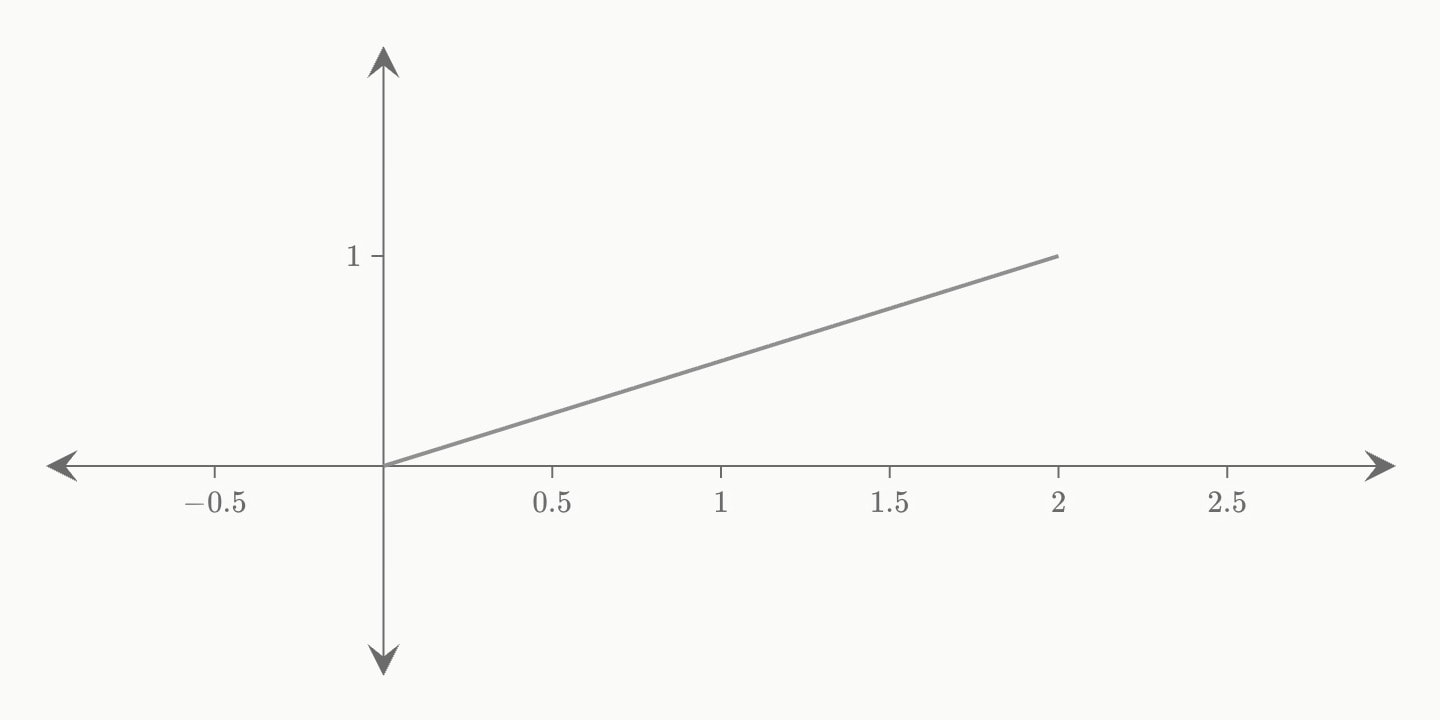
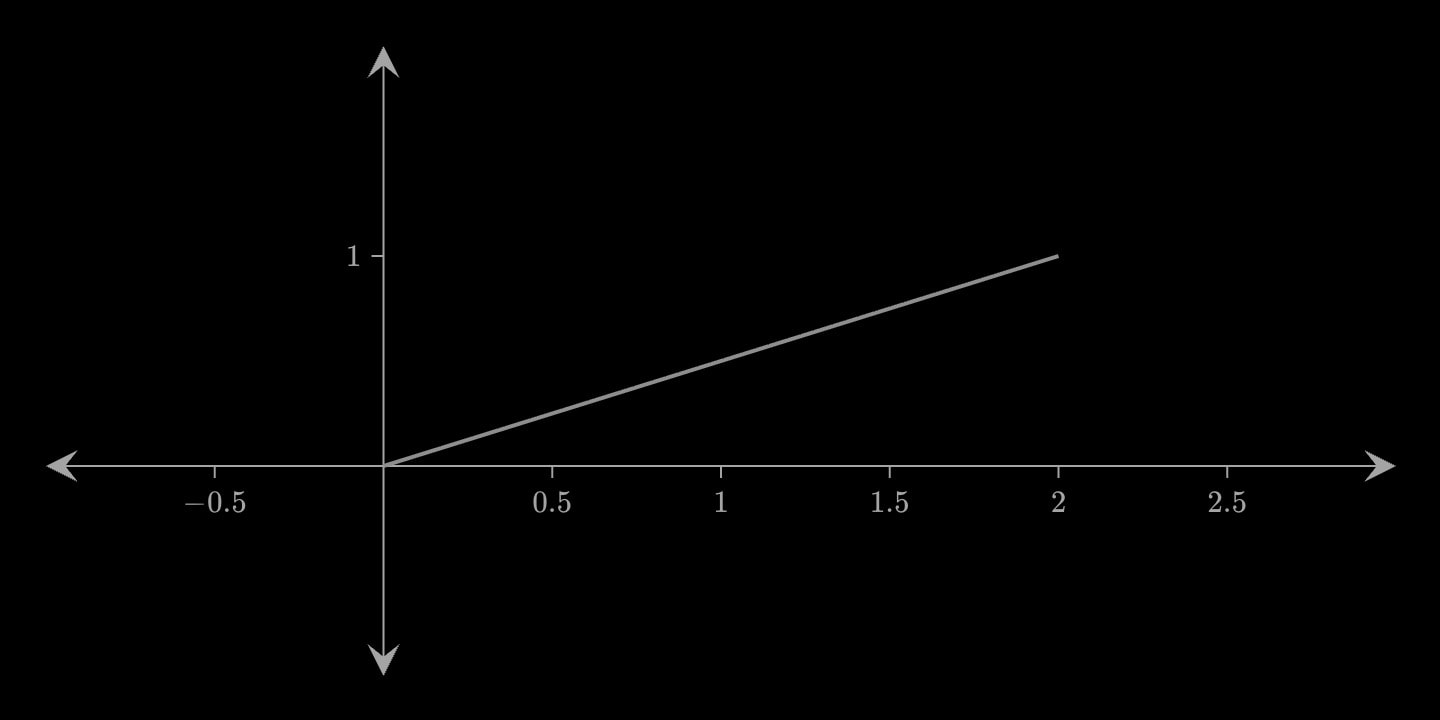
canvas.graph{
    segment(start: (0, 0); end: (2, 1))
}(
    x-domain: [-1, 3]
    y-domain: [-1, 2]
)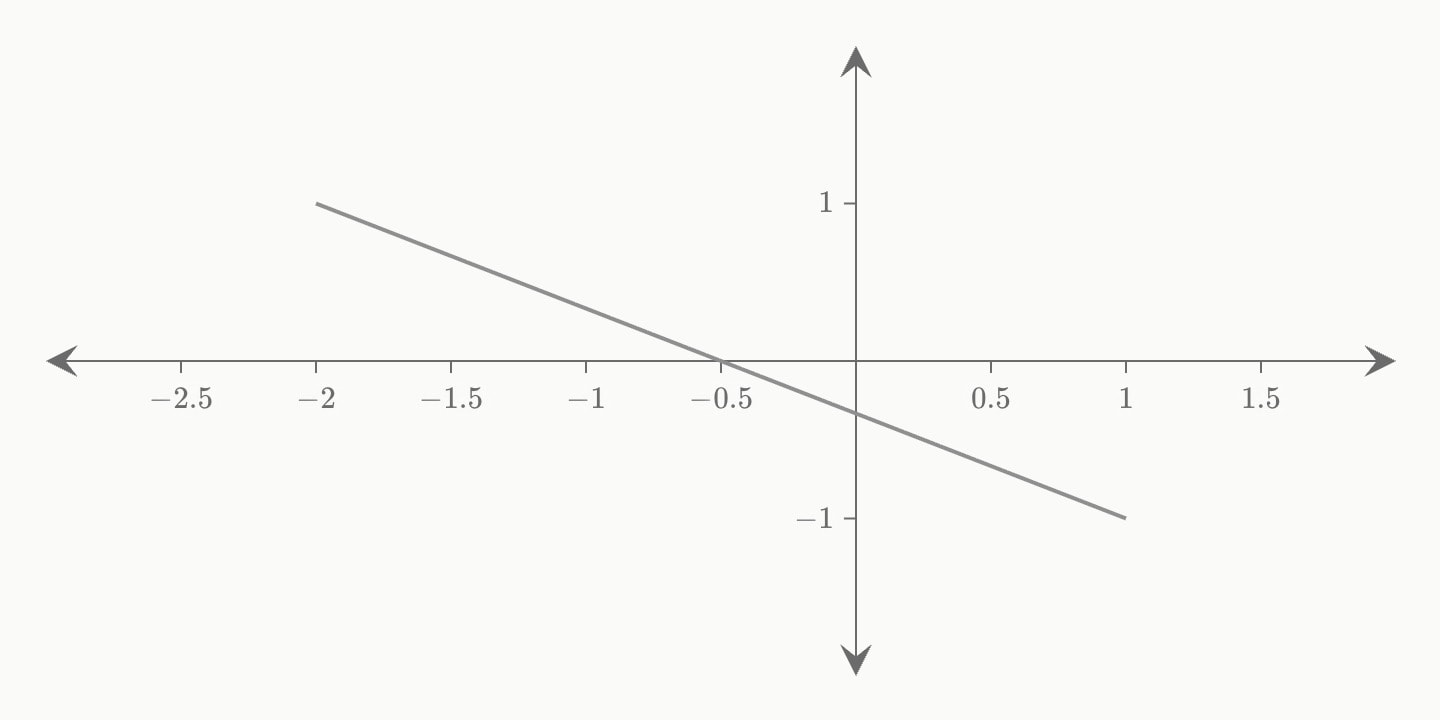
canvas.graph{
    segment(start: (-2, 1); end: (1, -1); colour: grey)
}(
    x-domain: [-3, 2]
    y-domain: [-2, 2]
)