angle
The angle at a vertex, marked with an arc or a right-angle square, and measured.
anglexyargandpolarxyzplane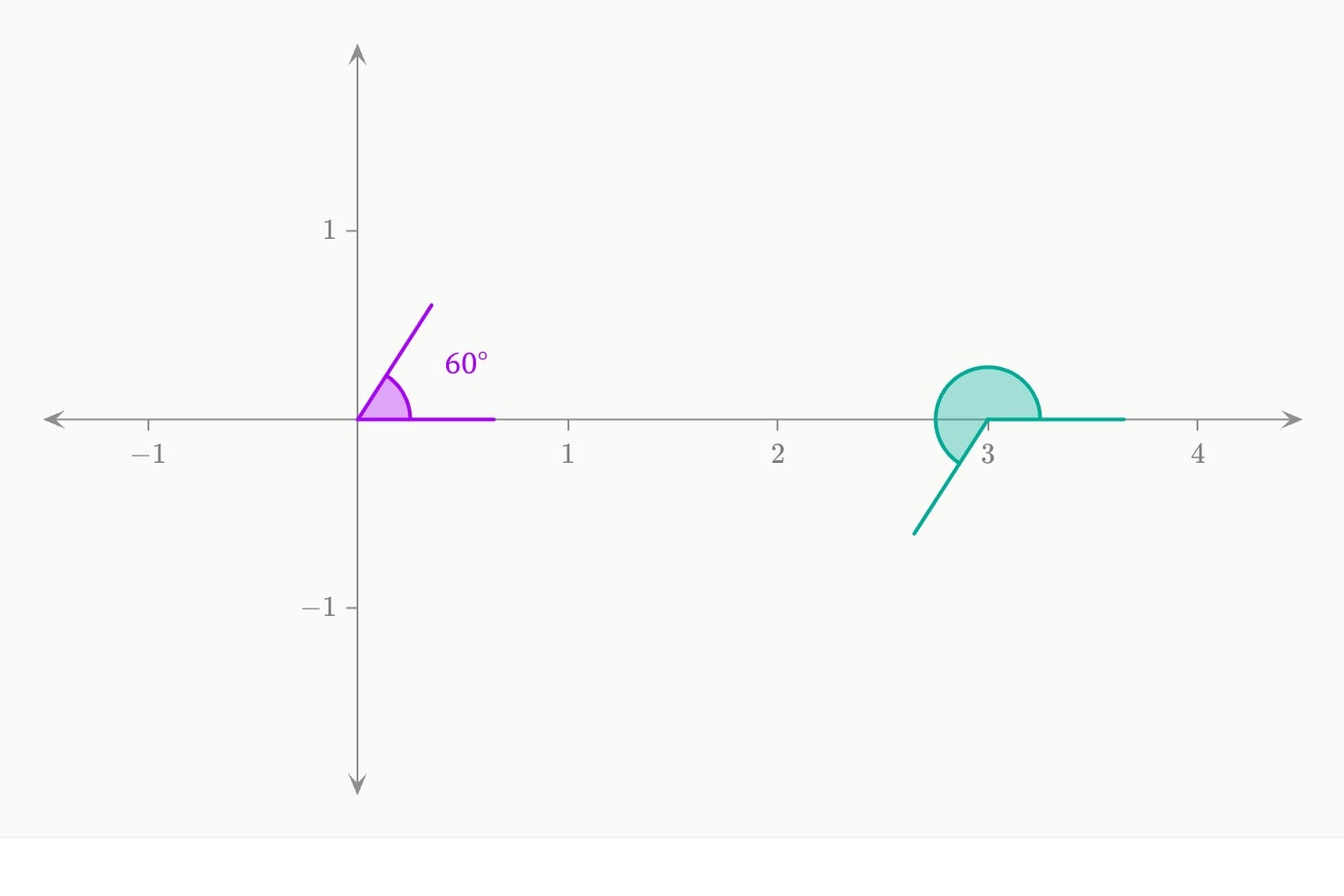
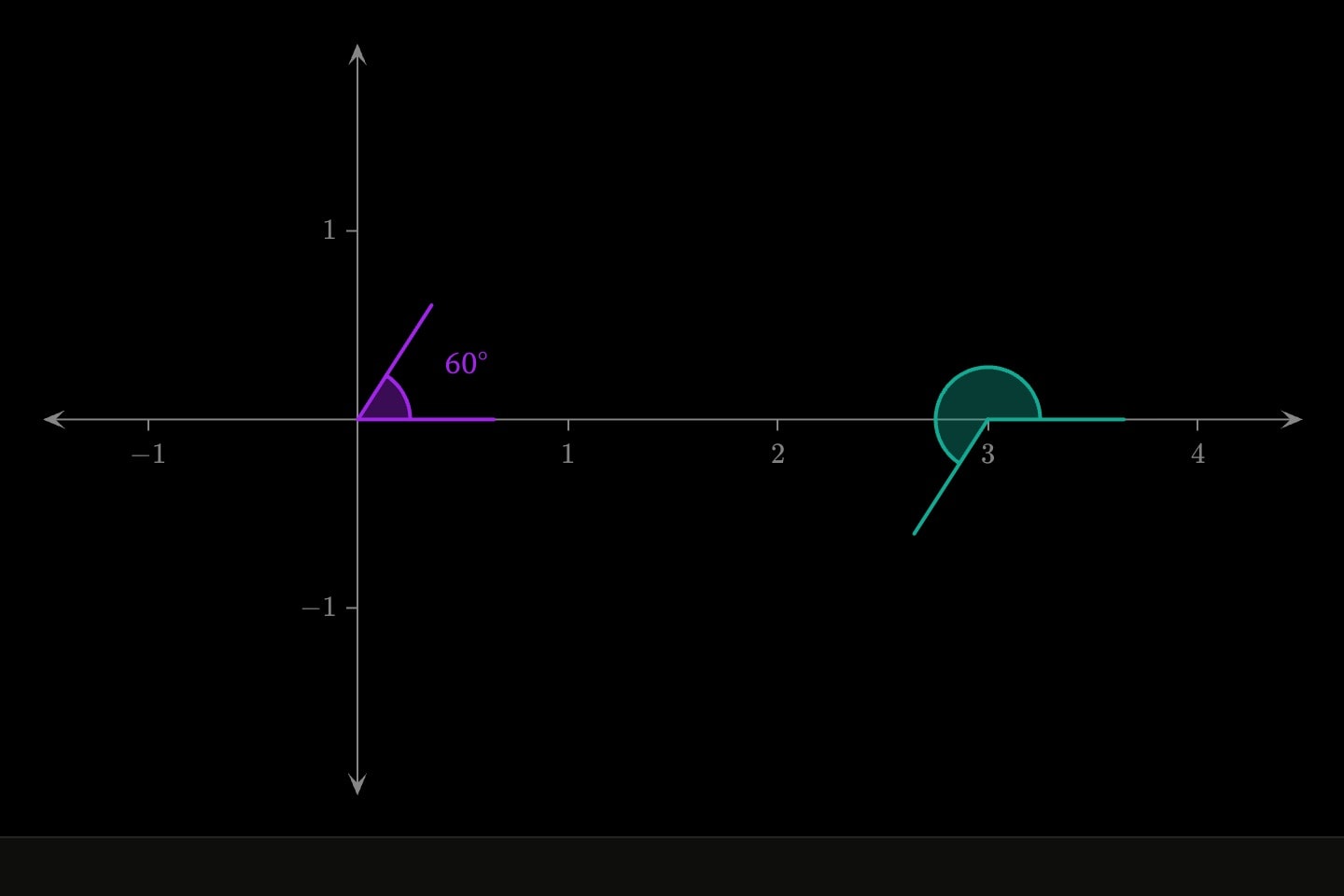
An angle marks the corner at a vertex and measures it: angle(at: (1, 1); from: (4, 1); to: (1, 4)). An arm is a point it runs through, (4, 1), or a bearing in degrees anticlockwise from the positive x axis, 30, and the two arms may be written differently. At a right angle the mark is a square, elsewhere an arc; mark: arc or mark: square says which outright. arcs: 2 draws two concentric arcs, the notation for equal angles, and arms draws the arms themselves.
sweep: chooses which way round. minor, the default, is the corner, never more than 180°; reflex is the way round outside it; anticlockwise and clockwise take the arms in the order written, which a sector or a rotation needs. A keyframed arm sweeps round the short way. radius is in pixels, so the mark is the same size whatever the window. In space the corner and arms are points (x, y, z), and the arc is drawn in the plane the arms span.
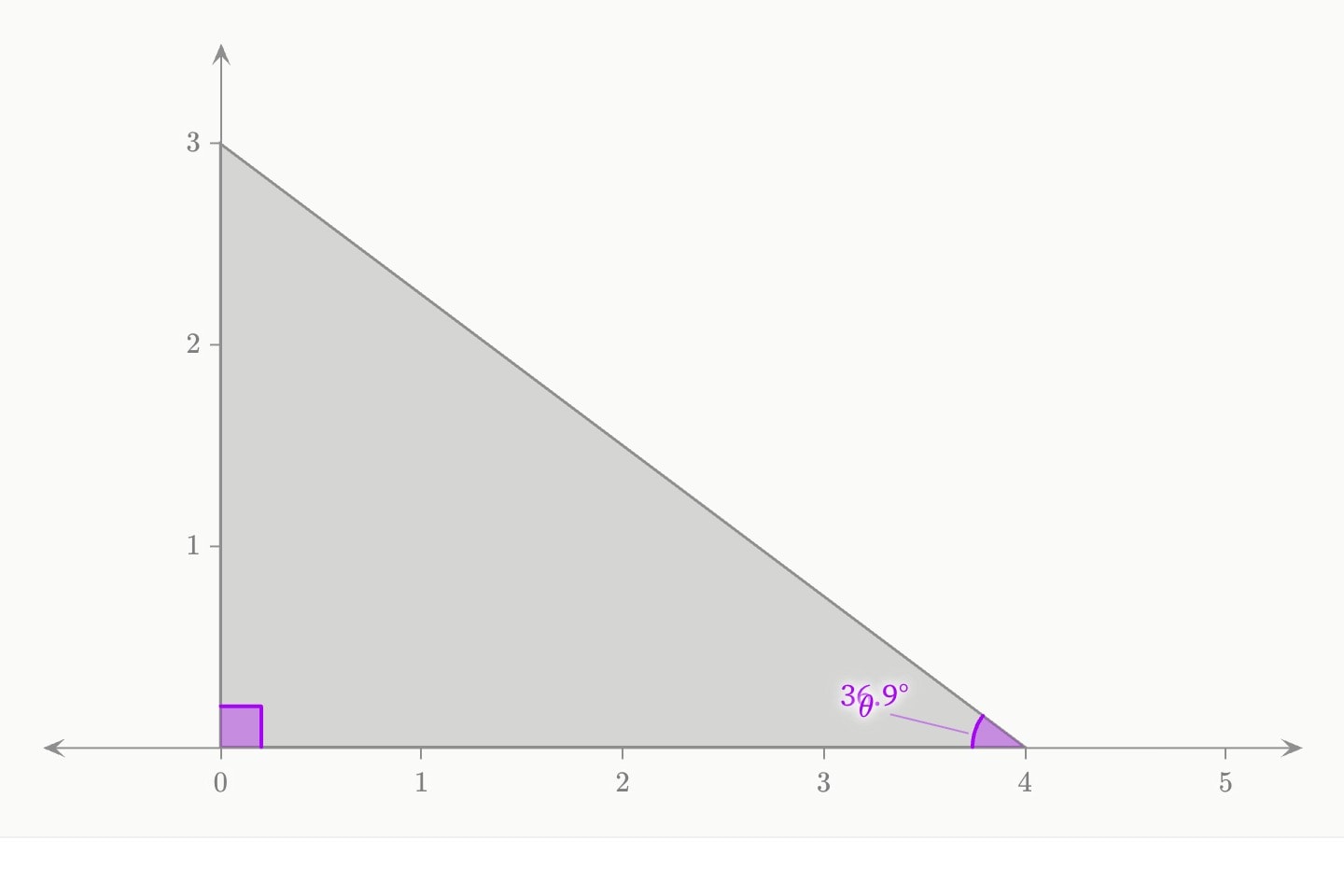
graph{
    polygon(x: 0, 4, 0; y: 0, 0, 3; colour: grey)
    angle#a(at: (0, 0); from: (4, 0); to: (0, 3))
    angle#b(at: (4, 0); from: (0, 0); to: (0, 3); label: $\theta$; show-value)
}degrees and radians, and show-value draws the reading at the arc. Both are the angle as drawn, so prose citing {{#b.degrees}} agrees with the arc, even while a keyframed arm is moving.#Attributes
at!cue.to{(2, 2)} carries the mark to a new vertex in a straight line.vertex, originCan be written as shorthand: angle:valuefrom(4, 1), or a bearing in degrees anticlockwise from the positive x axis, 30. Either form may be an expression in the environment's parameters. Keyframed, the arm sweeps round to its new direction rather than jumping — and it goes the short way, so an arm asked to move 10° does not travel 350°.a, starttofrom may be. The two need not agree: from: (4, 1); to: 90 is perfectly good.b, endsweepminor is the corner — the smaller of the two readings, never more than a straight line, which is what “the angle at that vertex” means everywhere outside a rotation. reflex is the way round outside it. anticlockwise and clockwise take the arms in the order they are written, which is what a sector or a turn needs: 240° anticlockwise is not 120° clockwise.minorreflexanticlockwiseclockwiseminorradiuswidth and text-size and unlike a circle's radius: an angle mark is the same size on the page whether the plot spans two units or two million.28markauto follows the convention every reader was taught with — the square at a right angle, the arc everywhere else. arc and square say it outright: a square on an angle that is not quite 90° is how a diagram states an assumption.autoarcsquaremarkerautoarcs1armsrays, legsfalseshow-valuelabel: as well it takes the line below it, so an angle can be named and measured in one place.show-measure, measurefalsecolourpaintcolorpurplefillfilledtruewidth2opacity1label$\theta$ sets as maths. Fades and draws with the element.hiddenhidden: true !cue.to{false}(at: 2) reveals it — and unlike a cue, a hidden element still frames the plot, so the axes do not jump when it appears.falselockeditable: graph. Nothing at all on a graph that is not editable.lockedfalsetext-size20layergroupgroup: Early sown, Projected. It is drawn in the colour of the first that has one and the stroke of the first the graph's key: gives one, over its own colour: and dashed, and the footer's key names every group.#Derived attributes
Computed while the element renders — read one with #id.name in attribute position or {{#id.name}} in prose, never set.
degreesradiansdegrees is.#Allowed in
#Examples
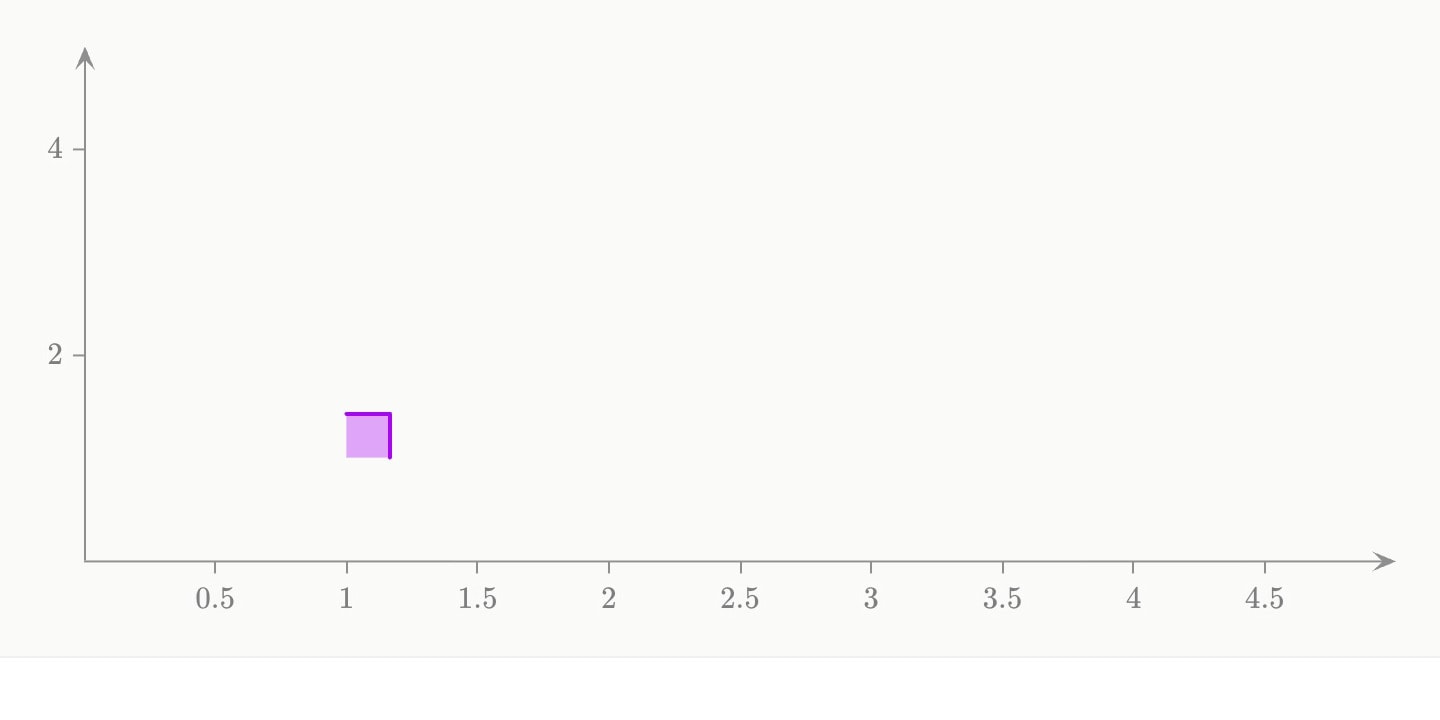
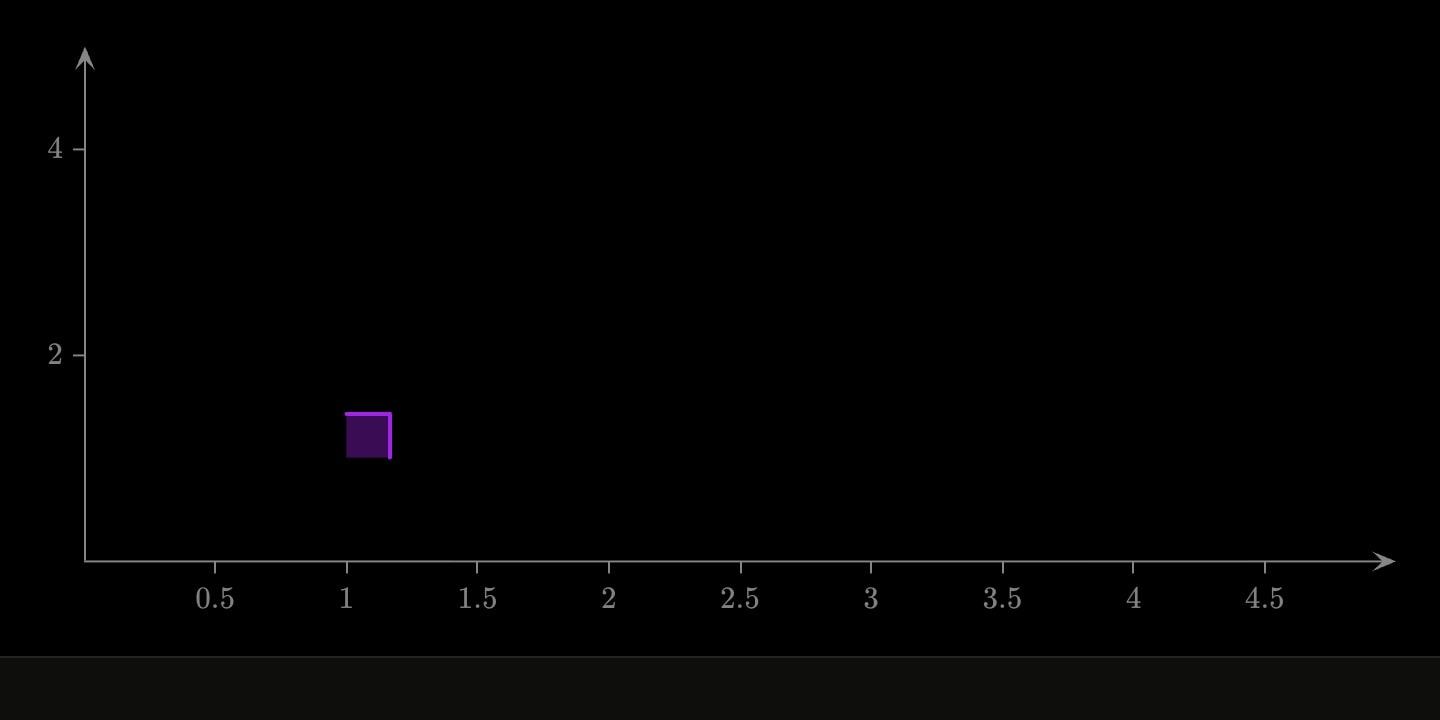
graph{
    angle(at: (1, 1); from: (4, 1); to: (1, 4))
}(
    x-domain: [0, 5]
    y-domain: [0, 5]
)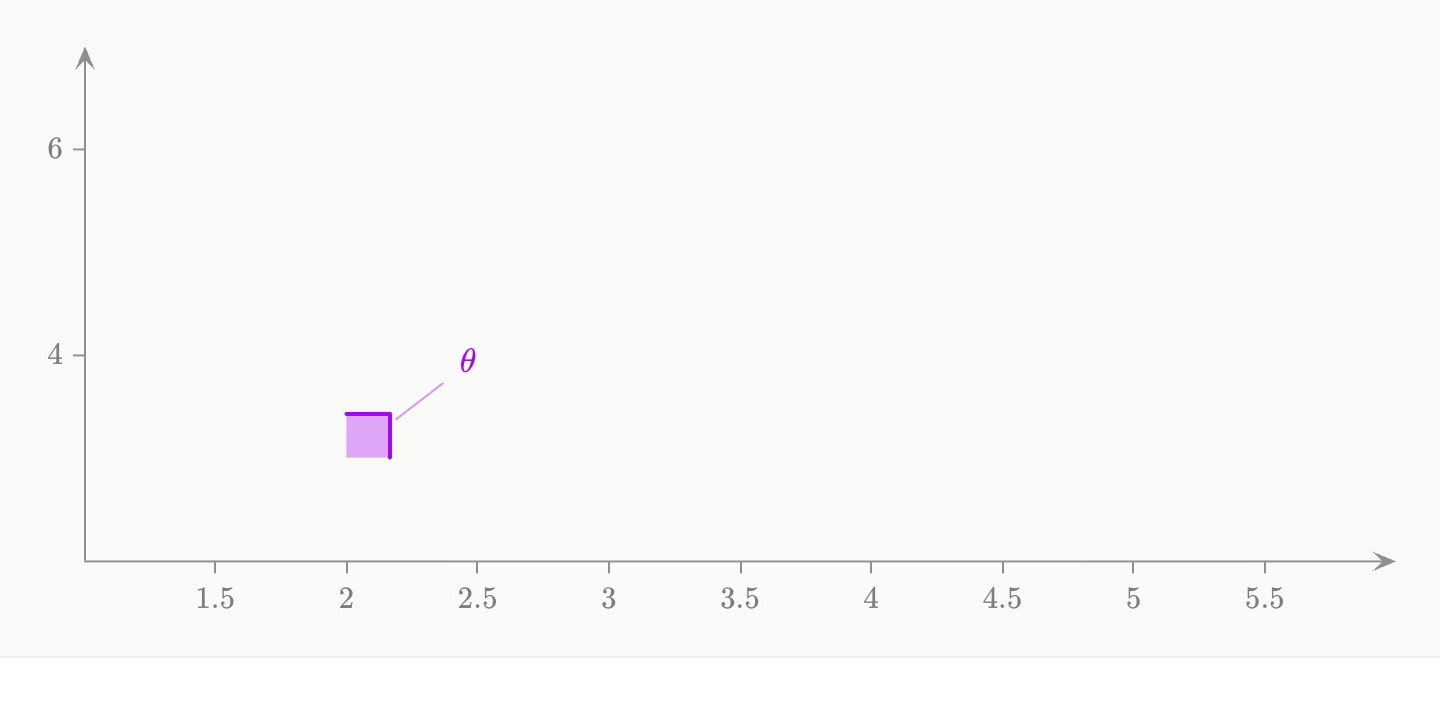
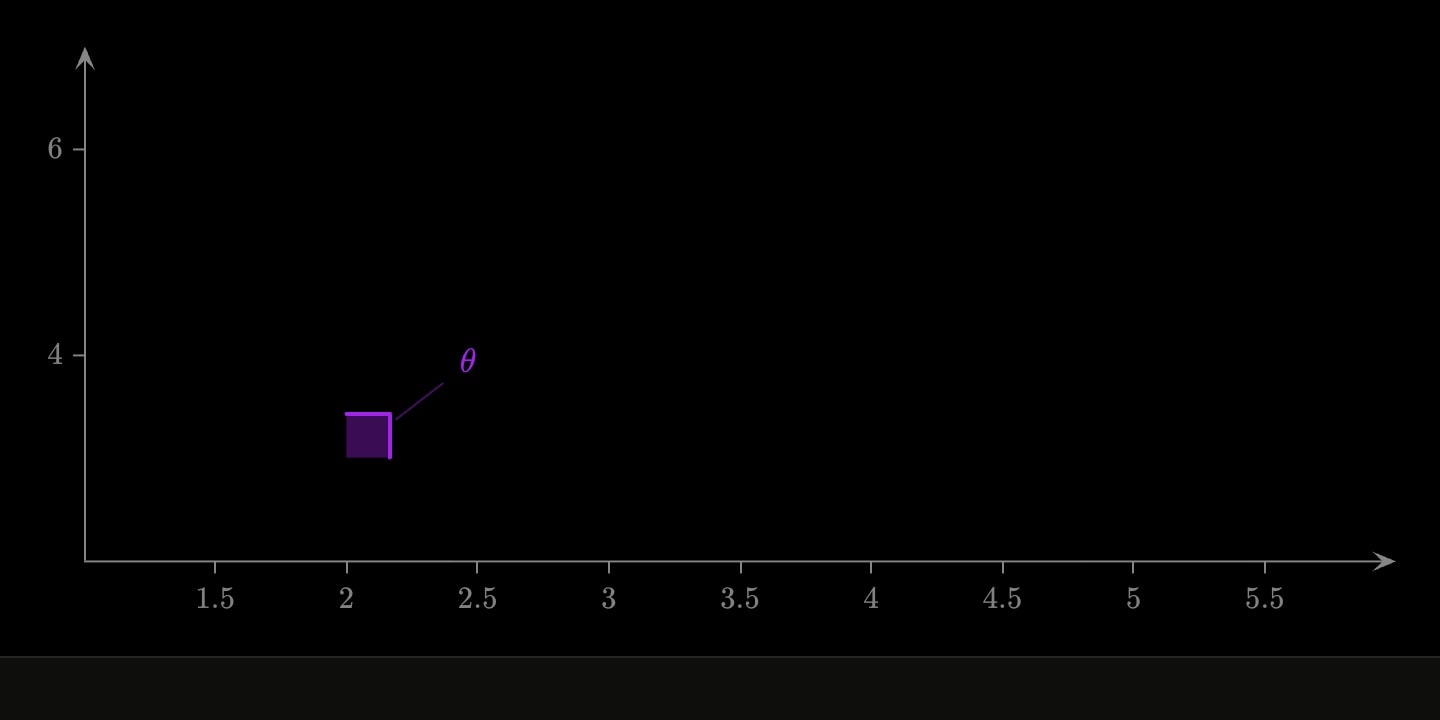
graph{
    angle(at: (2, 3); from: (5, 3); to: (2, 6); arcs: 2; label: $\theta$)
}(
    x-domain: [1, 6]
    y-domain: [2, 7]
)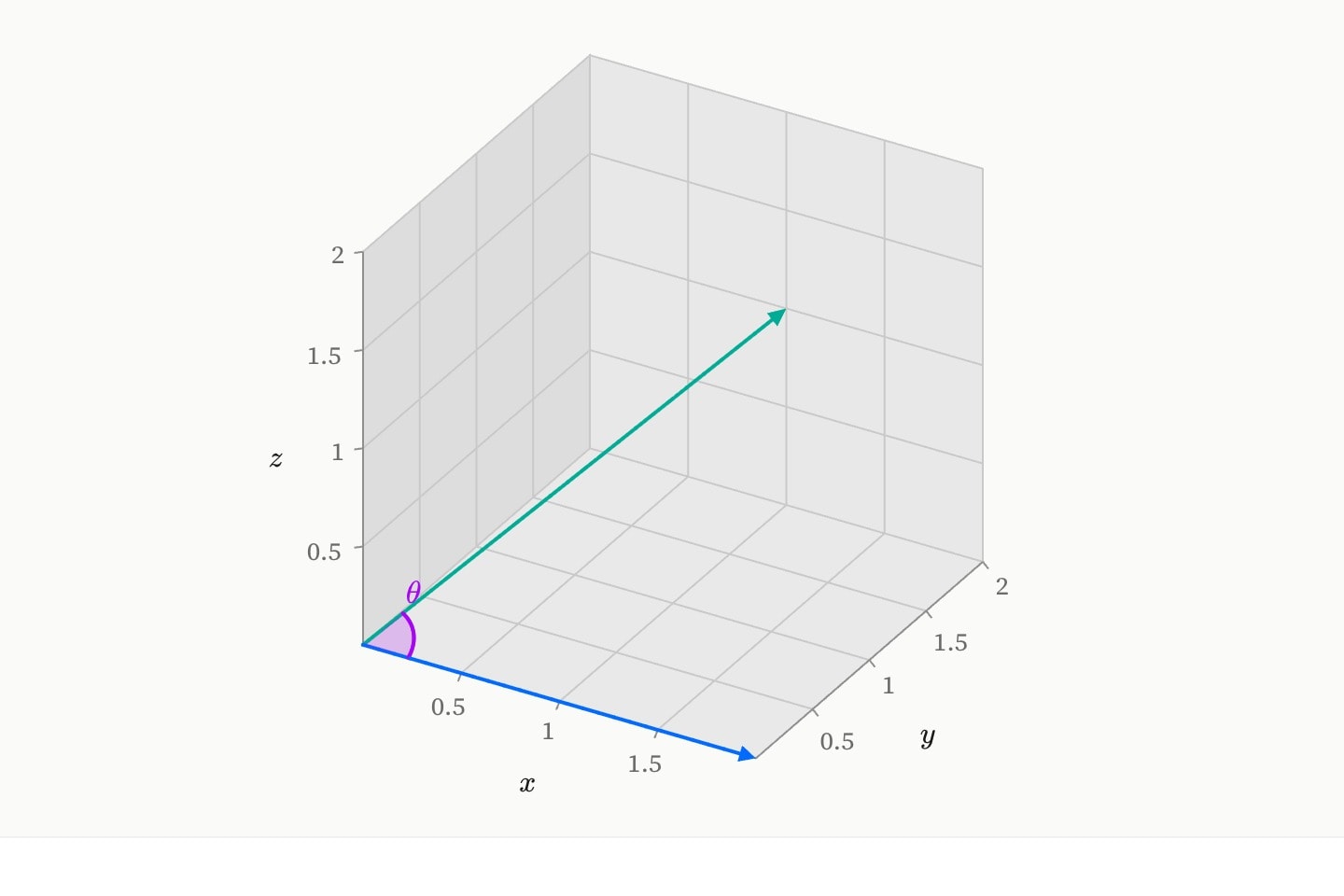
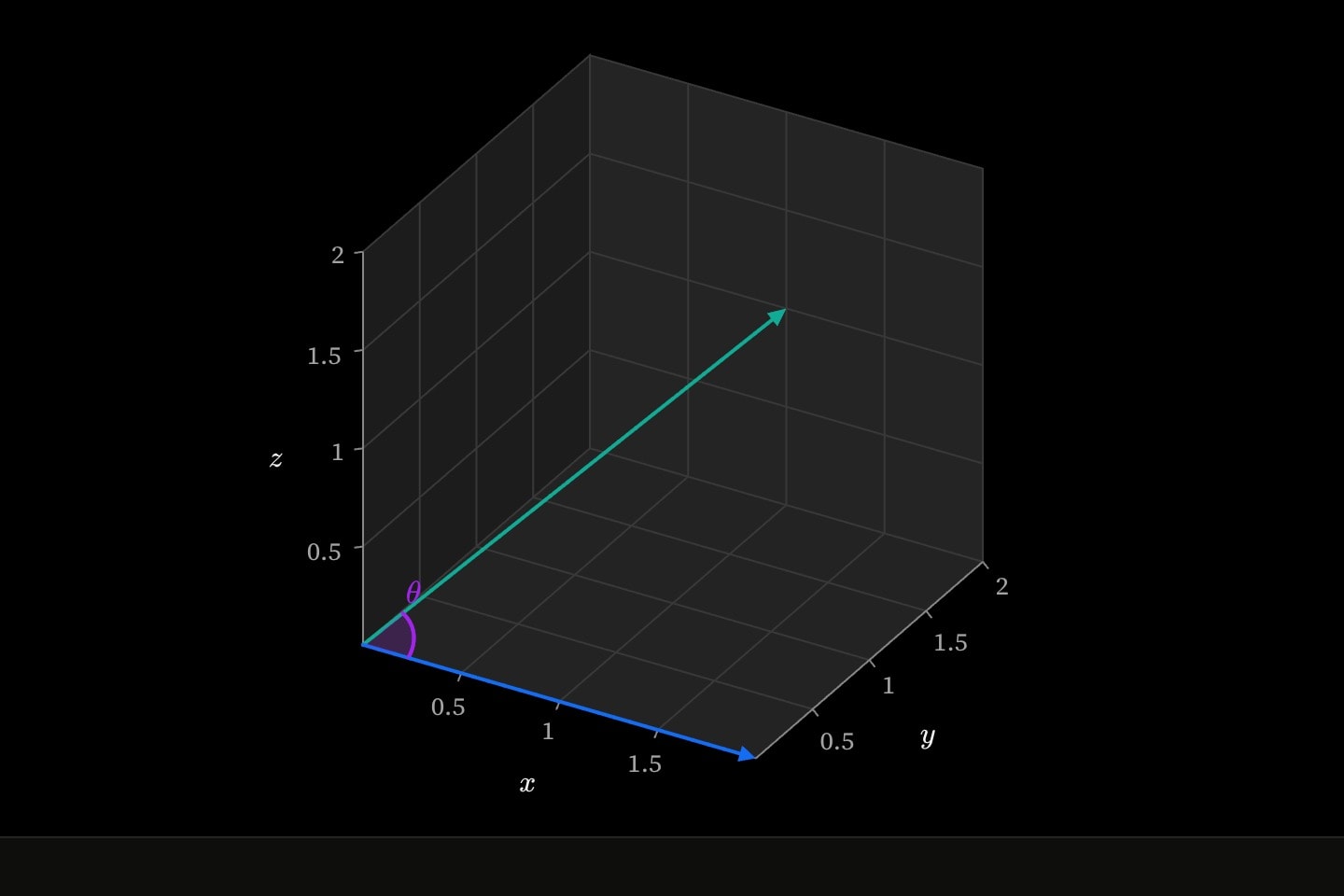
graph:xyz{
    vector(dx: 2; dy: 0; dz: 0; colour: blue)
    vector(dx: 1; dy: 2; dz: 1; colour: teal)
    angle#theta(at: (0, 0, 0); from: (2, 0, 0); to: (1, 2, 1); label: $\theta$)
}(
    x domain: [0, 2]
    y domain: [0, 2]
    z domain: [0, 2]
    aspect: equal
)#Notes
- Give an angle a node id —
angle#theta(…)— and the prose beside the plot can cite its measurement with{{#theta.value}}, which cannot drift from the arc it is describing.