cue.spotlight
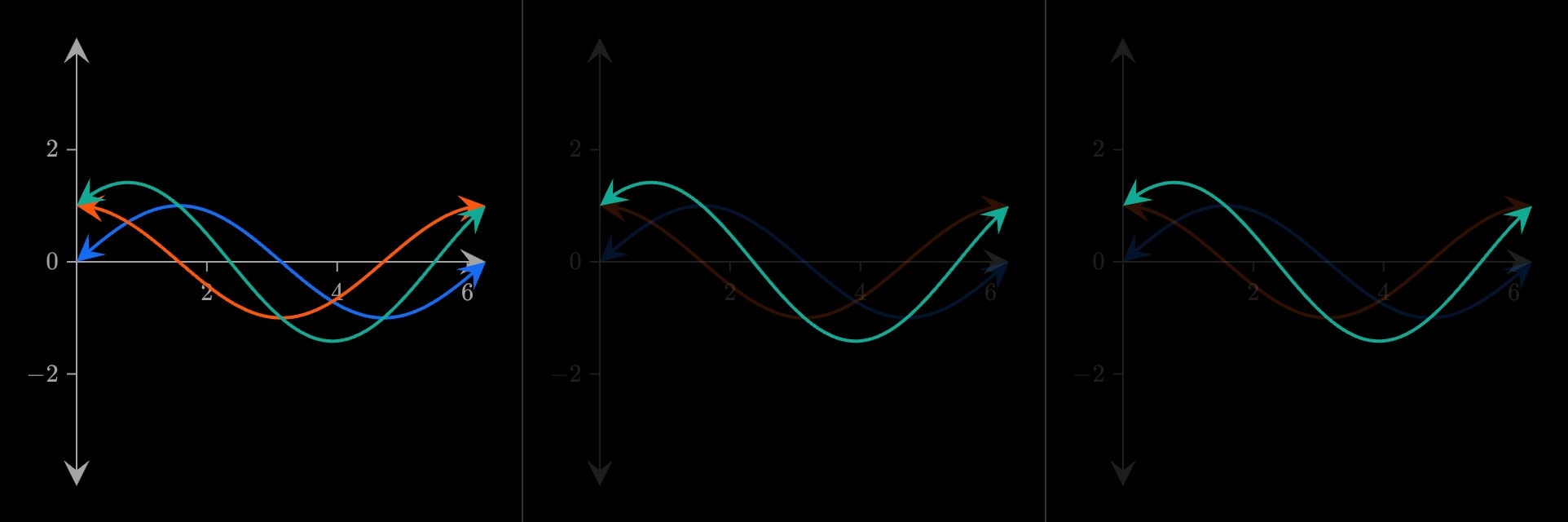
Takes the rest of the environment down — the other marks, the grid and the axes — and leaves what it wraps lit. Purely the dimming: nothing is drawn on the content itself, so pair it with a cue.highlight where a ring is wanted too.
cue.spotlight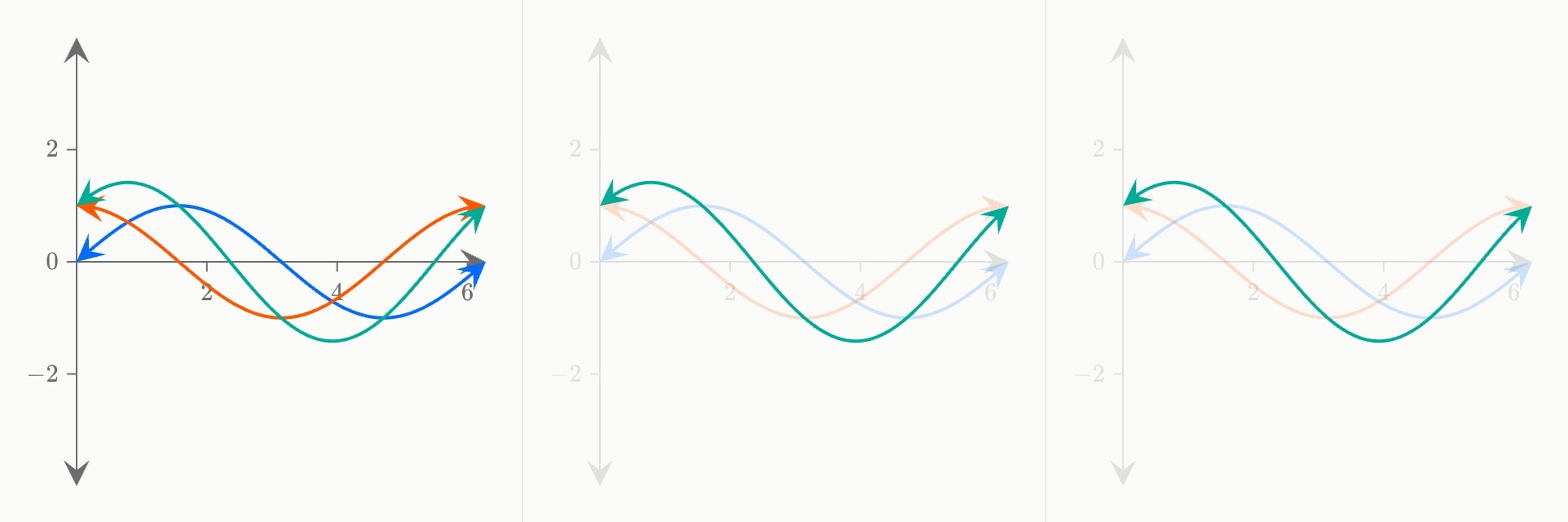
#Attributes
atWhen the environment dims: a step index (1), a time (1.5s), or a step with an offset (1 + 500ms).
Can be written as shorthand:
cue.spotlight:valueDefault
0durationHow long the environment stays dimmed, including coming on and letting go.
Default
3seasingShape of the movement: smooth or linear.
linearsmoothDefault
smoothsequentialDefault
false#Allowed content
Body { }
sliderselectorcue.slidercue.selectorlinepolygoncurvecirclesquarerectangletrianglestardiamondhexagonvectorsegmentbraceanglepointtextaxis.labelaxis.braceaxis.bandaxis.breakscatterhistogrambarlollipopboxplotdensityviolinheatmapfitintegralresidualscontoursurfacefieldlinesregionchoroplethmarkerarcboxarrowpinvertexedgeverticesedgespath#Allowed in
#Examples
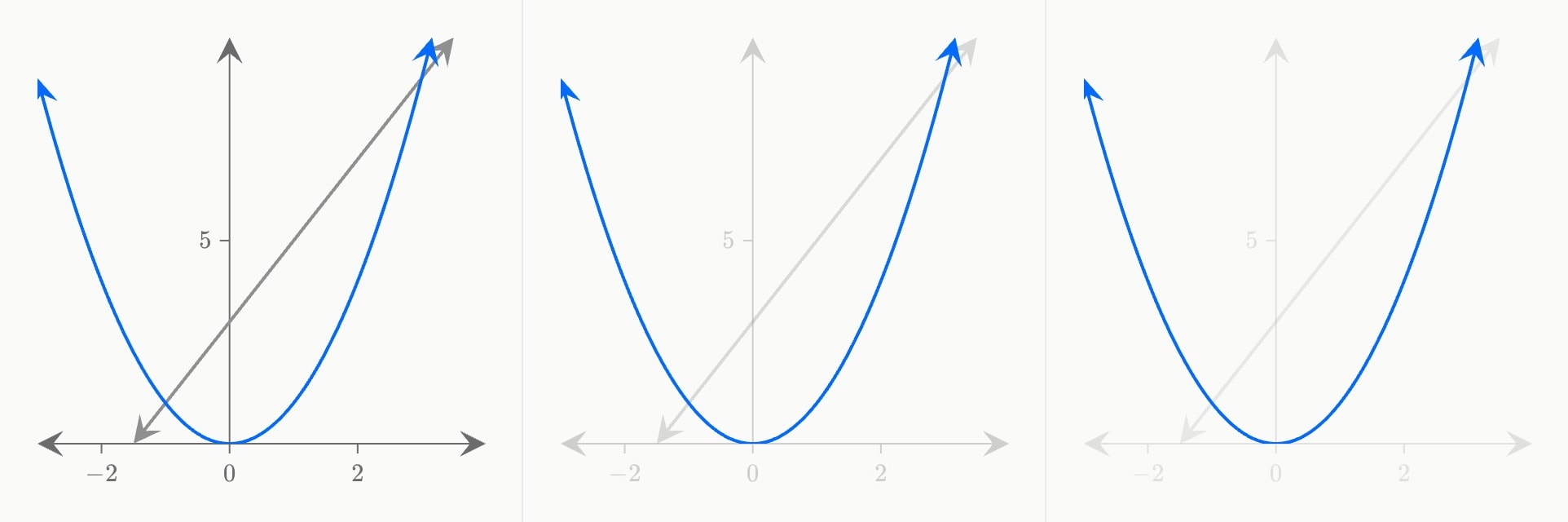
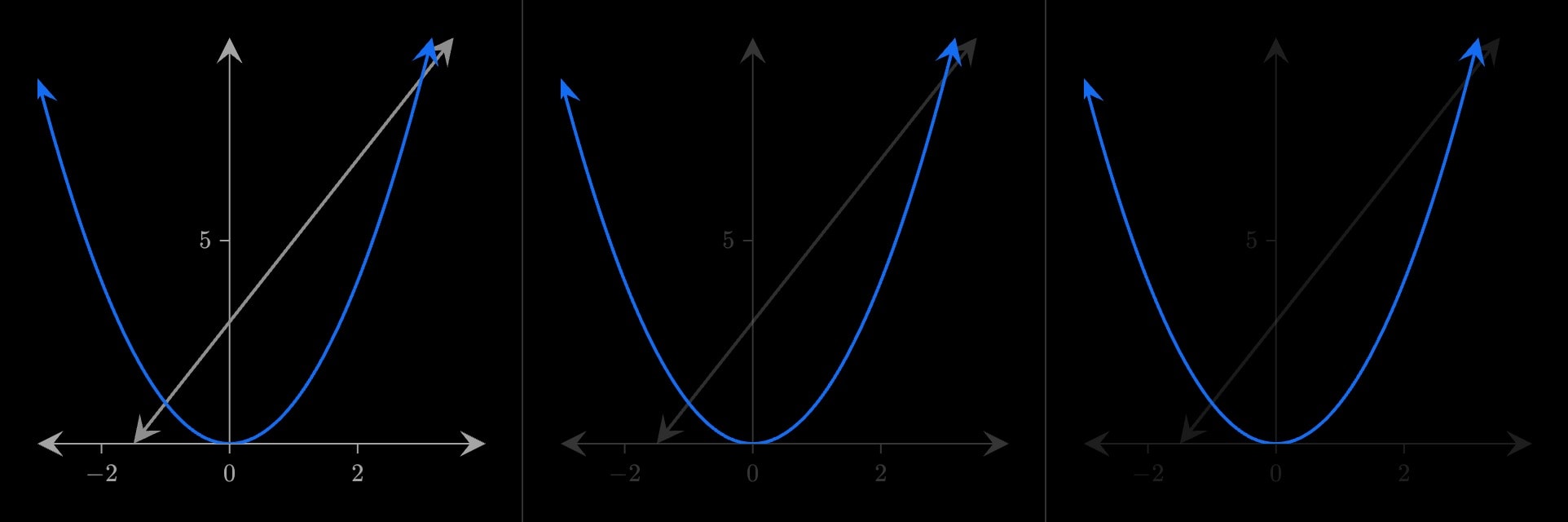
canvas.graph{
    curve(expression: 2 * x + 3; colour: grey)
    cue.spotlight{
        curve(expression: x^2)
    }(
        at: 1
    )
}(
    x-domain: [-3, 4]
    y-domain: [0, 10]
)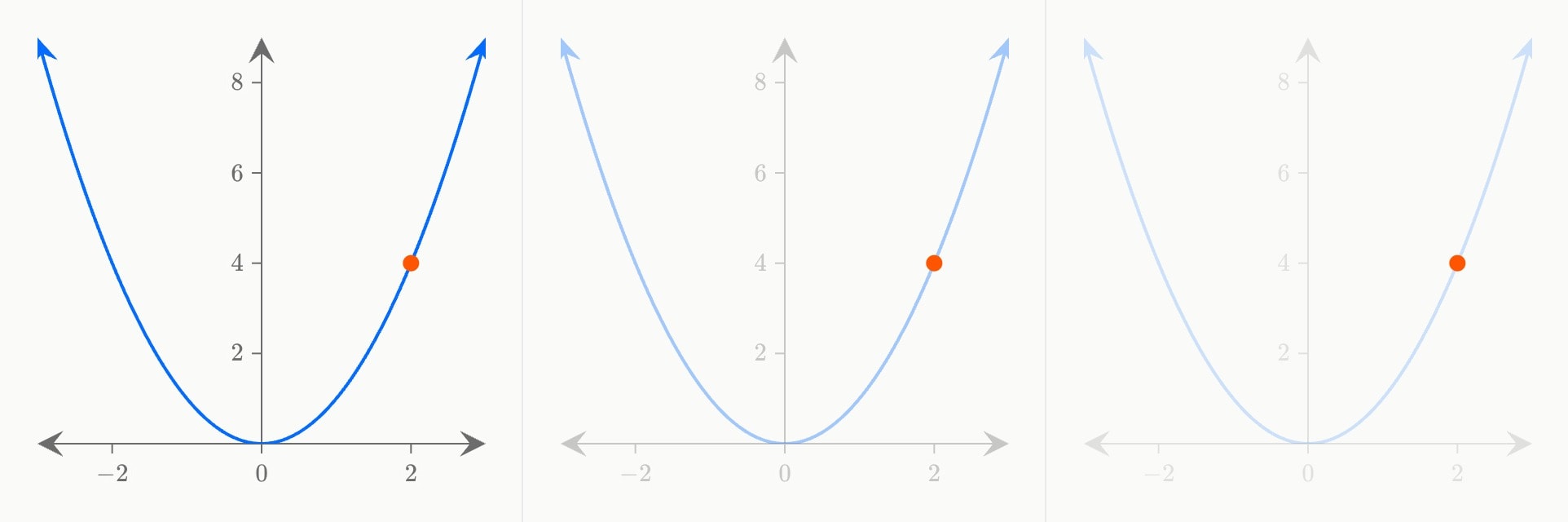
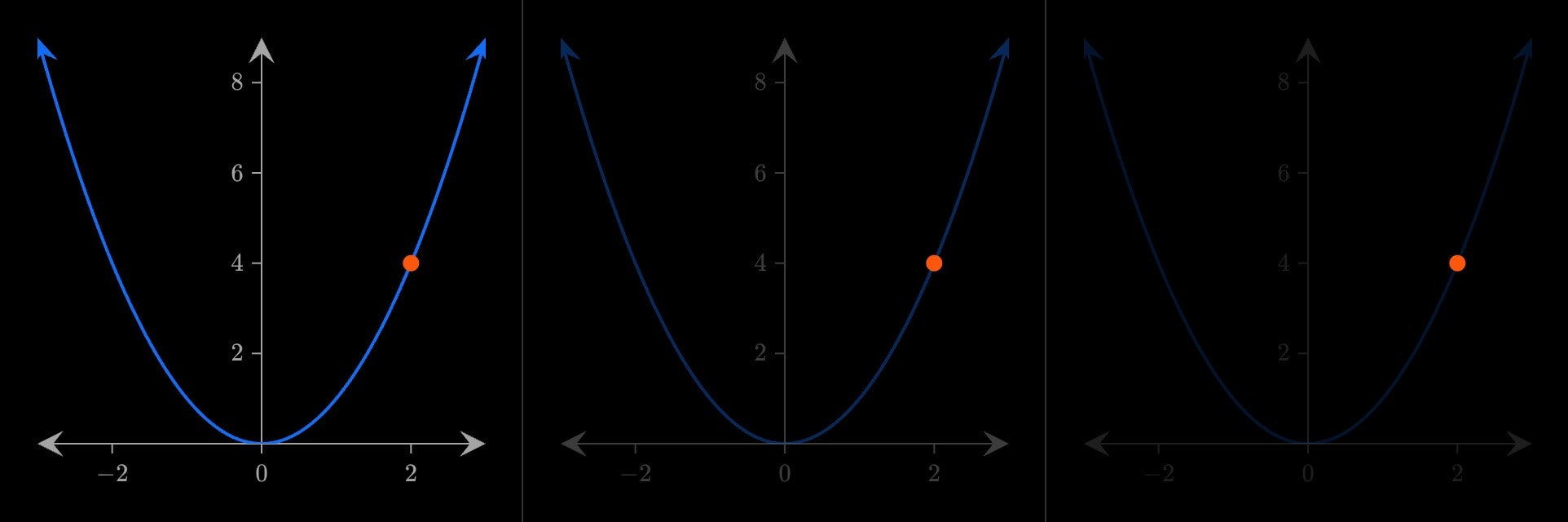
canvas.graph{
    curve(expression: x^2)
    cue.spotlight{
        point(x: 2; y: 4)
    }(
        at: 2
        duration: 4s
    )
}(
    x-domain: [-3, 3]
    y-domain: [0, 9]
)