Manual
Overview Getting started All constructs A–Z Value types Packs
Syntax
Grammar Body & detail Attributes
Comments
@ignore
Language features
References
Expressions
@let
Control structures
@for @if
Modularity
@define @preset @use
Partials
@include
Datasets
@data
The document
Document header
Scenes & steps
scene step
Citations
cite !cite
Maps
internote !internote
Text
Text blocks
divider h1 h2 h3 h4 list paragraph
Maths
equation !latex
Callouts
definition example note task
Formatting
!bold !footnote !format !inline-code !italic !link !lower !pad !title !truncate !upper
Canvas
Layout & content
grid image table
Colours
!blue !green !grey !highlight !orange !pink !purple !red !symbol !teal !yellow
Styling marks from data
circuit
ammeter battery breaker bulb capacitor cell lead parallel resistor series voltmeter
code
lines
flowchart
arrow box
graph
Axes
axis.band axis.brace axis.break axis.label
Data
bar boxplot density fit heatmap histogram lollipop residuals scatter violin
Functions & fields
contour curve field integral surface
Geometry & annotation
angle brace line point polygon segment text vector
Shapes
circle diamond hexagon rectangle square star triangle
Solids
polyhedron revolution section shell
logic
alu clock flipflop gate lamp mux switch wire
network
edge edges path vertex vertices
region
arc choropleth marker
Motion & interaction
Motion
Wrapping cues
cue cue.draw cue.highlight !cue.highlight cue.spotlight cue.trace cue.write
Cues on a value
!cue.to !cue.zoom
Controls
slider cue.slider selector cue.selector
Questions
question option
Writing internotes
Document scope
What a document covers Scenes and what each shows
Narrative prose
Prose & canvas state Prose & headings Callouts Reading computed values in prose
Canvas content
Selecting canvas content Framing a readable graph
Steps and questions
Steps, timers, sweeps & parameters Questions & tasks
Map structure
Shaping a map from its subject One home for each result and term
Final checks
Checking a document's claims Source style The final pass
?
  1. Canvas
  2. circuit
  3. lead
/

Beta

New and still settling — attributes and behaviour may change.

lead

A bare wire between two grid points, in a circuit placed by hand.

leadNode
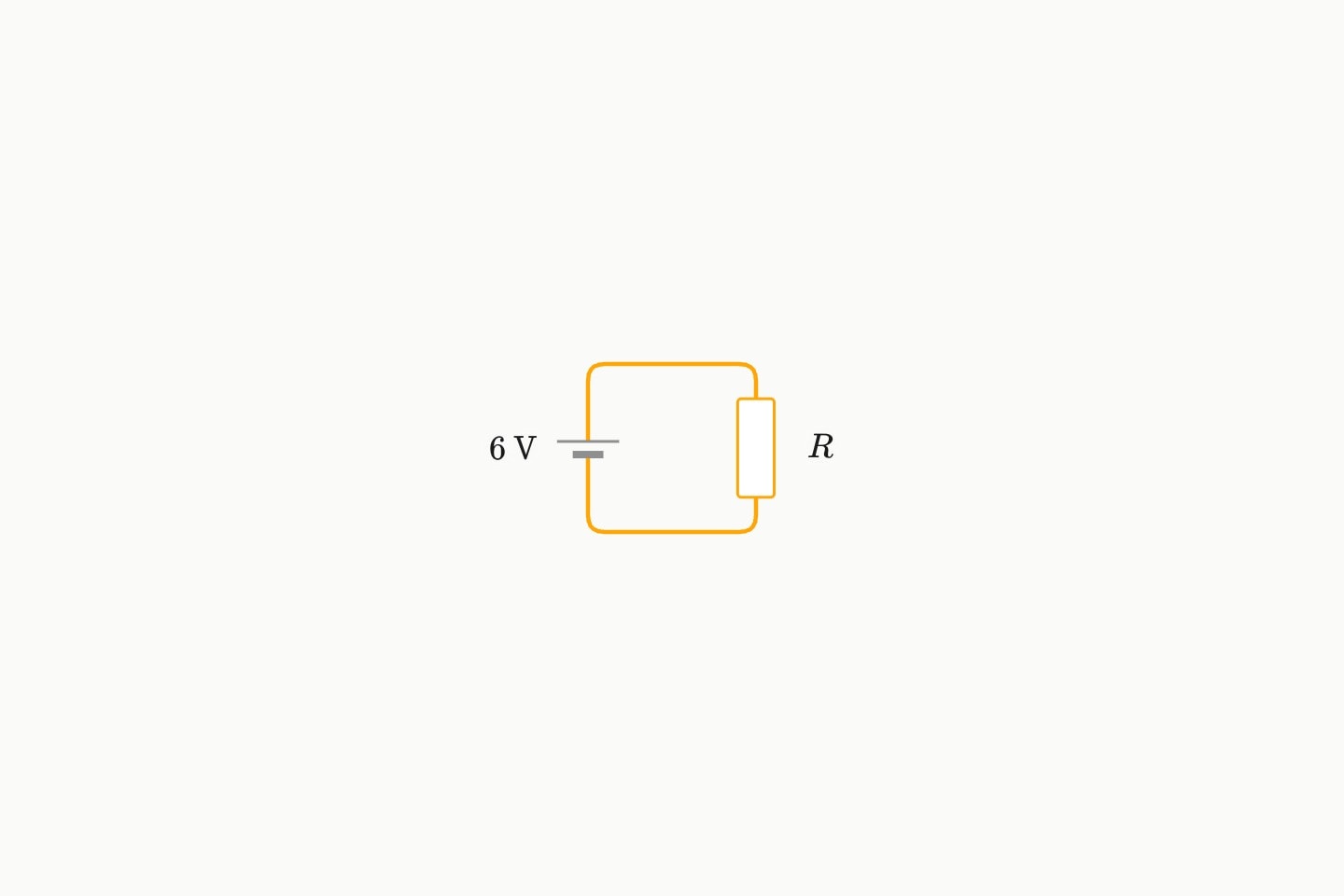
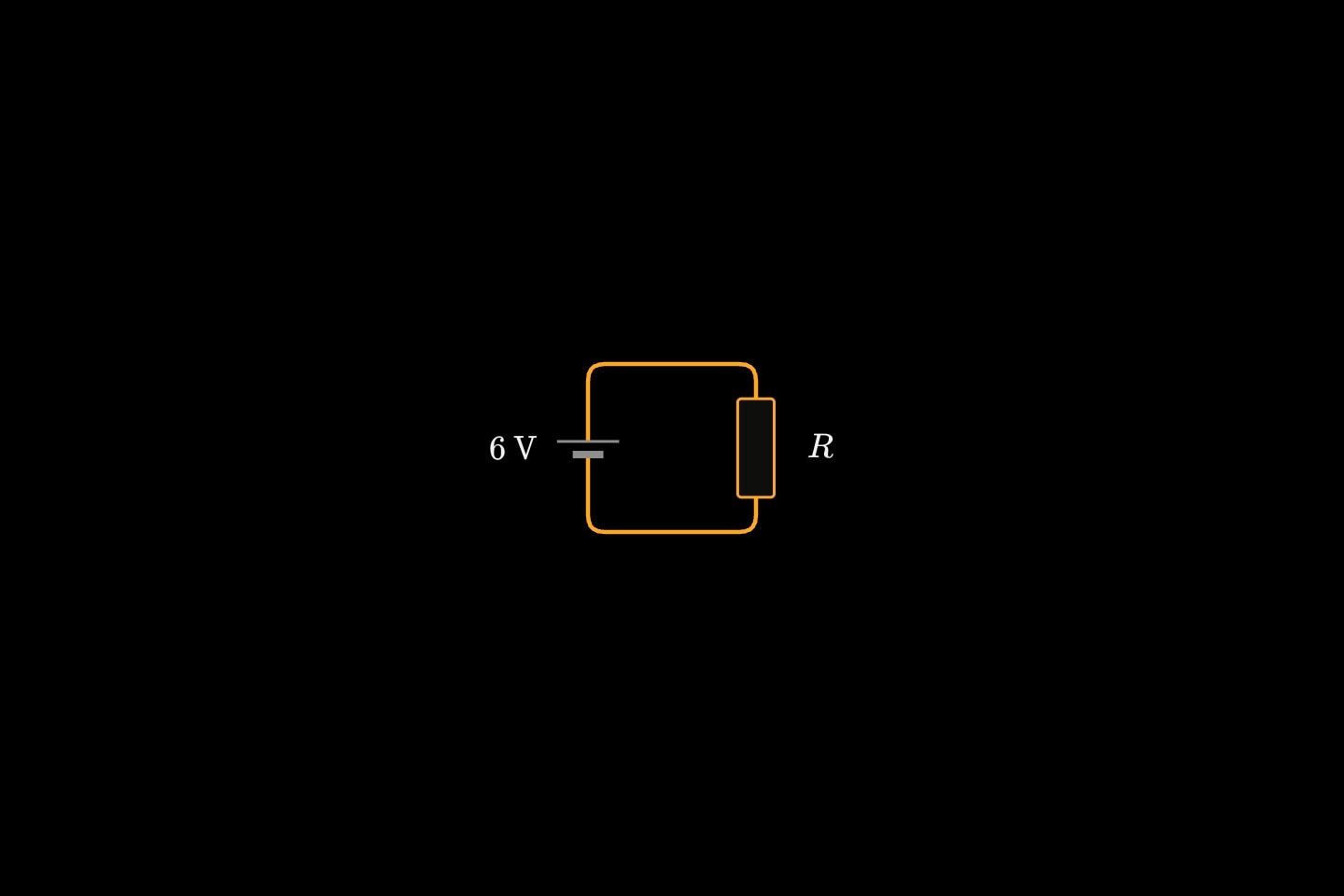
A hand-placed square circuit: a cell up the left side, a resistor down the right, and two bare leads across the top and bottom.A hand-placed square circuit: a cell up the left side, a resistor down the right, and two bare leads across the top and bottom.

#Attributes

fromRequired
The grid point it starts at: (x, y), x across and y down.
circuit-point
toRequired
The grid point it ends at.
circuit-point

#Allowed in

cue { }cue.draw { }cue.trace { }cue.highlight { }cue.spotlight { }circuit { }

Last updated 10 October 2026

← PreviouscellNext →parallel
On this page
AttributesAllowed in
PrivacyTermsContact Support