diamond
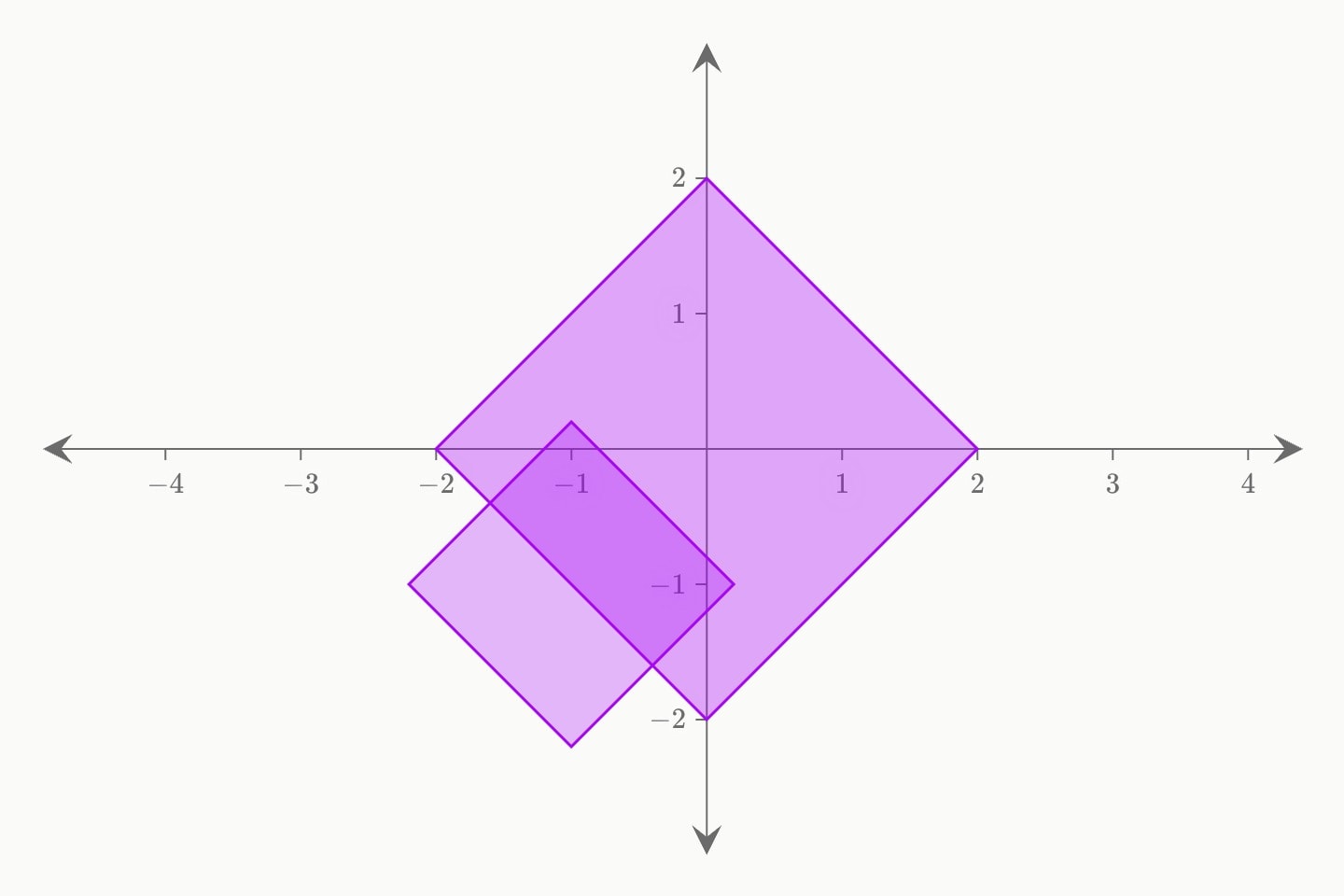
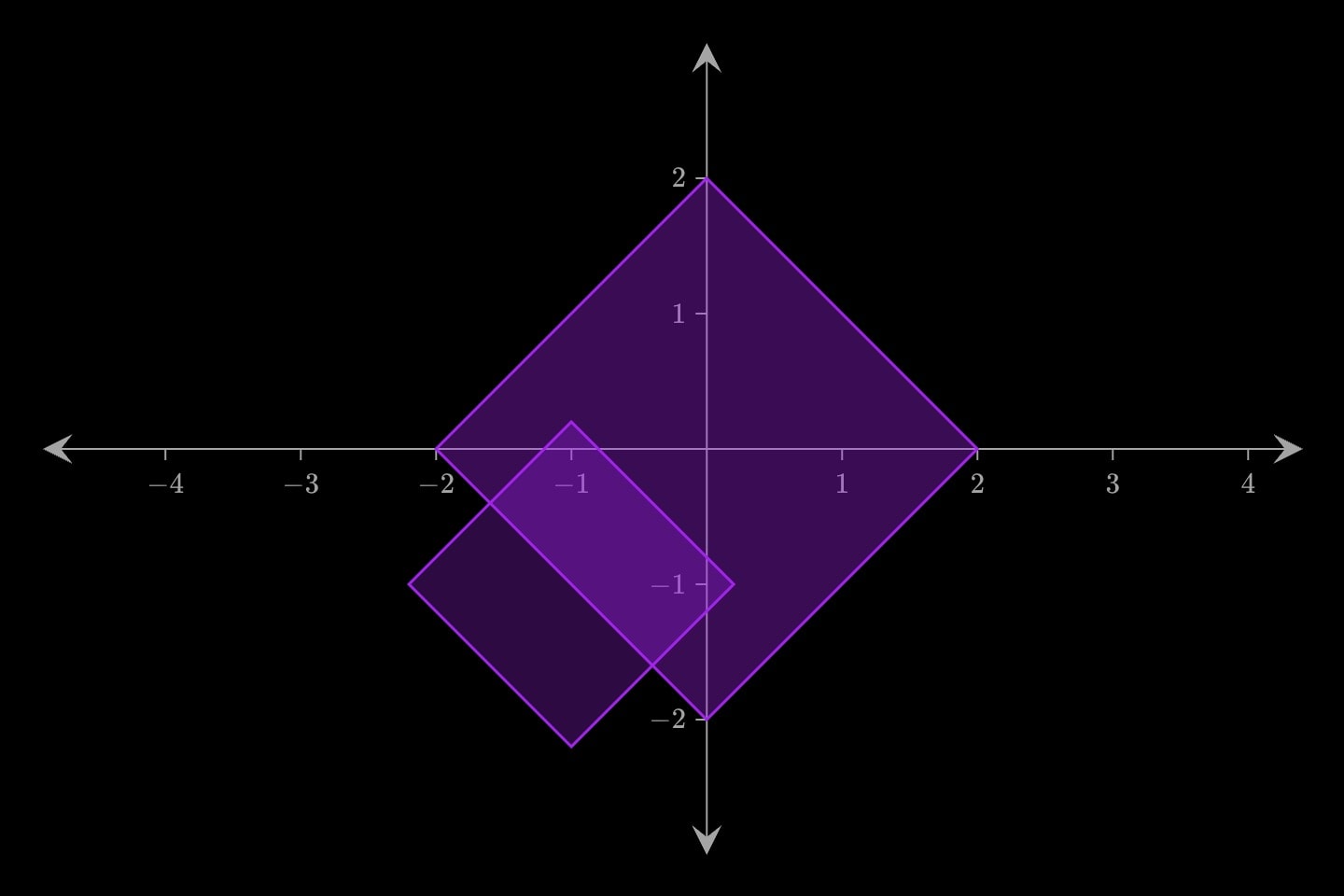
A diamond centred at (x, y), scaled by size. One of seven shape marks that differ only in the outline drawn.
#Attributes
On any plane
sizeDistance from the centre to each of the four vertices — half the diagonal.
Default
1colourColour.
bluelight-bluedark-blueredlight-reddark-redorangelight-orangedark-orangeyellowlight-yellowdark-yellowteallight-tealdark-tealgreenlight-greendark-greenpinklight-pinkdark-pinkpurplelight-purpledark-purplegreylight-greydark-greyneutralhex(…)rgb(…)colorDefault
purplefillFill shape.
Default
truedashedDraws the outline dashed — the shape that is not there: a construction, a ghost of a previous position, a region ruled out. As
polygon's and segment's.Default
falseopacityOpacity.
Default
1labelText drawn beside the element — rich text, so
$maths$ and inline formatting render. Fades and draws with the element.hiddenDeclared but not drawn. Animatable —
hidden: true !cue.to{false}(at: 2) reveals it — and unlike a cue, a hidden element still frames the plot, so the axes do not jump when it appears.Default
falselockKeeps the reader from editing this element on an
editable: graph. Nothing at all on a graph that is not editable.Also written:
lockedDefault
falsetext-sizeText size.
Default
20layerPaint order among the marks: a higher layer is drawn later, on top; equal or omitted, the marks stack in document order (later on top). Written
z: before the argand plane took that letter for its coordinate.Only with
xyplanexX coordinate.
Can be written as shorthand:
diamond:valueyY coordinate.
Only with
argandplanezOn the argand plane, the position as one complex number — a complex expression:
3 + 2i, (3 + 2i)^2, sqrt(13) * e^(i * a), with i the unit and parameters read as complex. Instead of re/im.reOn the argand plane, the real part of the position, a number; with
im. z: gives both at once.imOn the argand plane, the imaginary part of the position, a number; with
re. z: gives both at once.Only with
polarplanerOn the polar plane, the distance from the origin; with
theta.thetaOn the polar plane, the angle anticlockwise from the right, in radians —
60deg writes it in degrees; with r. On a categorical theta (theta format:), a name.#Allowed in
#Examples
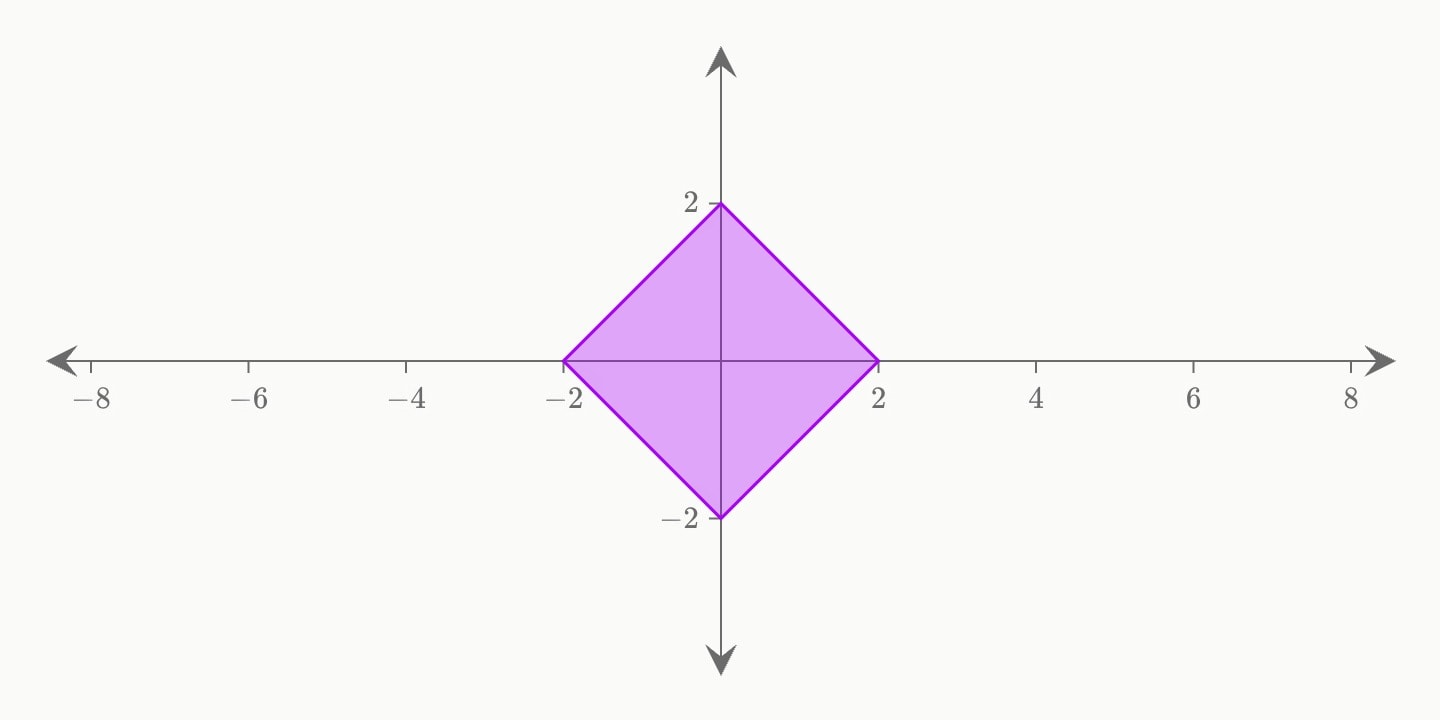
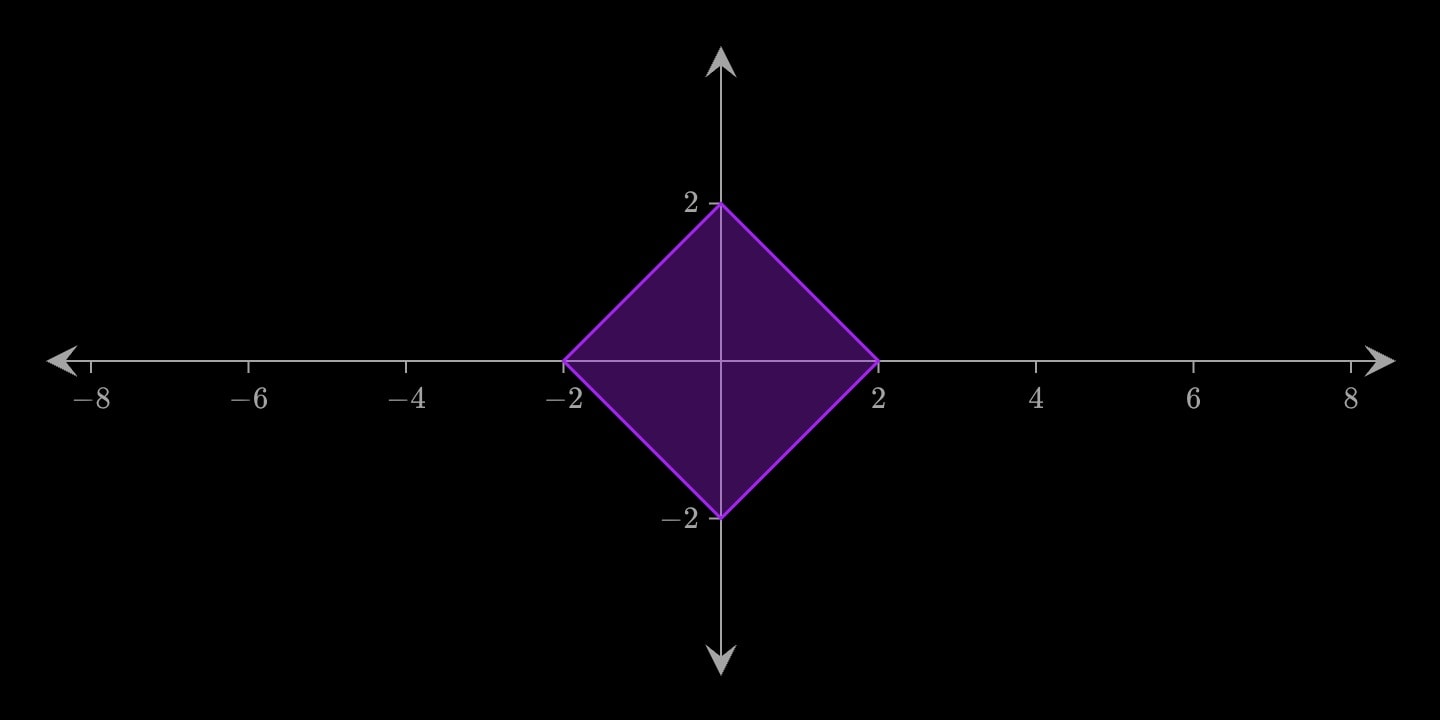
canvas.graph{
    diamond(x: 0; y: 0; size: 2)
}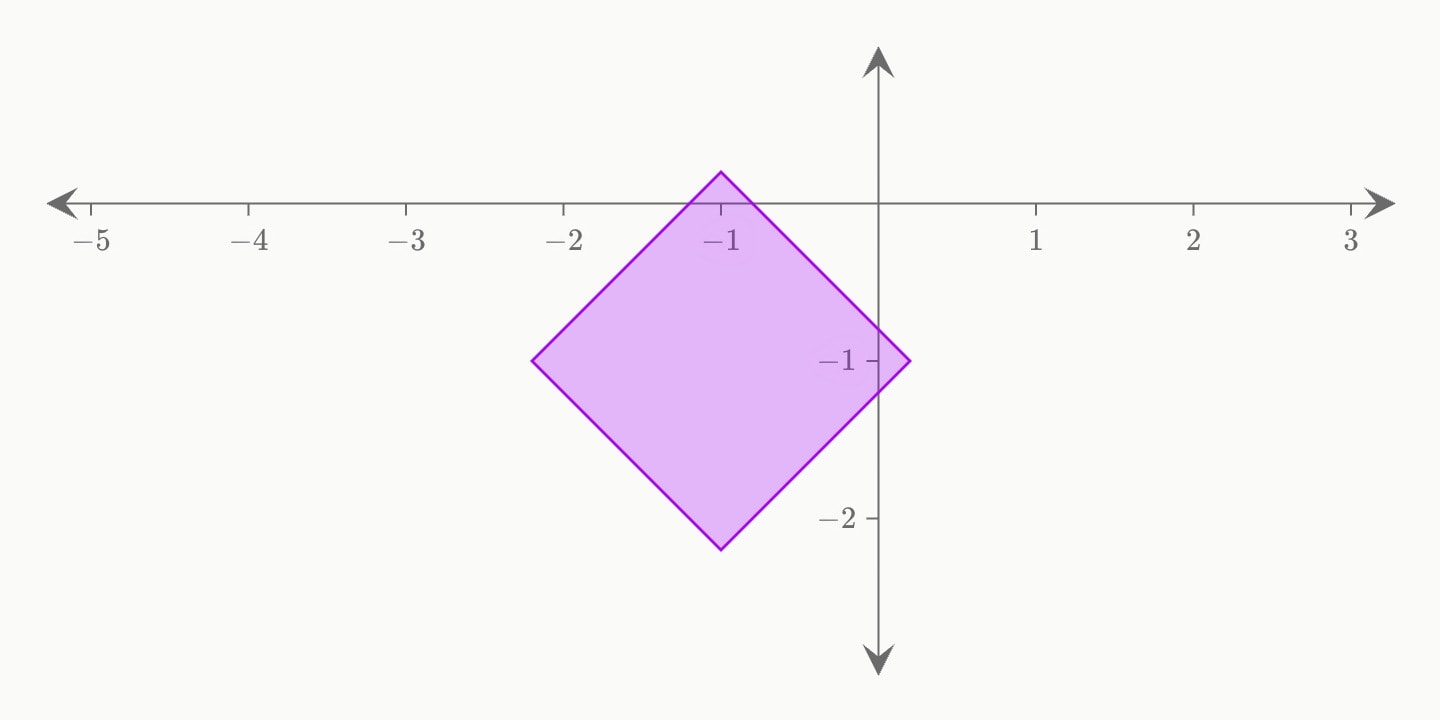
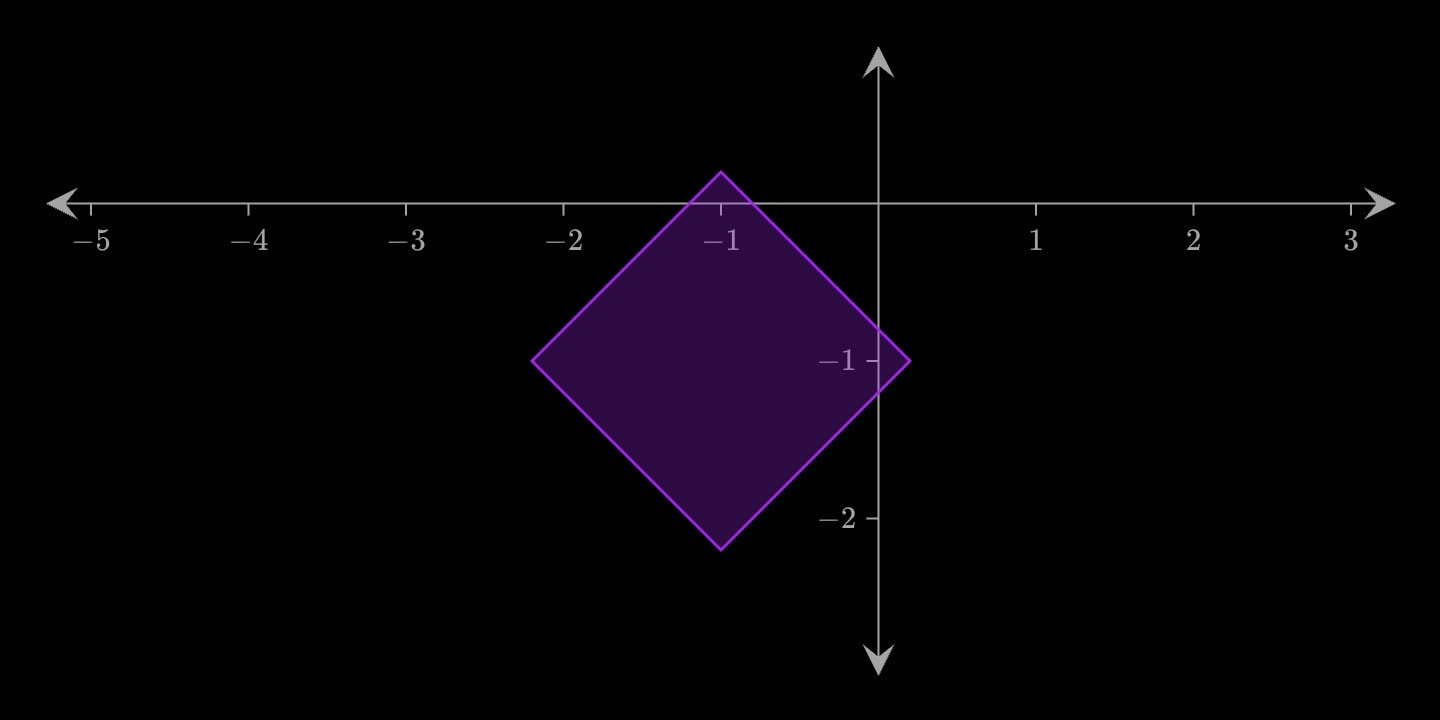
canvas.graph{
    diamond(x: -1; y: -1; size: 1.2; opacity: 0.8)
}