cue.write
Content written in on the timeline, in reading order, at speed: characters per second: the window’s length is the content’s length over the speed. Prose is written line by line by a pen with a soft edge, its fresh ink in the accent colour until it dries; a display equation is set down mark by mark in the order a hand writes it. In a code environment it wraps lines chunks and types them character by character, with a caret mark riding the line being typed and a wash on that line while the window is open. out: runs the same clock backwards, taking the content away from the end.
cue.write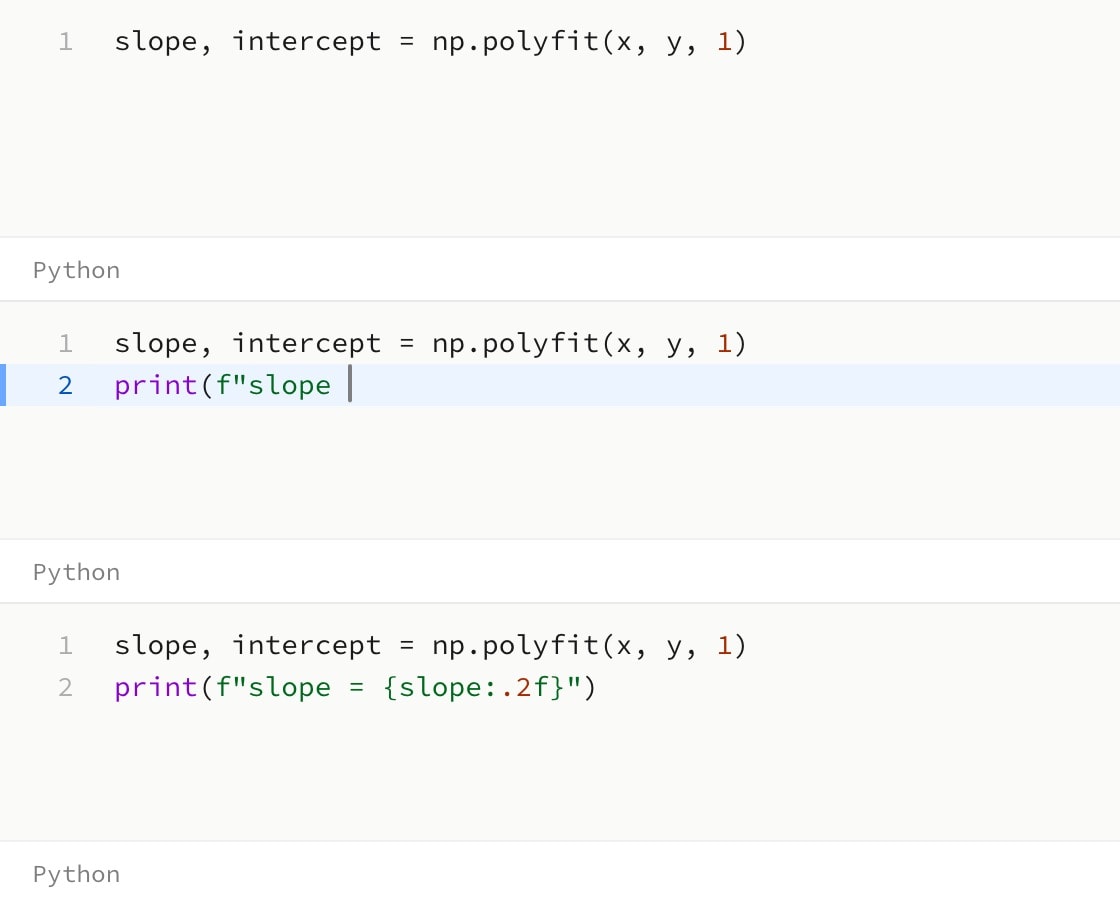
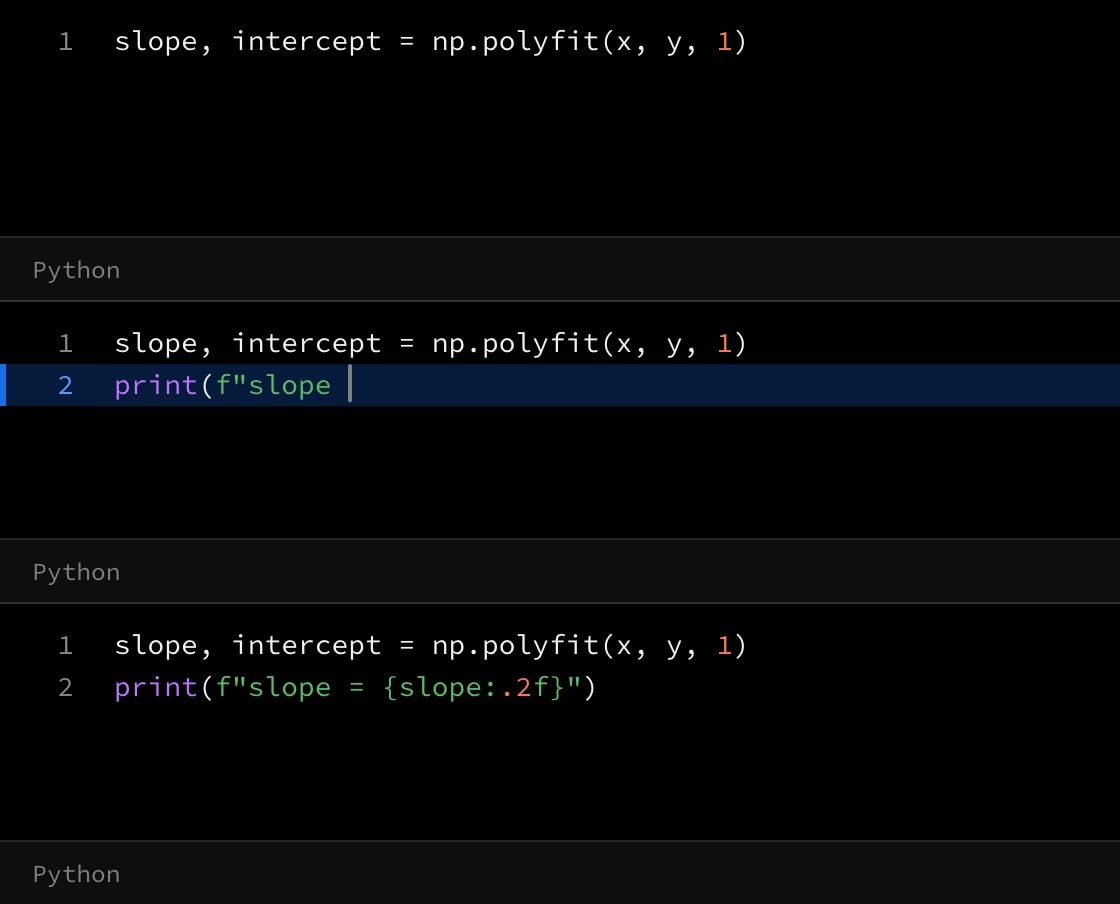
#Attributes
inWhen the writing starts: a step index (1), a time (1.5s), or a step with an offset (1 + 500ms).
Can be written as shorthand:
cue.write:valueDefault
noneoutWhen the unwriting starts, in the same form.
Default
nonespeedCharacters per second.
Also written:
cpsDefault
35#Allowed content
#Allowed in
#Examples
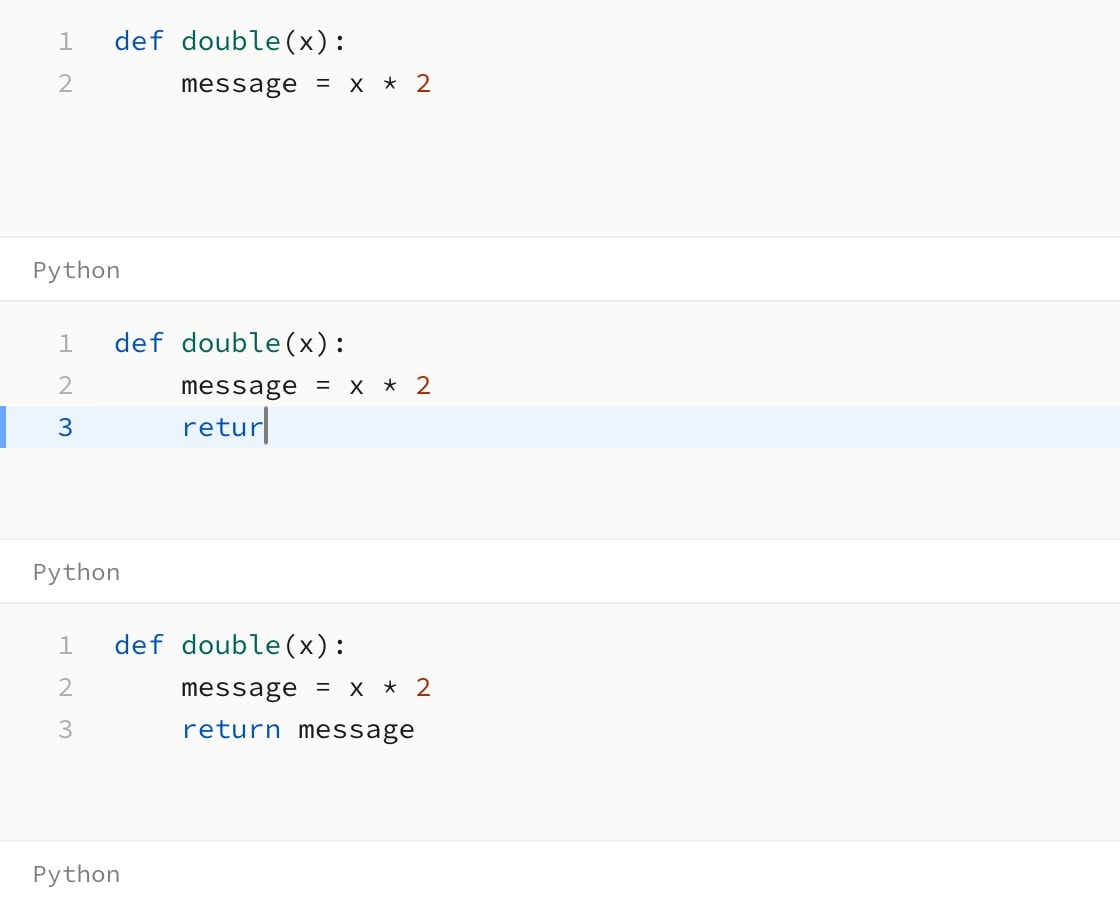
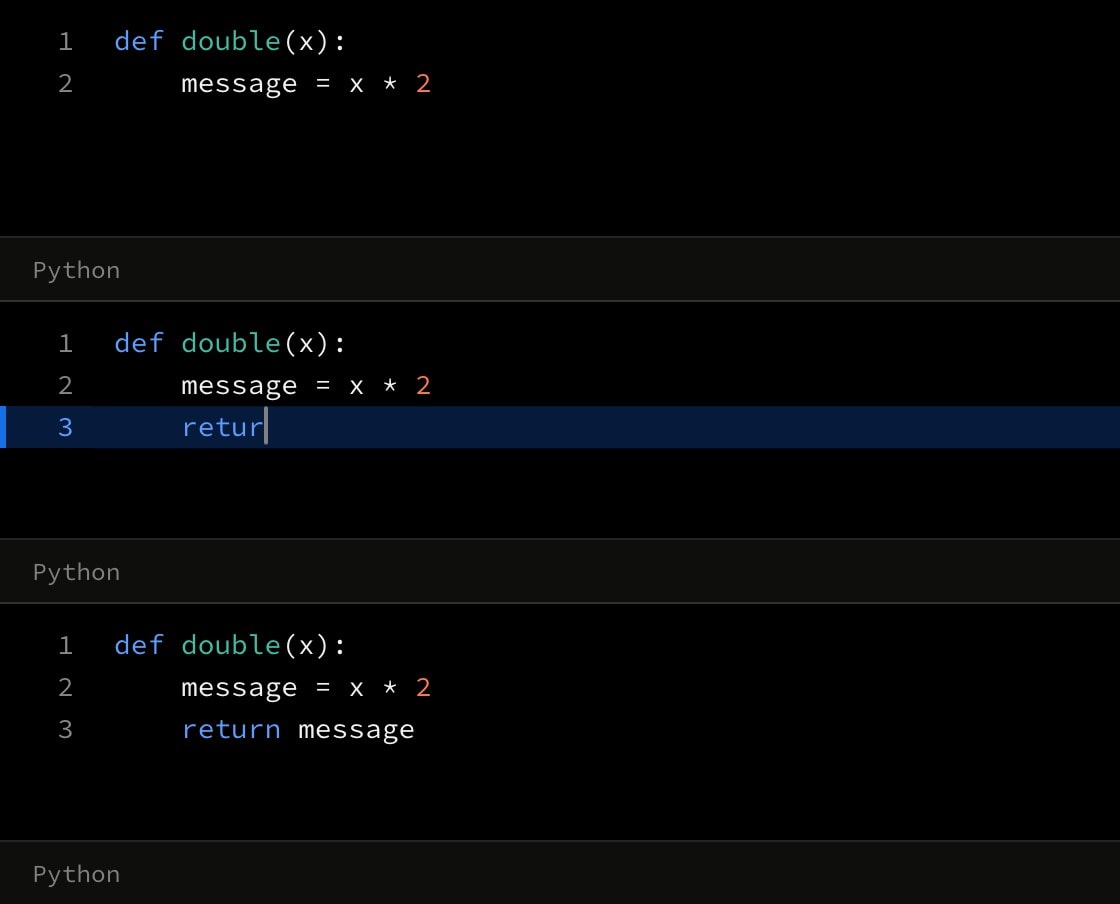
canvas.code{
    lines{
def double(x):
    message = x * 2
    }
    cue.write{
        lines{
return message
        }(
            indent: 1
        )
    }(
        in: 1
        speed: 30
    )
}(
    language: python
)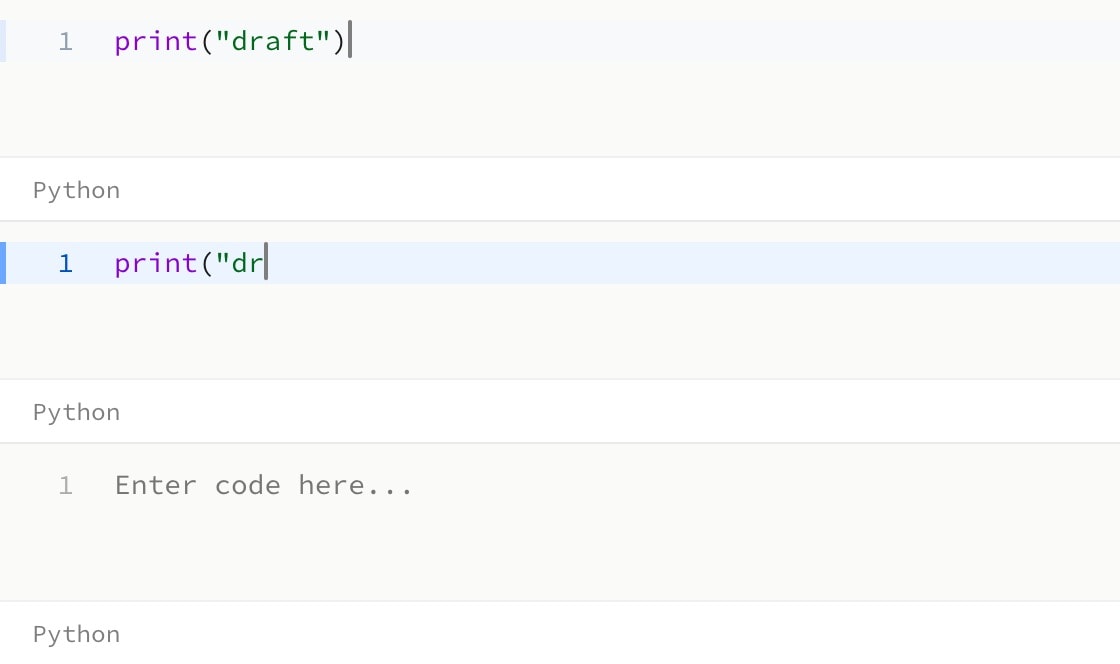
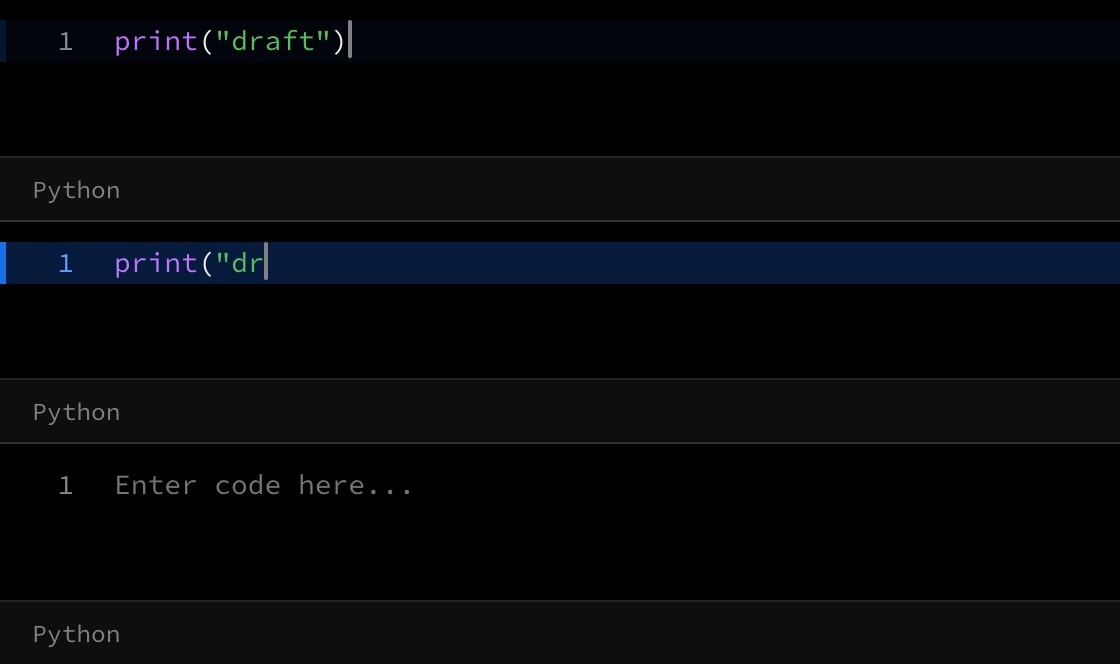
canvas.code{
    cue.write{
        lines{
print("draft")
        }
    }(
        in: 1
        out: 2
    )
}(
    language: python
)