code
Code as a canvas environment: the full editor experience — syntax highlighting, line numbers, a line/column readout, error markers — with the code choreographed like everything else on a canvas. Content is written as lines{} chunks; cues wrap chunks to bring them in and out on the timeline, and the environment assembles whatever is visible into one document, numbering the lines actually shown. With editable: true, the reader’s first keystroke forks the assembled text into their own copy (kept between visits); choreography freezes until they reset.
code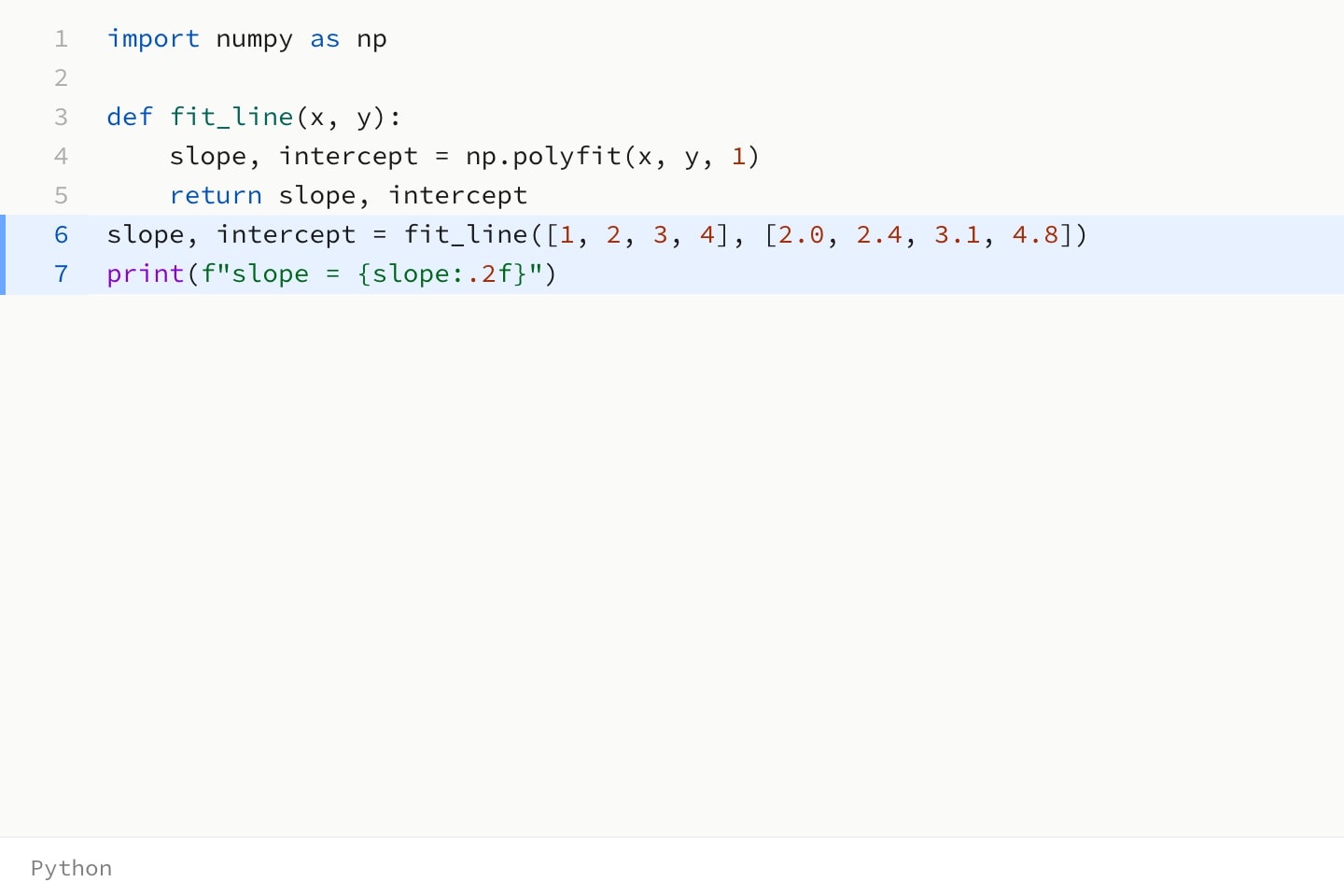
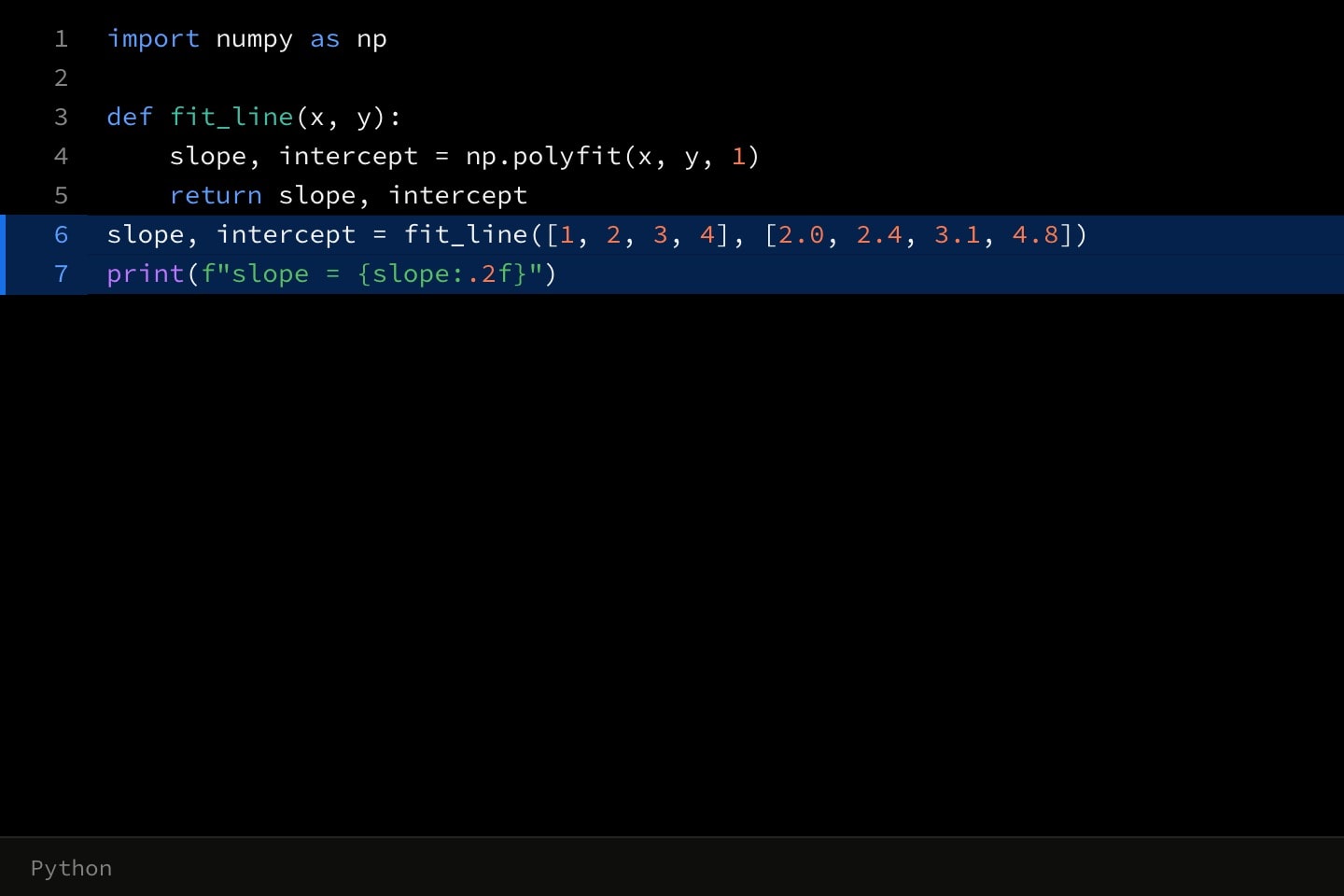
#The code environment
code puts code on the canvas with syntax highlighting, line numbers, a line/column readout and error markers, and lets cues choreograph it like anything else there. Its implicit attribute is language; title names the environment, editable lets the reader edit the text, and continue: #id carries session state forward from an earlier environment.
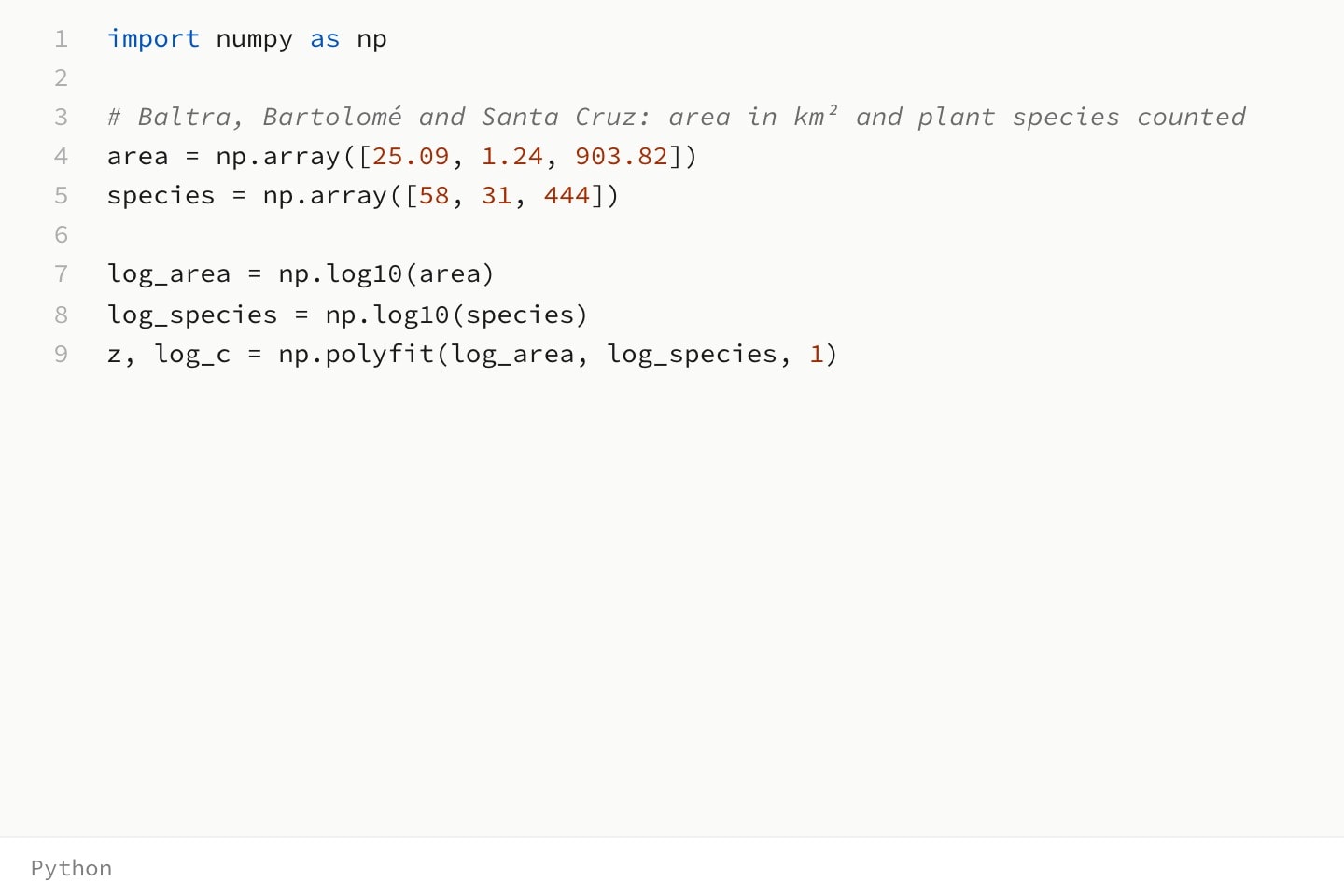
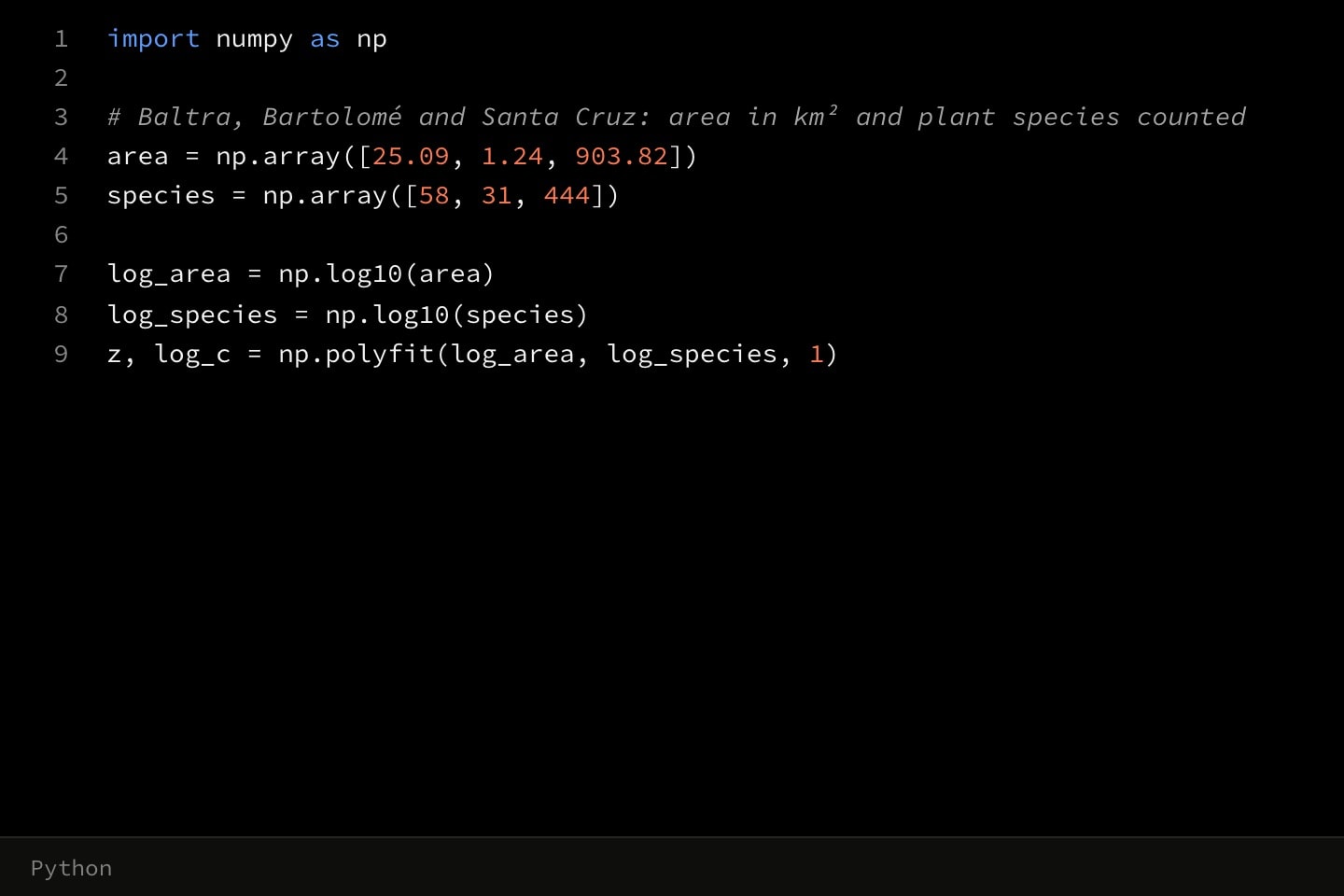
code{
    lines{
        import numpy as np

        # Baltra, Bartolomé and Santa Cruz: area in km² and plant species counted
        area = np.array([25.09, 1.24, 903.82])
        species = np.array([58, 31, 444])

        log_area = np.log10(area)
        log_species = np.log10(species)
        z, log_c = np.polyfit(log_area, log_species, 1)
    }
}(
    language: python
)runnable environment is the opt-in exception: the reader may run it, into the environment's console, and nothing it prints ever reaches the canvas.#Lines
Code lives in lines chunks: the unit a cue wraps and the unit every other reference addresses. Chunks rather than line numbers, so that inserting a line above a chunk does not renumber what a cue points at. A chunk takes indent (its implicit attribute), highlight, and the error and diff attributes error-lines with error-message, added-lines and removed-lines.
#The typing cue
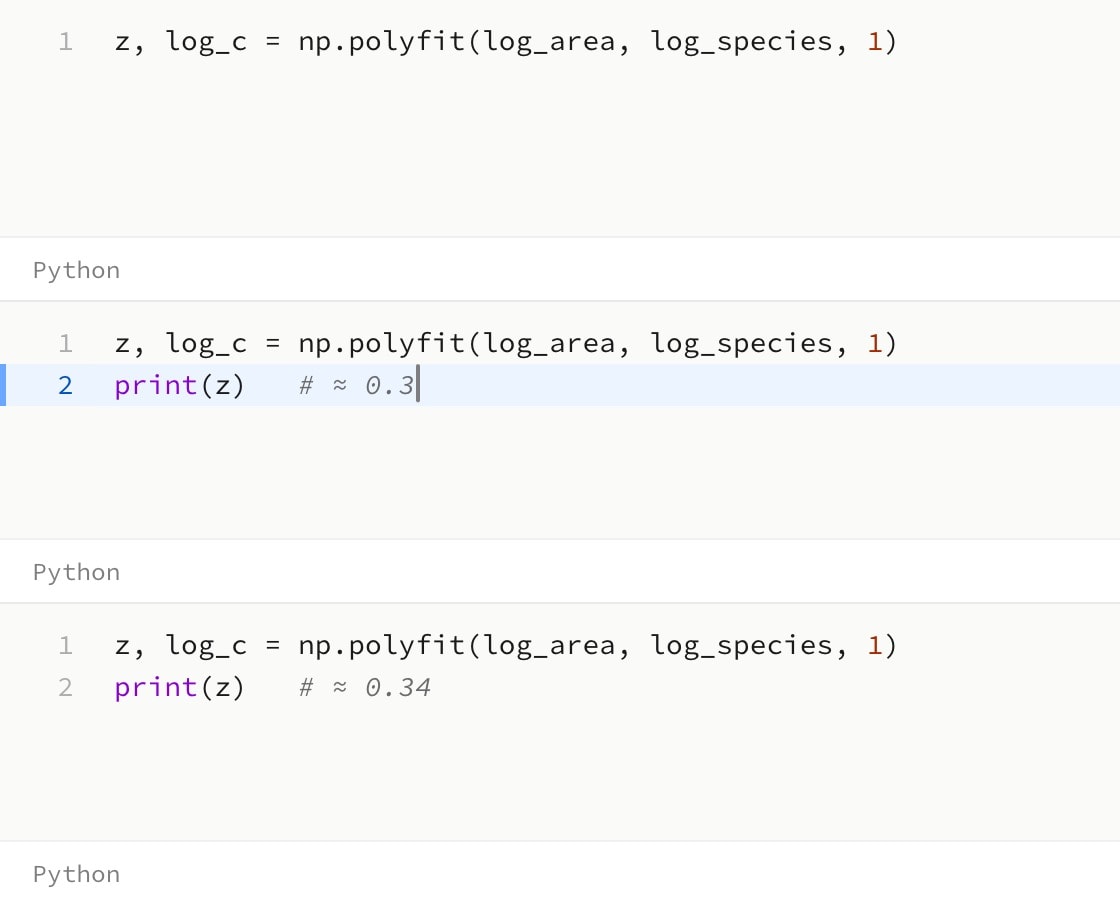
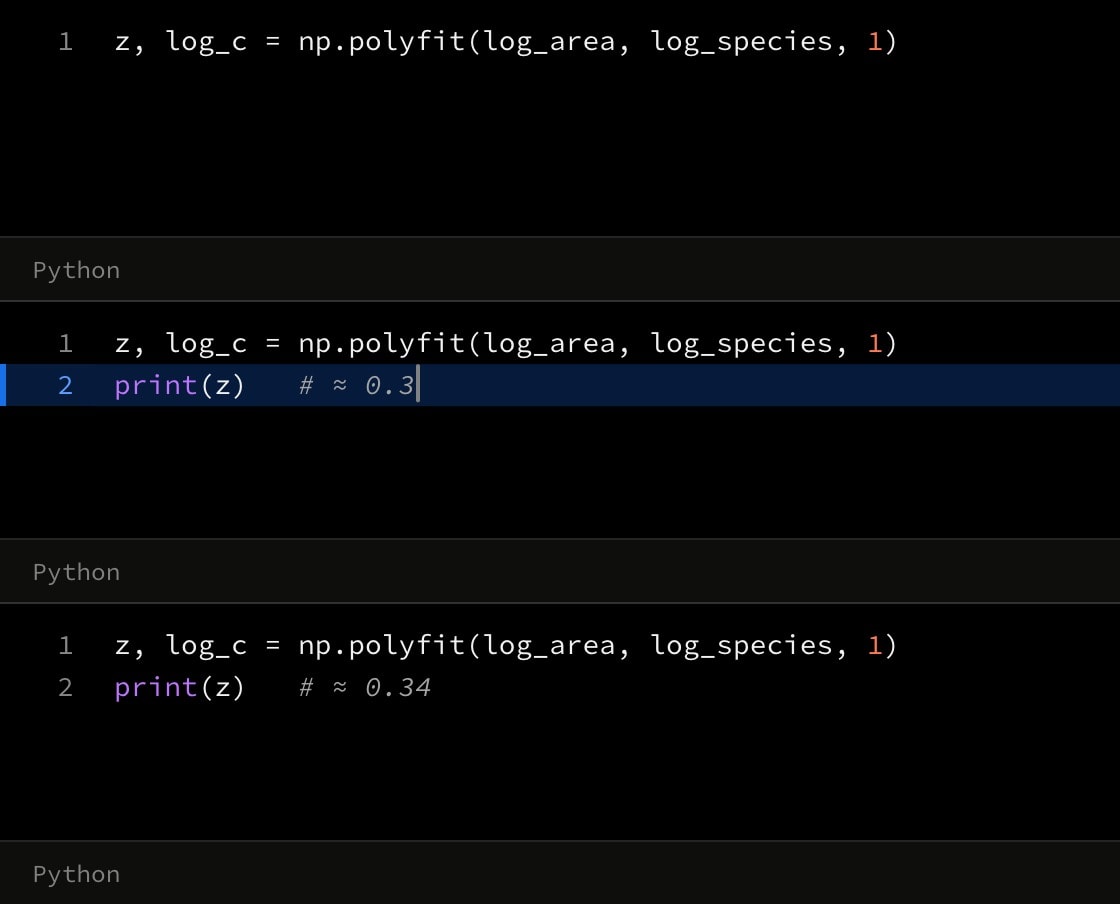
cue.write types the chunks it wraps in character by character on the timeline. in: anchors when the typing starts and speed: is characters per second, 35 by default.
code{
    lines{
        z, log_c = np.polyfit(log_area, log_species, 1)
    }
    cue.write{
        lines{
            print(z)   # ≈ 0.34
        }
    }(
        in: 1
    )
}(
    language: python
)#Splicing values into code
{{ }} substitution reaches literal code bodies exactly as it reaches prose — it is a preprocessor over source text, so an constant or a fully-qualified dataset column splices into a chunk before anything is parsed:
@data#survey:galapagos-plants-1973.csv

scene{
    The areas come from the attached survey.
}[
    code{
        lines{
            area = np.array([{{#survey.area}}])
        }
    }(
        language: python
    )
]
The column arrives as its cells joined with commas, which is the form a Python list literal takes.
#Running code
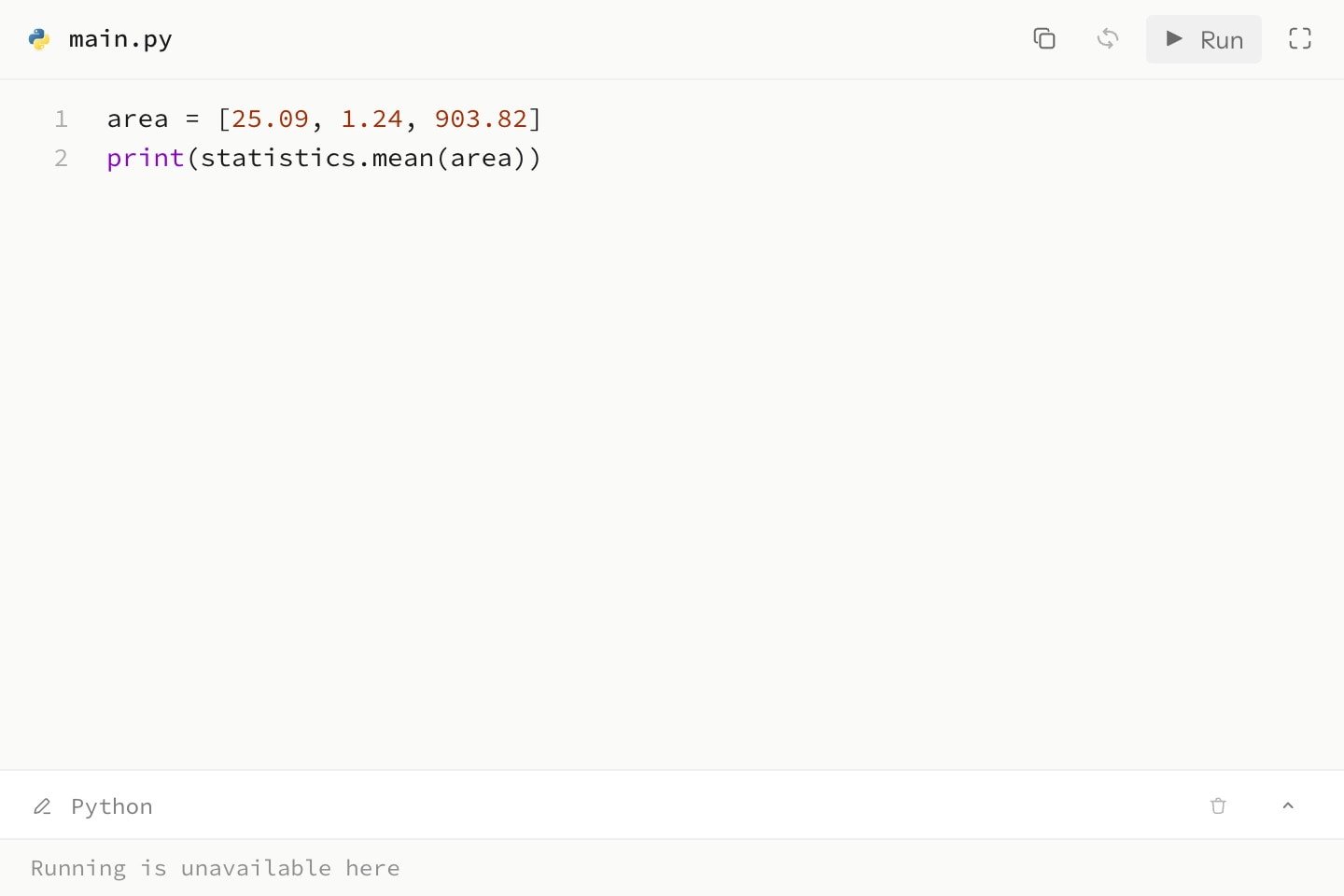
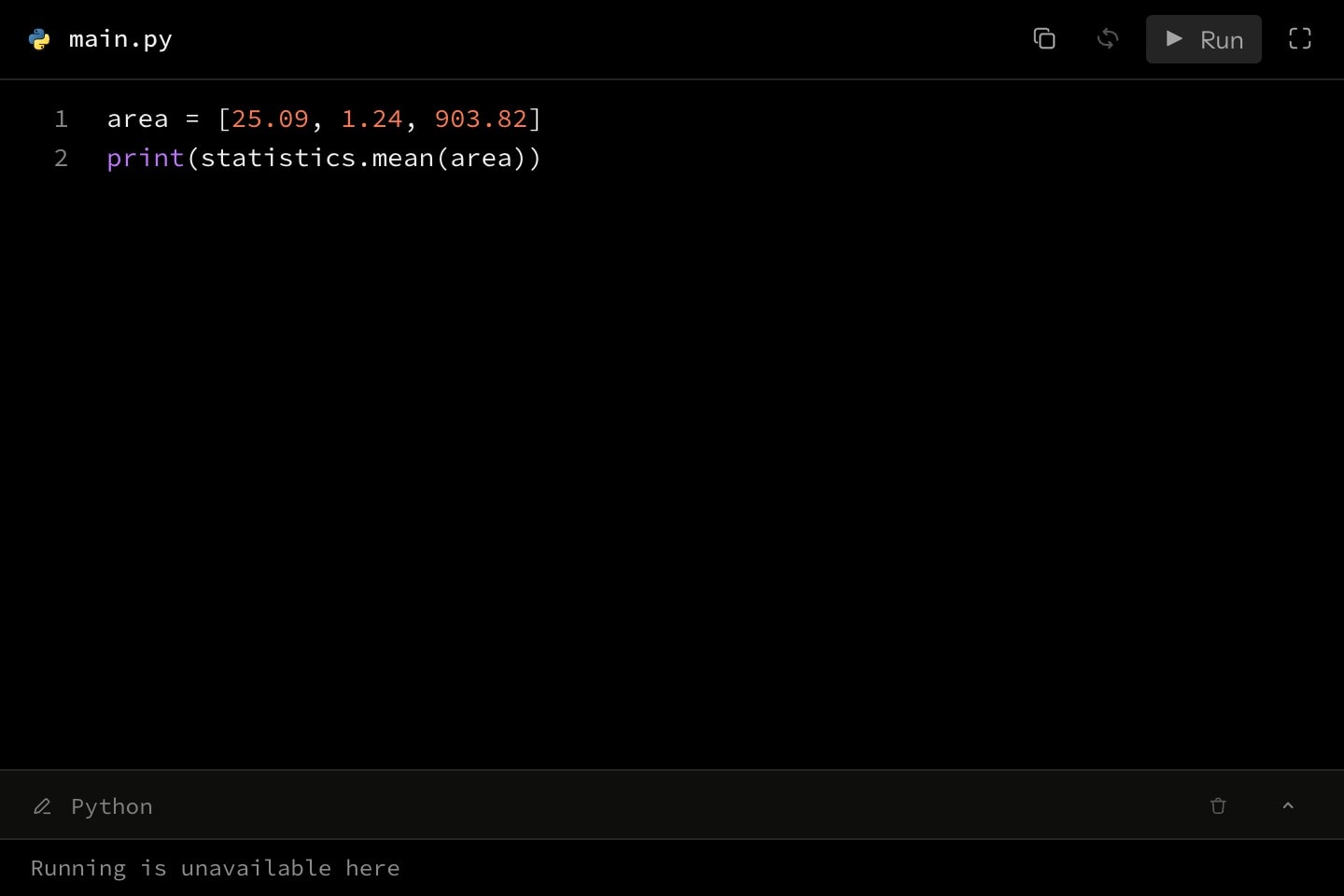
runnable: true puts a Run button in the environment's toolbar for signed-in readers. A run executes exactly what the editor shows — the reader's fork, once they have edited — in a disposable sandbox with no network access; stdout and stderr stream into a console that folds out of the environment's footer, and a runtime error marks the line it names in the editor. Running needs an explicit language (auto never runs). Python runs with the scientific stack ready — numpy, pandas, statsmodels, matplotlib — plus the standard library; JavaScript runs on Node with its built-in modules; C compiles with gcc, AddressSanitizer on, so memory errors report their line. No other packages can be installed.
A chunk with setup: true is provisioning rather than content: it never displays, and it always executes, prepended in source order outside cue gating — so what a run computes cannot depend on where the reader has scrolled. Imports and fixture values live there.
code{
    lines{
        import statistics
    }(
        setup: true
    )
    lines{
        area = [25.09, 1.24, 903.82]
        print(statistics.mean(area))
    }
}(
    language: python
    runnable: true
    editable: true
)#Attributes
languageautojavascripttypescriptpythonjavacsharprubygocppphpswiftplaintexthtmlcssjsonxmlbashsqlkotlinrustscaladartluahaskellelixirclojureerlangperlrmatlabgroovyobjective cvisual-basicassemblyfortrancobolfsharpocamlpowershellshellyamlmarkdowngraphqlprotobufchalkpostgrespostgresqlsassscssotherjstspycsc#rbc++ktrsshhsexscljcljserlplmvbvbsasmf90f95f03f08f15f18cobcblfsfsifsxmlmlips1psm1ymlmdgqlprotopgpsqltxttextplainobjclangCan be written as shorthand: code:valueautotitlename, filename, file-name, fileeditablefalserunnablefalseshow-line-numbersline-numberstruewrapfalsecontinuecontinue: #that-environment.#Allowed content
#Allowed in
#Examples
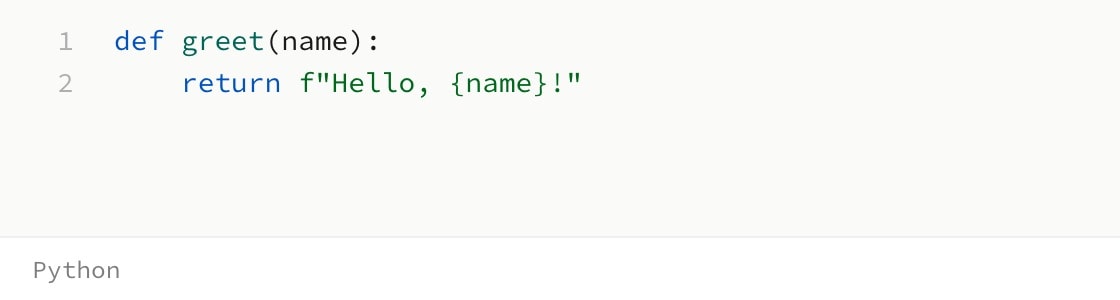
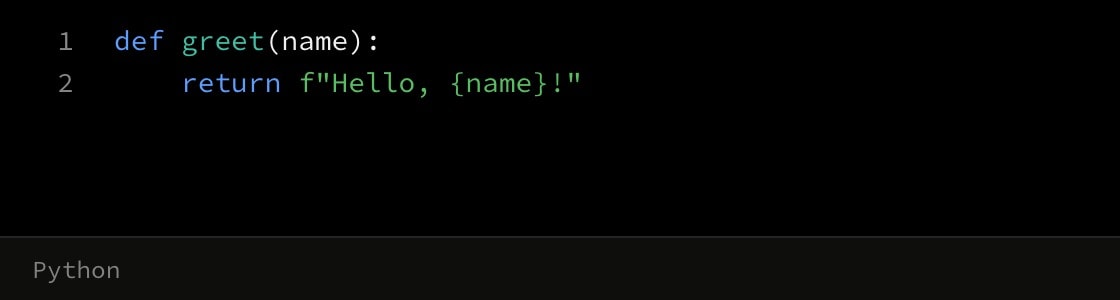
code{
    lines{
def greet(name):
    return f"Hello, {name}!"
    }
}(
    language: python
    title: greet.py
)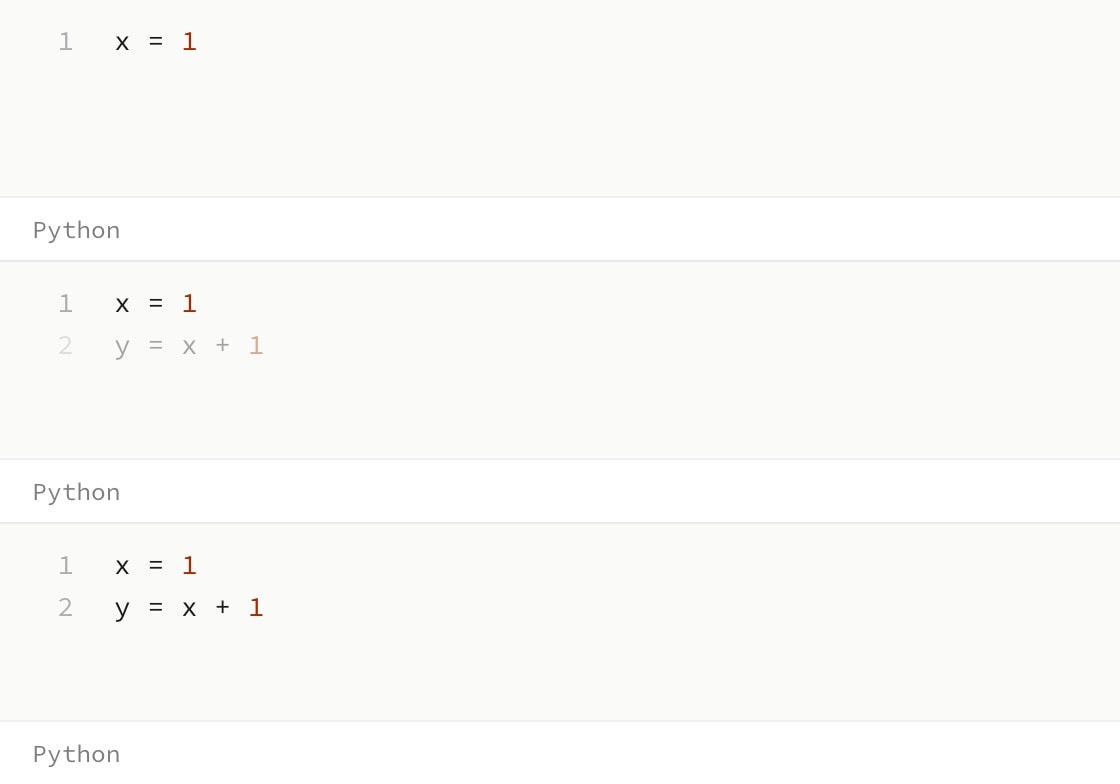
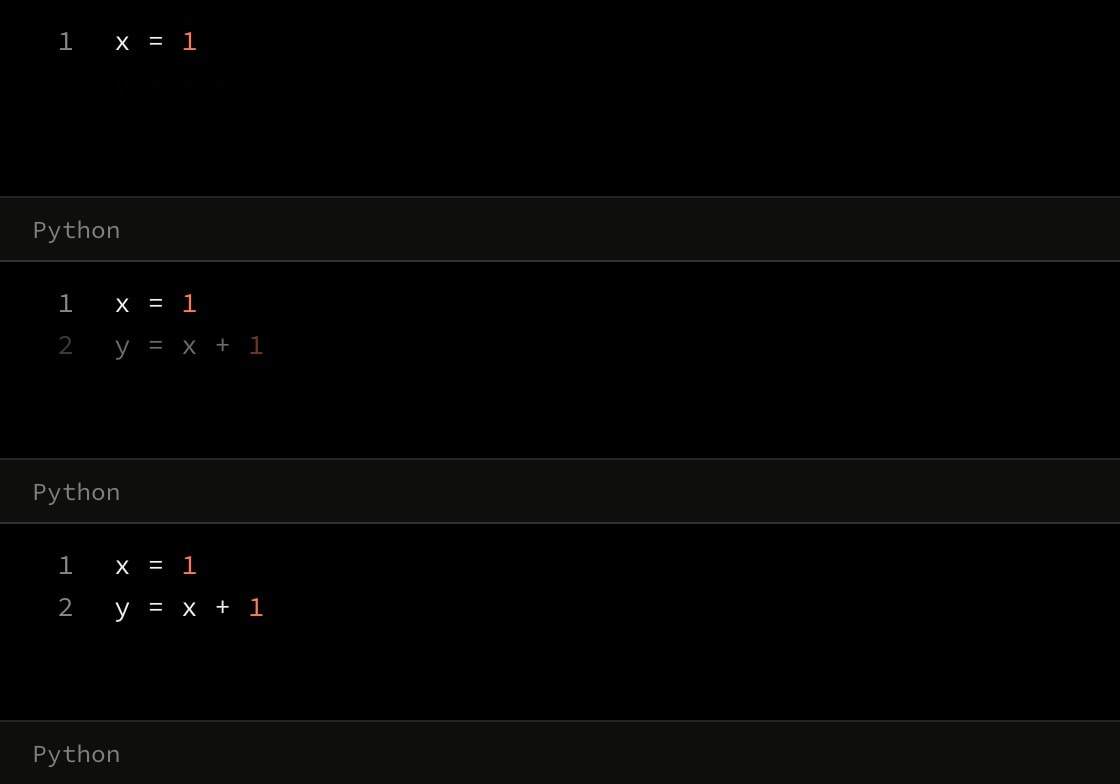
code{
    lines{
x = 1
    }
    cue{
        lines{
y = x + 1
        }
    }(
        in: 1
    )
}(
    language: python
)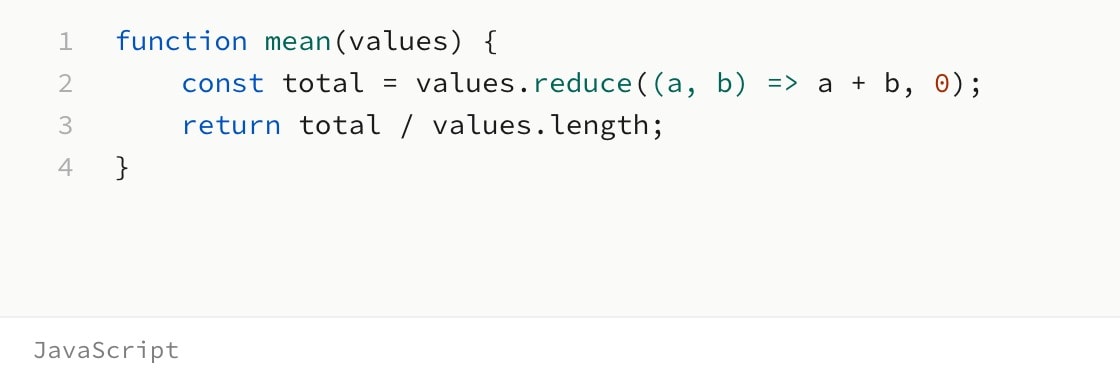
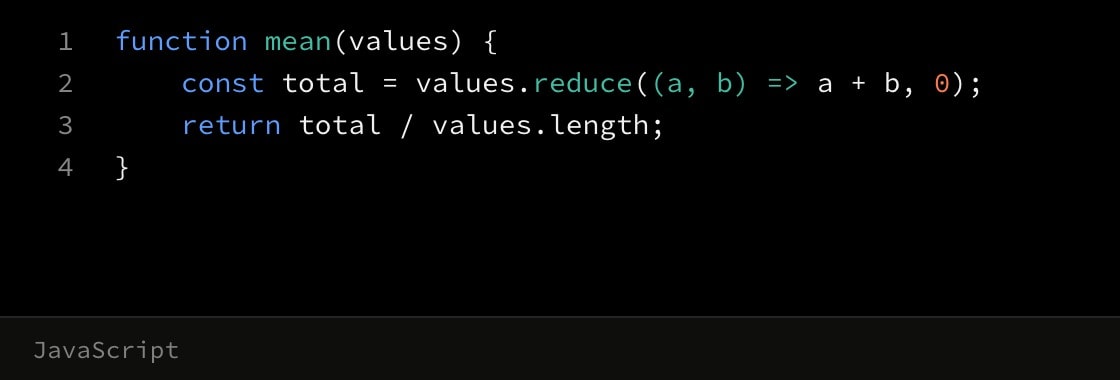
code{
    lines{
function mean(values) {
    const total = values.reduce((a, b) => a + b, 0);
    return total / values.length;
}
    }
}(
    language: javascript
    title: mean.js
)