cue.highlight
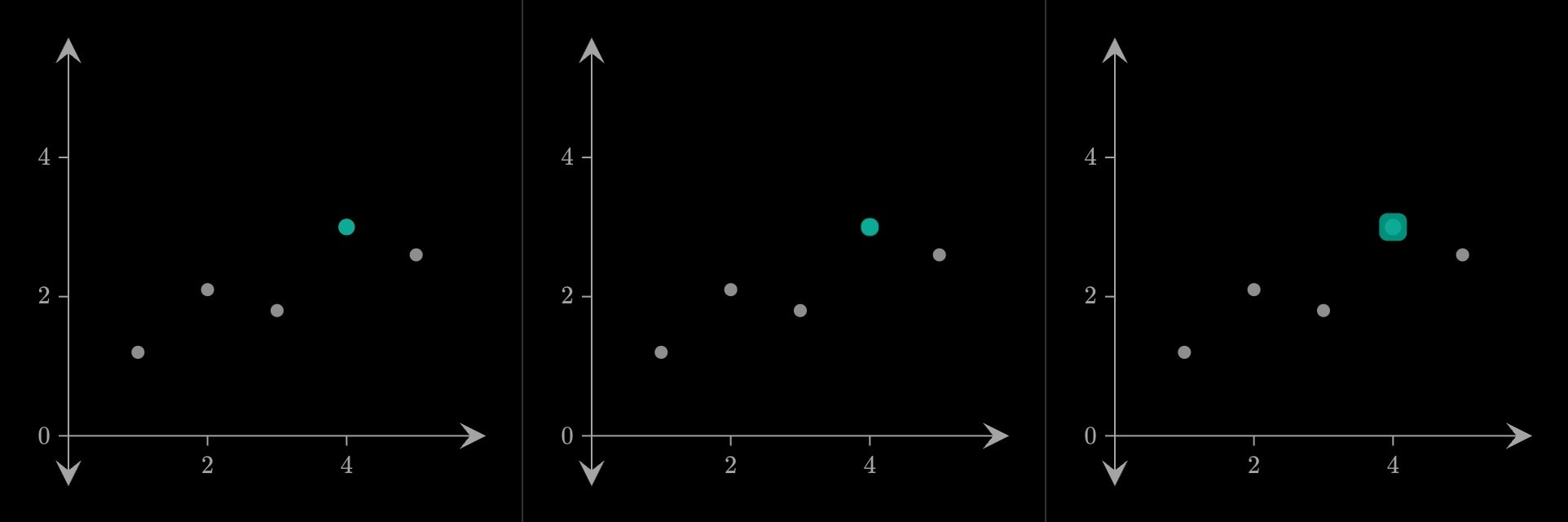
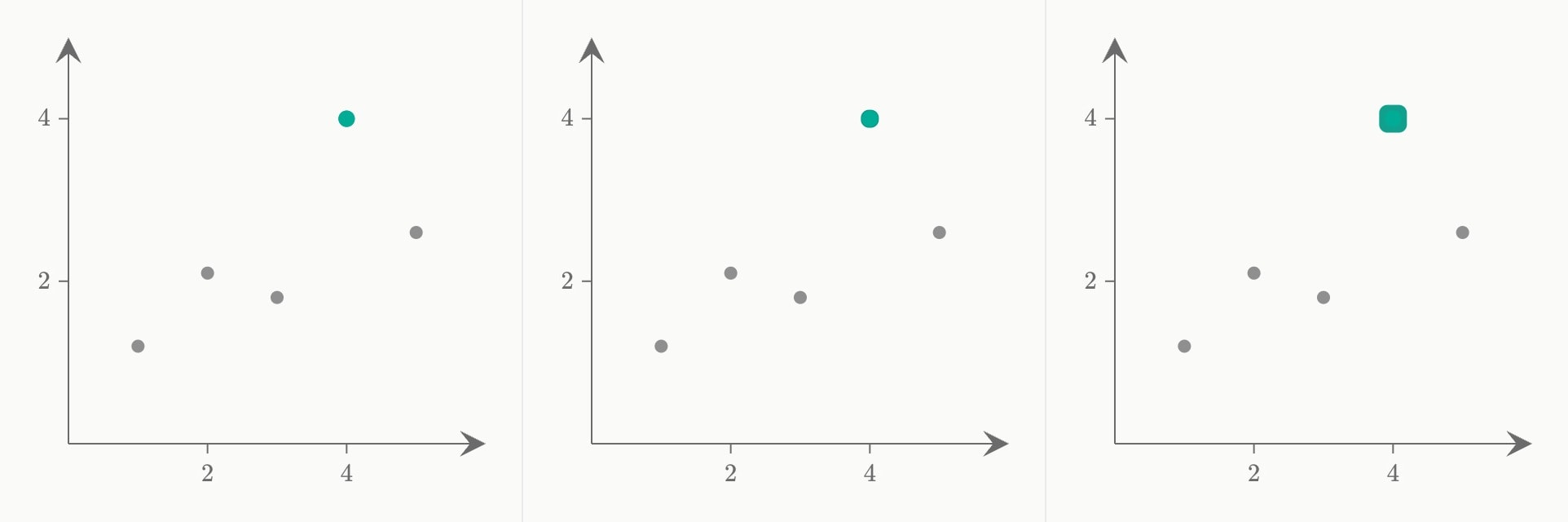
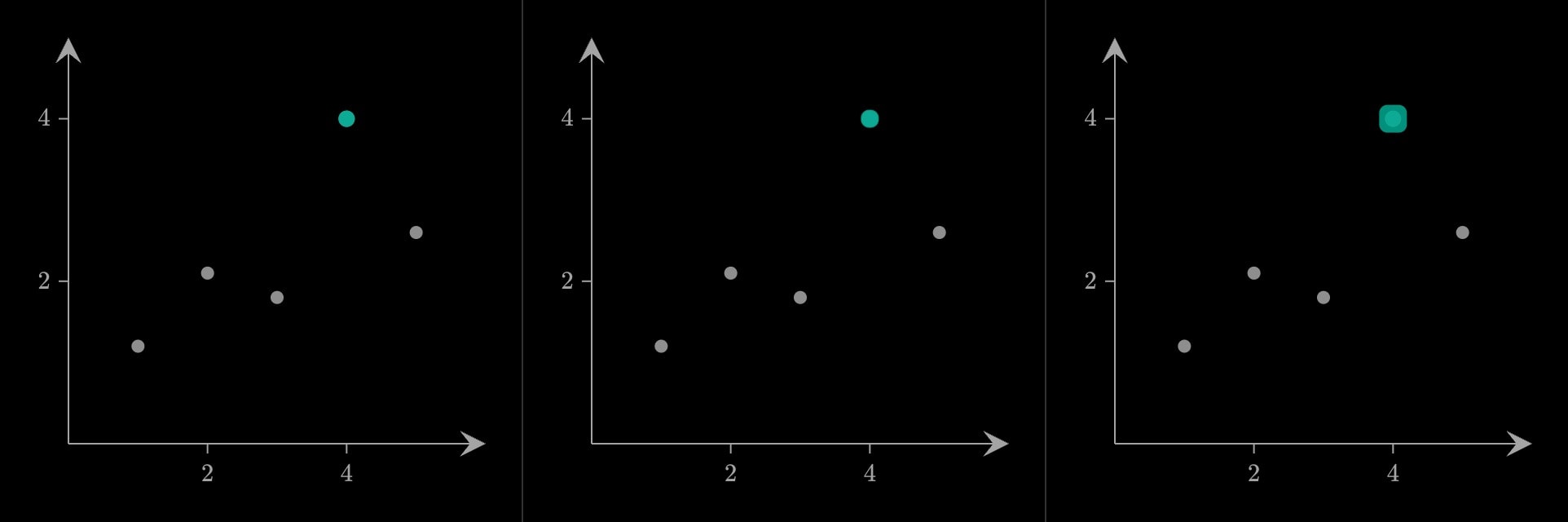
Draws attention to what it wraps: rings push out of the mark's own edge and fade as they grow, twice, in the mark's own colour — the same gesture the interface uses to ring a focused field. Presence is untouched, so it can sit inside a cue or a cue.draw and ring content that cue has already brought in.
cue.highlight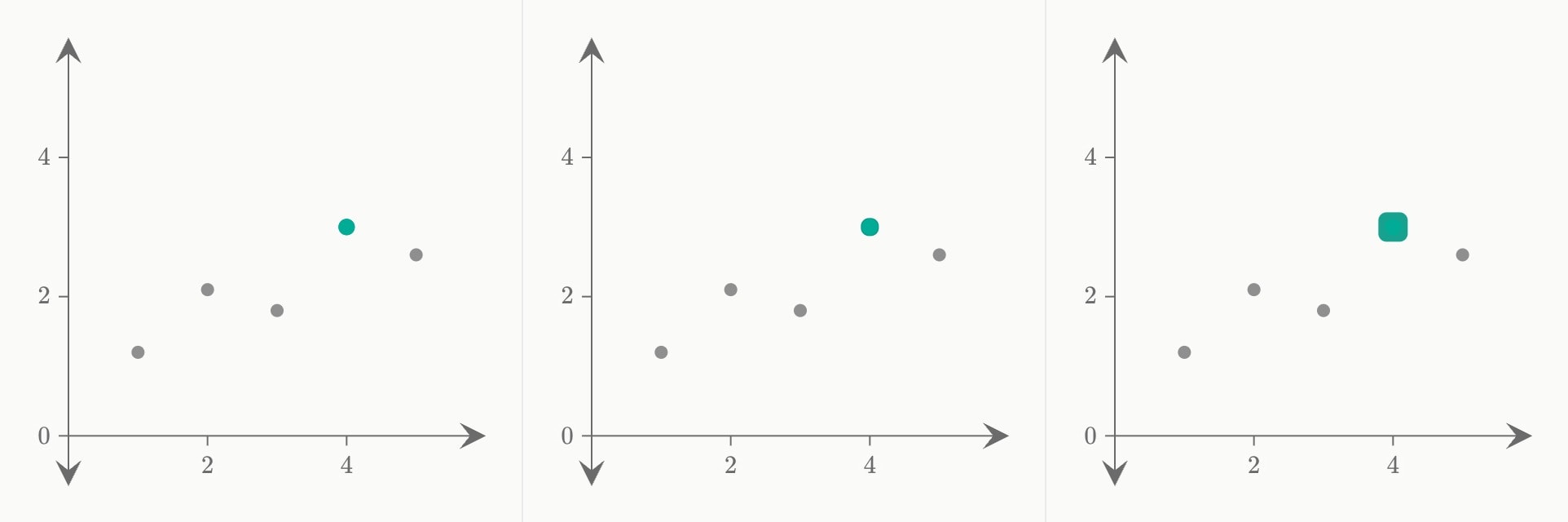
#Attributes
atWhen the rings start: a step index (1), a time (1.5s), or a step with an offset (1 + 500ms).
Can be written as shorthand:
cue.highlight:valueDefault
0durationHow long one ring takes. Two of them go, the second setting off while the first is still on its way out.
Default
1500mscolourThe rings' colour. Left out, they take the colour of whatever is being highlighted.
bluelight-bluedark-blueredlight-reddark-redorangelight-orangedark-orangeyellowlight-yellowdark-yellowteallight-tealdark-tealgreenlight-greendark-greenpinklight-pinkdark-pinkpurplelight-purpledark-purplegreylight-greydark-greyneutralhex(…)rgb(…)coloreasingShape of the rise and fall:
smooth or linear.linearsmoothDefault
smoothsequentialDefault
false#Allowed content
Body { }
sliderselectorcue.slidercue.selectorlinepolygoncurvecirclesquarerectangletrianglestardiamondhexagonvectorsegmentbraceanglepointtextaxis.labelaxis.braceaxis.bandaxis.breakscatterhistogrambarlollipopboxplotdensityviolinheatmapfitintegralresidualscontoursurfacefieldlinesregionchoroplethmarkerarcboxarrowpinvertexedgeverticesedgespath#Allowed in
#Examples
canvas.graph{
    scatter(x: 1, 2, 3, 5; y: 1.2, 2.1, 1.8, 2.6; colour: grey)
    cue.highlight{
        point(x: 4; y: 4; colour: teal)
    }(
        at: 2
    )
}(
    x-domain: [0, 6]
    y-domain: [0, 5]
)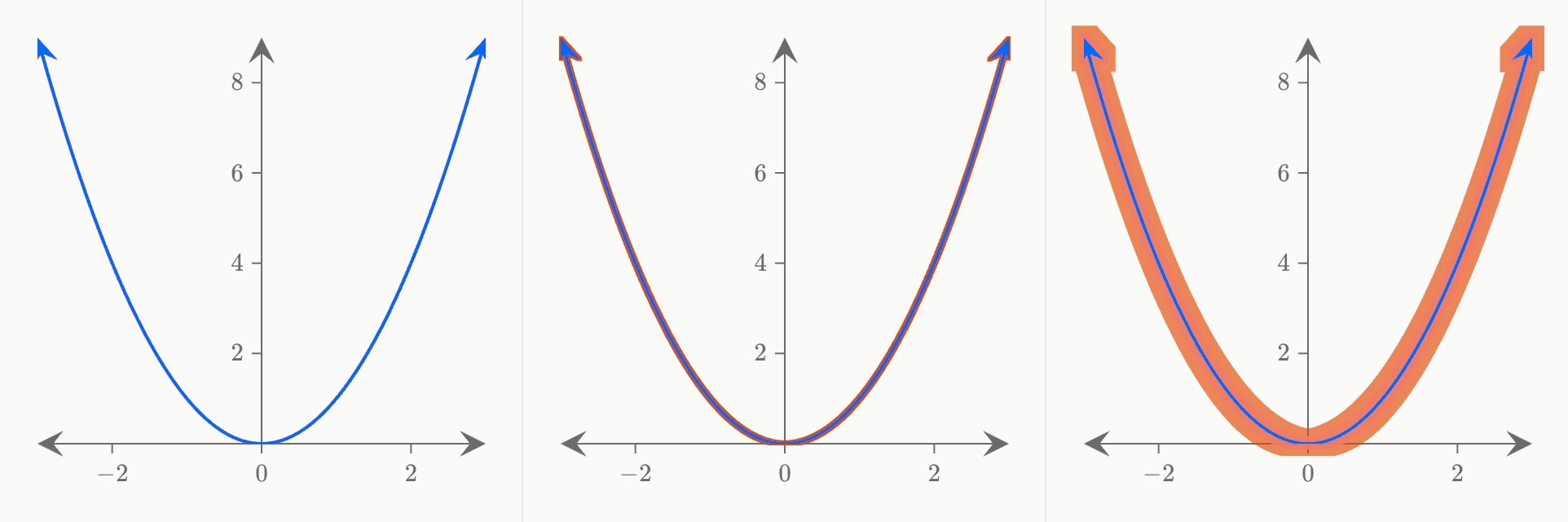
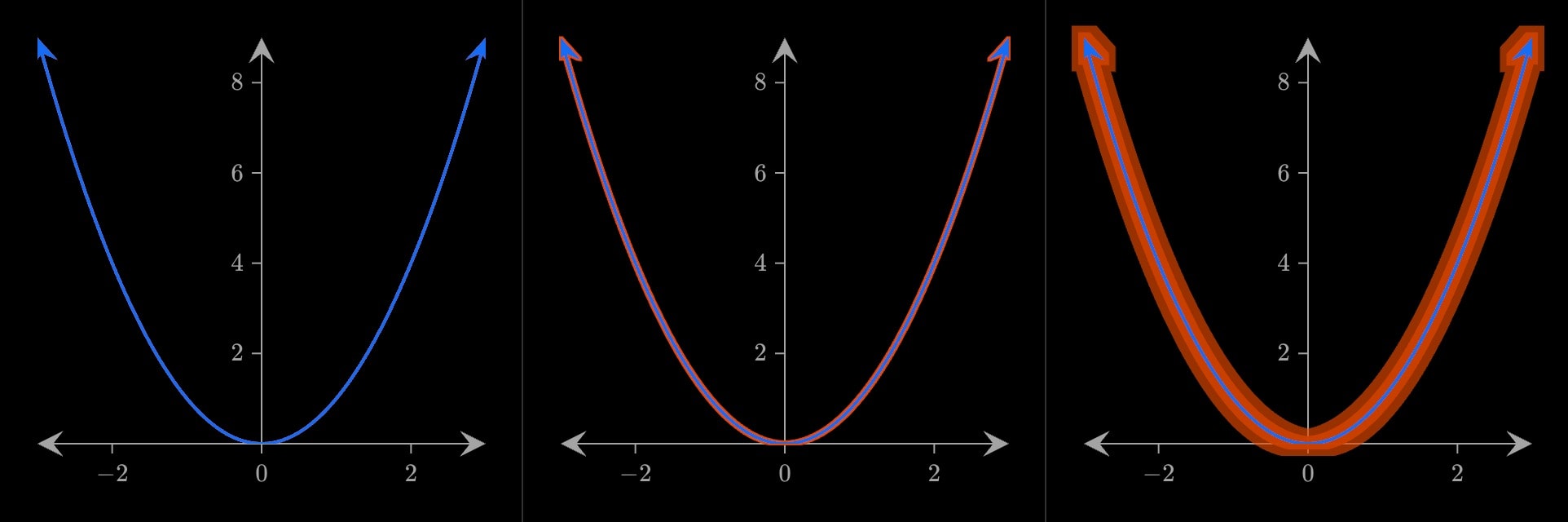
canvas.graph{
    cue.highlight{
        curve(expression: x^2)
    }(
        at: 1
        duration: 2s
        colour: orange
    )
}(
    x-domain: [-3, 3]
    y-domain: [0, 9]
)