Interaction
What a reader can move: parameters, a fit they drive, editable environments, and the state that follows them between scenes.
#Parameters and the controls that drive them
A parameter is a named quantity a scene holds. Every expression in the scene that mentions it re-evaluates as it moves, and prose cites it. It is not an element: the elements are the controls, and a control both declares a parameter and gives the reader a way to move it.
slider is the first of them — a track the reader drags. The parameter it declares rides the head, so slider:a(range: [0, 4]) is the letter a between 0 and 4.
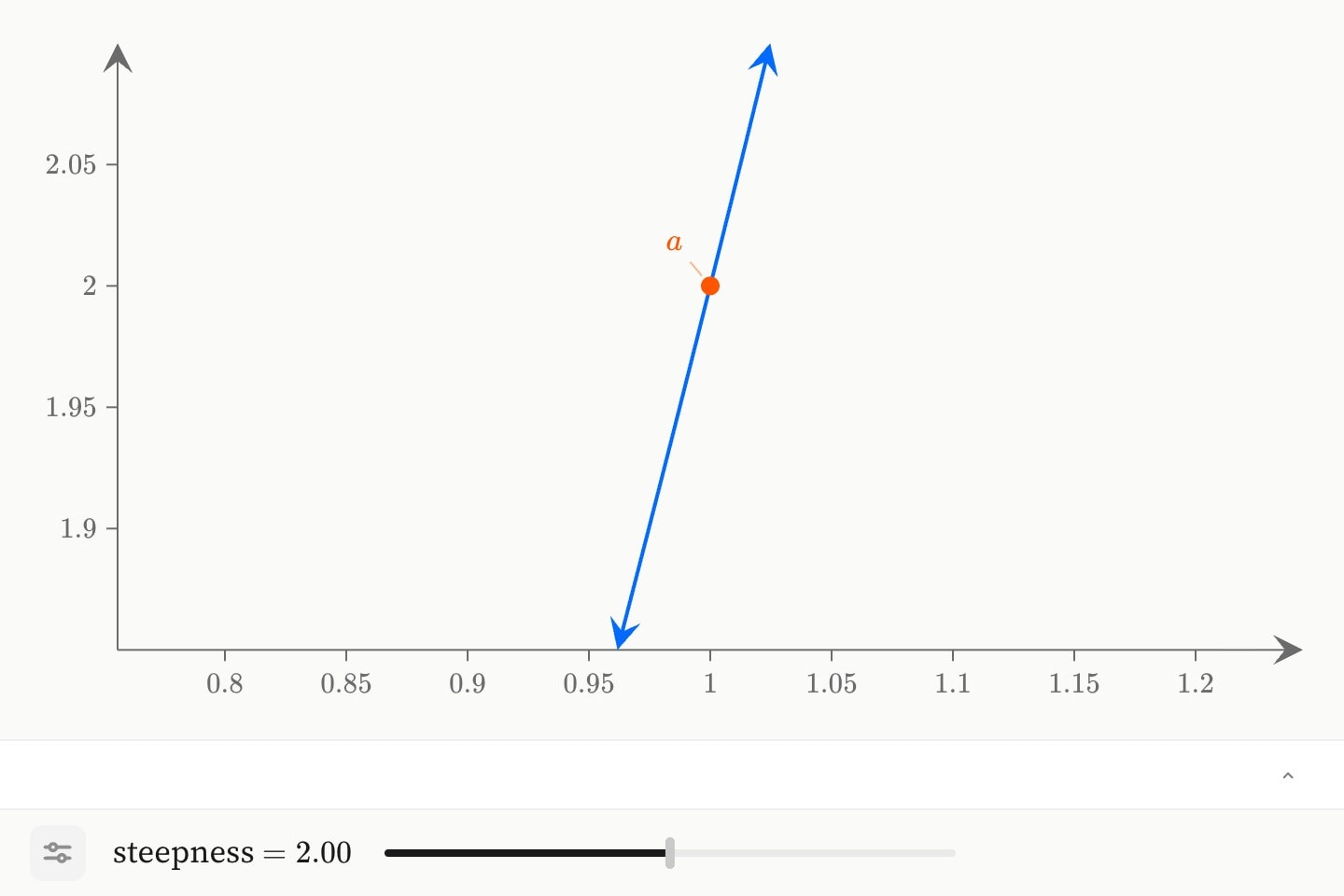
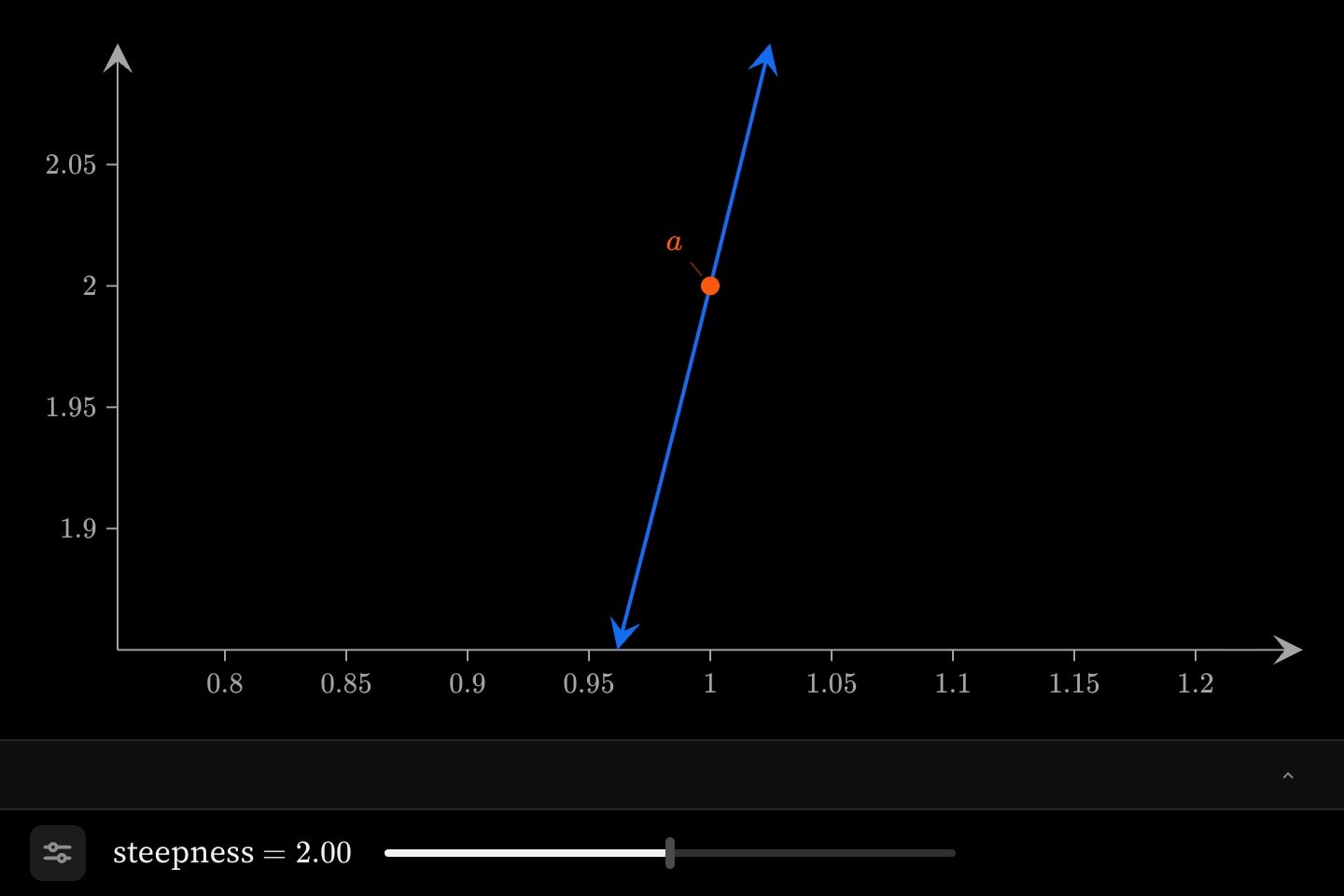
canvas.graph{
    slider:a(name: steepness; range: [0, 4]; step: 0.25; default: 2)
    curve(expression: a * x^2)
    point(x: 1; y: a; label: $a$)
}
name: is what the parameter is called in front of the reader — rich text, so Frequency $b$ sets its own maths — and without one the row is labelled with the parameter itself. hidden: true keeps it out of the footer: the expressions still read it, the reader cannot move it. lock: true keeps it out of their reach on an editable environment.
slider:a inside one graph is the same a a second graph beside it reads, and a control may be written in the scene's detail belonging to neither. There is one row for it either way, in the scene's footer.The parameter's name is one letter in the ordinary case, because a letter is what an expression can read: curve: a*x^2 reaches it by that letter. A parameter named with a word — selector:country — cannot be read in maths at all, since country is a product of seven letters to that parser. Words are for the parameters that never appear in a formula.
Its current value is derived as #a.value, readable in prose as {{#a.value}}. That reaches the control by its node id, so a control whose value the prose cites is written with one: slider#spread:s(range: [0, 3]).
#Running a parameter over a column
over: binds the parameter to a dataset column instead of a written range. The column's cells become its stops, their span becomes its range, and what they are decides how it reads — so a parameter over a column of years is a year scrubber without anything else being said. range: is not consulted where over: is given: the data decides.
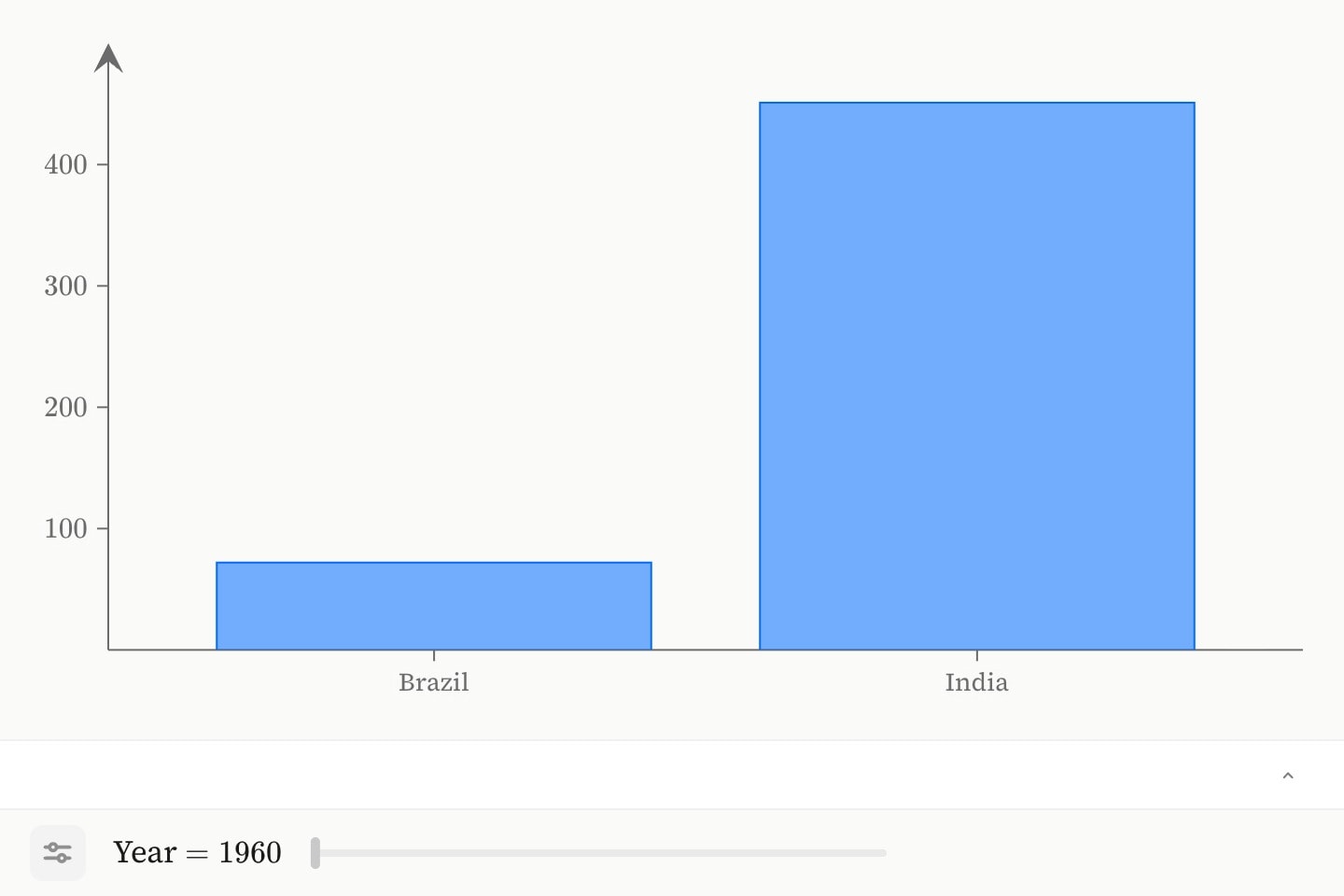
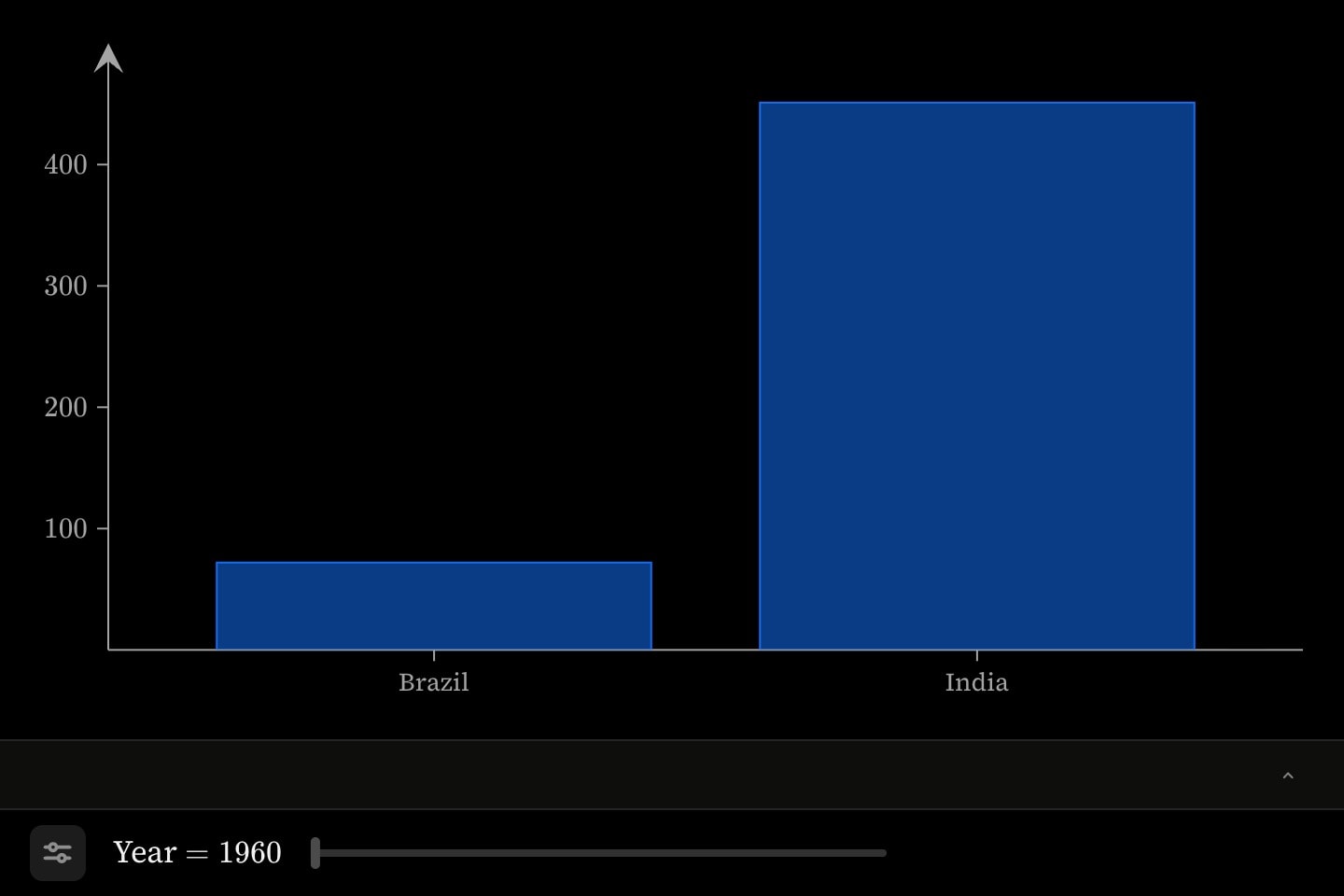
canvas.graph{
    @data#pop{
        country | year | millions
        Brazil  | 1960 | 72
        Brazil  | 1990 | 149
        Brazil  | 2020 | 213
        India   | 1960 | 451
        India   | 1990 | 873
        India   | 2020 | 1396
    }

    slider#years:t(over: #pop.year; name: Year)
    bar(x: #pop.country; y: #pop.millions; slice: #pop.year)
}
This is the shape long-format data arrives in — one row per thing per slice — and it is the shape a mark's slice: reads. The mark names the column, not the parameter: they meet at the column. Marks glide between the two rows that bracket wherever the parameter stands, so a reader stopping at 1995 sees half way between the 1990 and 2020 readings; discrete: true makes a slider snap to a row the data actually holds instead.
#Parameters that are not numbers
format: says how a value reads: numbers, dates, months, weekdays, hours, weeks or names. Every one but the last places a value on its own number line — position 1…12 for a month, a fractional year for a date — so the range stays a pair of numbers and only the readout changes.
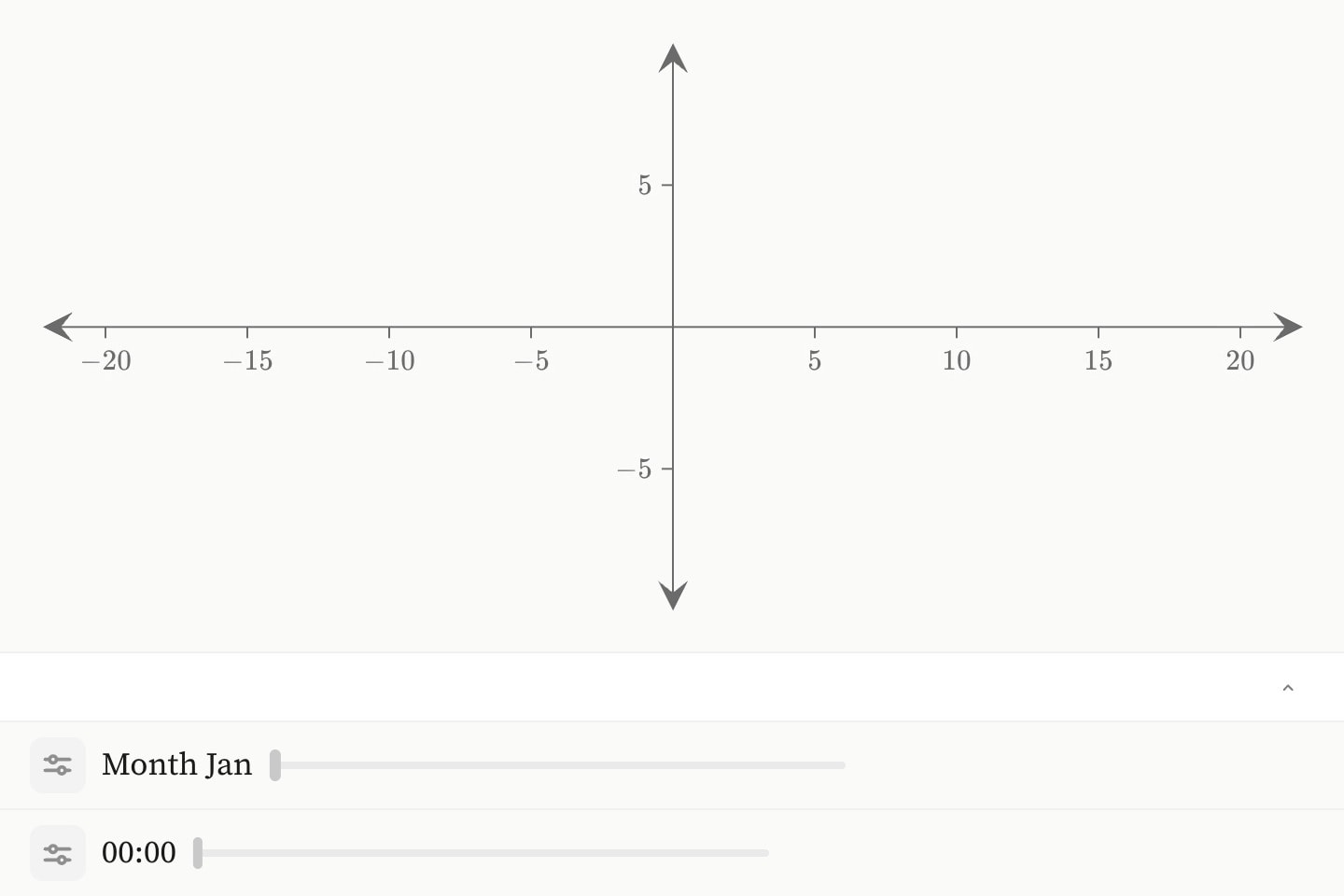
canvas.graph{
    slider:m(format: months; range: [1, 12]; step: 1; name: Month)
    slider:h(format: hours; range: [0, 24]; step: 0.25)
}auto, the default, takes the kind from the column over: names, and is numeric where no column was named. Writing format: beside over: overrules the cells — a column of 1…12 is numbers as far as the data can tell, and only the author knows they are months.
names is the one kind with no number line: the values are the data's own words, and a parameter holding one holds Brazil rather than a position that happens to read as it. Such a parameter never reaches an expression — what reads it is a mark's slice:, and prose.
#Picking from a list
selector is the second control: the same parameter, picked from a list rather than dragged. For a quantity whose values are the ones the data holds and nothing in between — which country a chart shows, which of four models is fitted, which month.
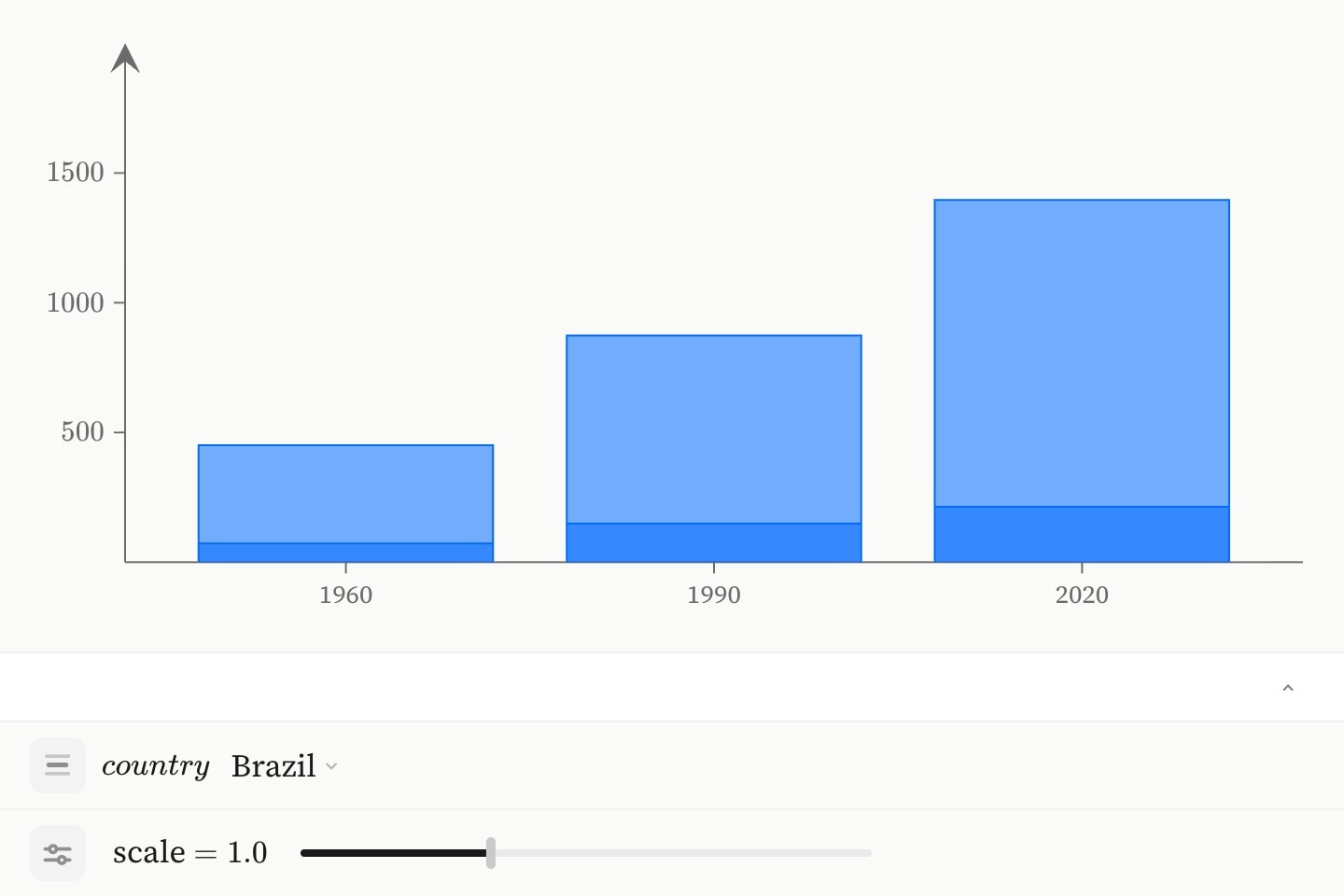
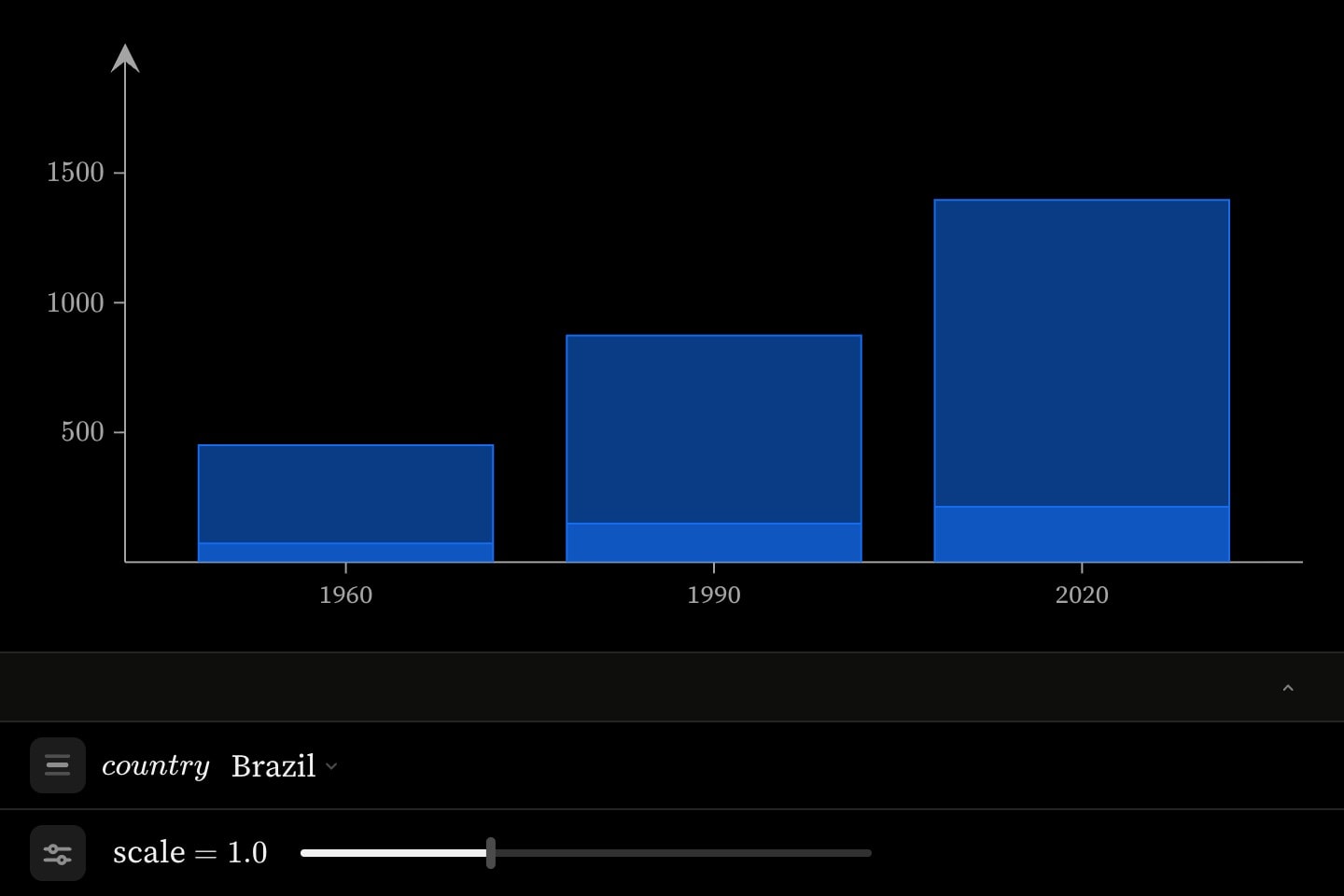
canvas.graph{
    @data#pop{
        country | year | millions
        Brazil  | 1960 | 72
        Brazil  | 1990 | 149
        Brazil  | 2020 | 213
        India   | 1960 | 451
        India   | 1990 | 873
        India   | 2020 | 1396
    }

    selector:country(over: #pop.country)
    slider:k(name: scale; range: [0.5, 2]; step: 0.1; default: 1)
    bar(x: #pop.year; y: #pop.millions; slice: #pop.country)
}(x format: discrete)
options: writes the stops out. A list of names gives a parameter that holds a name; a list of numbers gives a numeric one with stops no step: ladder could express. Mixing them reads as names, because [1, 2, many] is three labels rather than a number line with a word on the end.
canvas.graph{
    selector:mode(options: [linear, log, logit])
    selector:n(options: [1, 2, 5, 10, 20])
}
options: outranks over:, which outranks range: and step:; writing options: and over: together is two claims about the same list and is refused. A selector takes no discrete:, because it has nothing between its stops to stand in.
A selector over a categorical column is how a reader chooses which slice of long-format data to see. The mark names the same column with slice:, and the rows carrying the chosen name are what it draws — no interpolation, since there is nothing between Brazil and China.
canvas.geo:world{
    choropleth(regions: #pop.country; values: #pop.millions; slice: #pop.year)
    selector:year(over: #pop.year)
}#Letting the scene drive it
Each control has a twin the scene drives, with the two attributes a cue takes: at:, the anchor it starts on, and duration:. Every other attribute is the plain control's.
cue.slider runs its range end to end over duration:, so a default: part way along it finishes in proportionally less.
canvas.geo:world{
    choropleth(regions: #pop.country; values: #pop.millions; slice: #pop.year)
    cue.slider:t(over: #pop.year; at: 2; duration: 12s)
}
cue.selector instead walks its choices, and its duration: is the dwell on each one rather than the time for the whole list. Five countries at 2s is a ten-second walk and twenty countries is forty — the pacing an author means for a discrete walk is per choice, and how many there are is a fact about the data. It takes no easing:: a dwell is a constant rate by construction, and easing it would make some choices linger and others flash past.
A sweep is choreography like any other: it fires when its anchor does, and the step's own play, pause and replay drive it.
The reader still gets the control, and moving it displaces the sweep rather than stopping it: playing on carries the parameter from wherever they let go, at the rate the author set. A sweep says where to look, not that the reader may not look elsewhere. What moves is the sweep's own elapsed time and never the scene clock — moving that would drag every other cue in the scene along with it, firing choreography the reader had not reached — and their displacement is handed back when they leave the step or replay it.
#Giving fit a parameter for its degree
fit takes its degree as a number or as an expression of parameters. A parameter in that position hands the degree to the reader: the control is theirs to move, and the fit recomputes as it does.
canvas.graph{
    scatter#readings(x: 1, 2, 3, 4, 5; y: 2.0, 2.4, 3.1, 4.8, 7.4)
    selector:d(name: fit degree; options: [1, 2, 3, 4])
    fit#f(of: #readings; model: polynomial; degree: d)
}#f.slope, #f.intercept and #f.r2 are derived from whatever the reader has chosen, so prose that reads them stays true at every degree. A degree is four whole numbers and nothing between them, which is what a selector is for.
#editable: environments and lock:
editable: true on a canvas.graph lets the reader add their own elements and pan or zoom the frame; on a canvas.code it lets them edit the text, which still runs nothing. Any mark takes lock: true to stay out of their reach — and does nothing at all on an environment that is not editable.
#continue: and session state
A later environment written as continue: #projectile inherits what the reader did in the earlier one: the view they zoomed to, the elements they added. Only that state carries — the content is the new environment's own.
The parameters do not, because they are not the environment's to hand over. A later scene that wants the same quantity declares a control for it, and the reader meets it at the value the author set.